 By Stephanie
Choosing between a TV stand vs wall mount is less about style than about how your room, equipment, and daily routine work together. If you are asking, “should I mount my TV or use a stand,” this guide helps you decide before you drill the wall or buy furniture. The right setup depends on floor space, wall conditions, storage needs, viewing position, and how often your room or devices may change. It also explains when a third option—a wall-mounted TV with a media console—makes more sense than either choice alone.
Table of Contents
TV Stand vs Wall Mount: Which Setup Is Better?
There is no universal winner. A TV stand works better when flexibility, storage, and easy device access matter most. A wall mount works better when the screen needs an independent position and floor space is limited. A wall-mounted TV with a media console often suits homes that want a cleaner screen position but still need organized storage below.
| Your Situation | TV Stand | Wall Mount Only | Wall Mount + Console |
| Renting or moving soon | Best fit | Check lease first | Conditional |
| Very limited floor space | Good | Best fit | Good if console is shallow |
| Several game consoles | Best fit | Weak alone | Best fit |
| AV receiver or amplifier | Best fit | Weak alone | Best fit |
| Minimal connected devices | Good | Best fit | Optional |
| Rearranging furniture often | Best fit | Less flexible | Less flexible |
| Multiple viewing directions | Limited | Strong with motion mount | Strong |
| Hidden storage needed | Strong | None | Strong |
| Easy cable and port access | Strong | More planning needed | Strong |
| Young children or pets | Secure TV and furniture against tip-over | Strong when correctly mounted to suitable structure | Mounted screen reduces TV tip-over risk; console still needs its own safety check |
Use the table as a first filter, then check the physical limits of your room. A 65-inch TV in a rental with a PS5 and soundbar creates a different problem from the same TV in a permanent media room with only a streaming stick.
When Should You Choose a TV Stand?
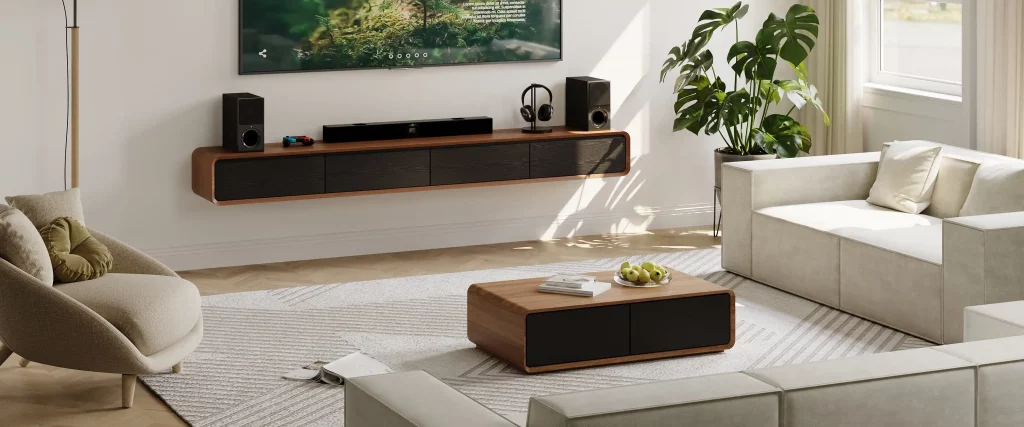
A TV stand makes the most sense when the television area needs to stay adaptable. The key advantage is not simply that the furniture can move. It is that the TV, connected devices, cables, and storage can remain one accessible zone while the rest of the room changes around them.
When You Rent or Expect the Room to Change
Choose a stand when drilling is restricted, a move is likely, or you regularly rearrange the room. A renter who moves the sofa between a conversation layout and a TV-focused layout will usually get more value from a freestanding setup than from a fixed screen position.
Before buying, confirm that the stand is wide and stable enough for the TV base or feet and that the top is rated for the screen weight. If the room is compact, plan a small living room TV layout before choosing furniture depth so the console does not narrow the main walkway.
When You Change or Reconnect Devices Often
A TV stand is especially useful if you regularly add a console, replace a streaming box, or switch HDMI connections. The advantage here is access rather than storage: you can reach ports, reposition the screen, or change the cable path without taking the TV off a wall bracket. This matters more in a setup that changes several times a year than in one that stays connected permanently.
When Is a Wall Mount the Better Choice?
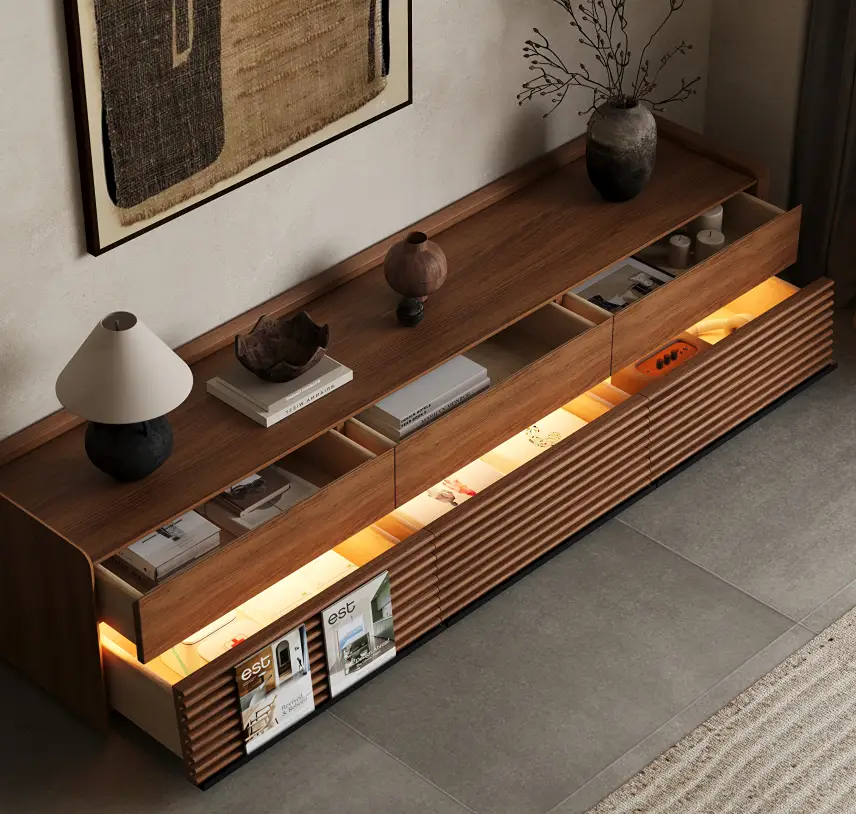
A wall mount becomes more useful when the screen position should be independent from the furniture below it. That can solve two different problems: freeing a tight floor area and placing the screen at a height or angle that a fixed tabletop setup cannot provide.
When Floor Space Is the Real Constraint
Wall mounting can help in narrow living rooms, bedrooms, or layouts where a deep console would interfere with circulation. It is especially effective when the TV uses few external devices and no large cabinet is needed below.
However, wall mounting does not automatically eliminate the furniture footprint. If you still need a full-depth console for games, audio equipment, or household storage, you may move the screen off the furniture without gaining much usable floor area. In a tight room, compare the console depth with the walkway before assuming the mounted option will feel more open.
When the Screen Needs Independent Positioning
Mounting also makes sense when the TV needs to sit higher, tilt slightly, or swivel toward more than one seating area. An open-plan room with a sofa facing the TV and a kitchen to one side may benefit from a full-motion mount because the screen can serve both zones without moving the furniture.
Set viewing height around the seated position first. TV stand height for comfortable viewing can help establish the baseline before you choose a fixed or adjustable wall position. The mount still needs to match the TV’s size, weight, VESA pattern, and the wall structure specified by the manufacturer.
When Does a Wall-Mounted TV Still Need a Media Console?
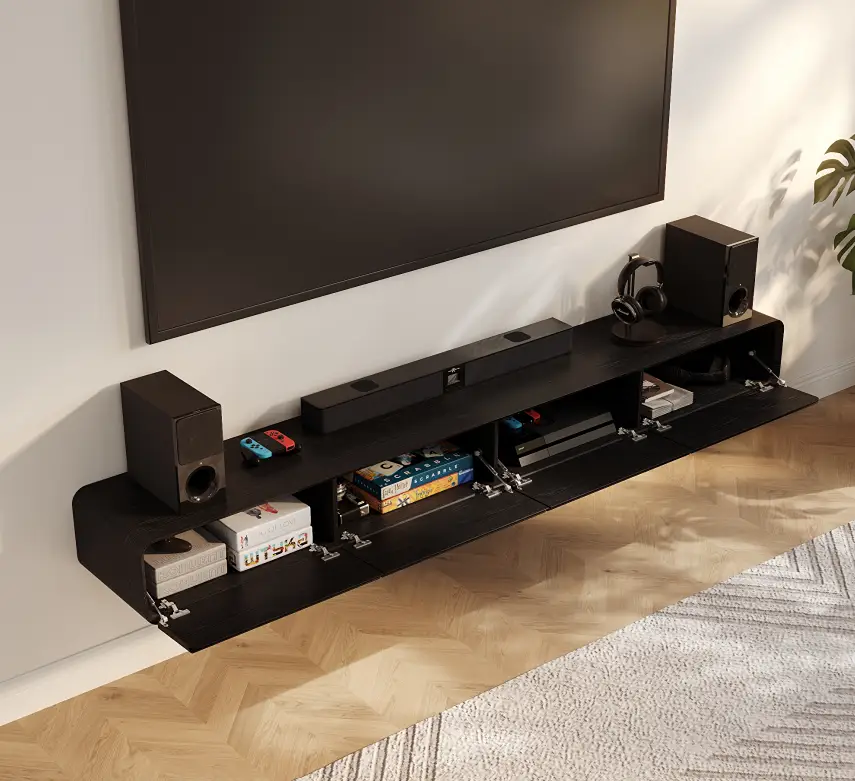
Mounting solves screen placement, but it does not automatically solve storage, ventilation, or cable access. This is where the question “do I need a TV stand if my TV is wall mounted” becomes practical: count the equipment that must stay connected, then decide whether shelves, a shallow console, or a deeper media cabinet are still necessary.
Count the Devices That Must Stay Connected
List the devices that need a permanent home below or near the screen: PS5 or Xbox, Nintendo Switch dock, streaming box, soundbar, router, AV receiver, amplifier, or Blu-ray player. Then separate small accessories from equipment that produces heat, needs line-of-sight control, or uses bulky rear connectors.
A wall-mounted TV with one streaming stick may need no cabinet at all. A family room with a receiver, two game systems, a router, and a soundbar still needs an equipment plan even if the screen is floating above the floor.
Check Depth, Airflow, and Rear Access
For larger electronics, interior dimensions matter more than drawer count. Measure the device with its plugs and cable bends attached, not just the metal chassis. Leave vents unobstructed and make sure you can reach HDMI, power, Ethernet, and speaker connections without pulling the entire cabinet apart.
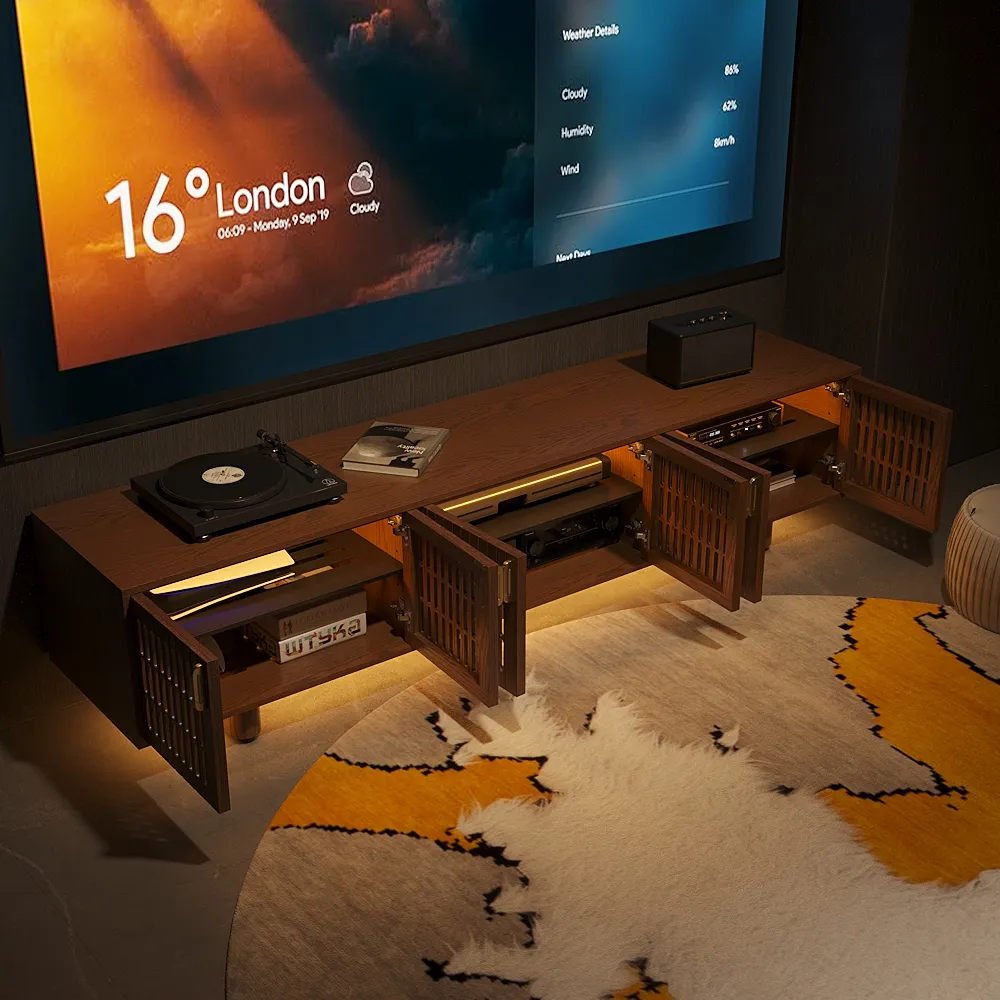
For a wall-mounted TV with a full-size receiver and several connected devices, the POVISON Delven Verse media console is designed around equipment that ordinary shallow cabinets may struggle to fit. Its 18.3-inch usable interior depth accommodates many full-size AV receivers, while removable shelves adapt to taller components. Six internal and three rear cable openings, paired with rear ventilation, make multi-device wiring and heat management easier to handle behind the cabinet.
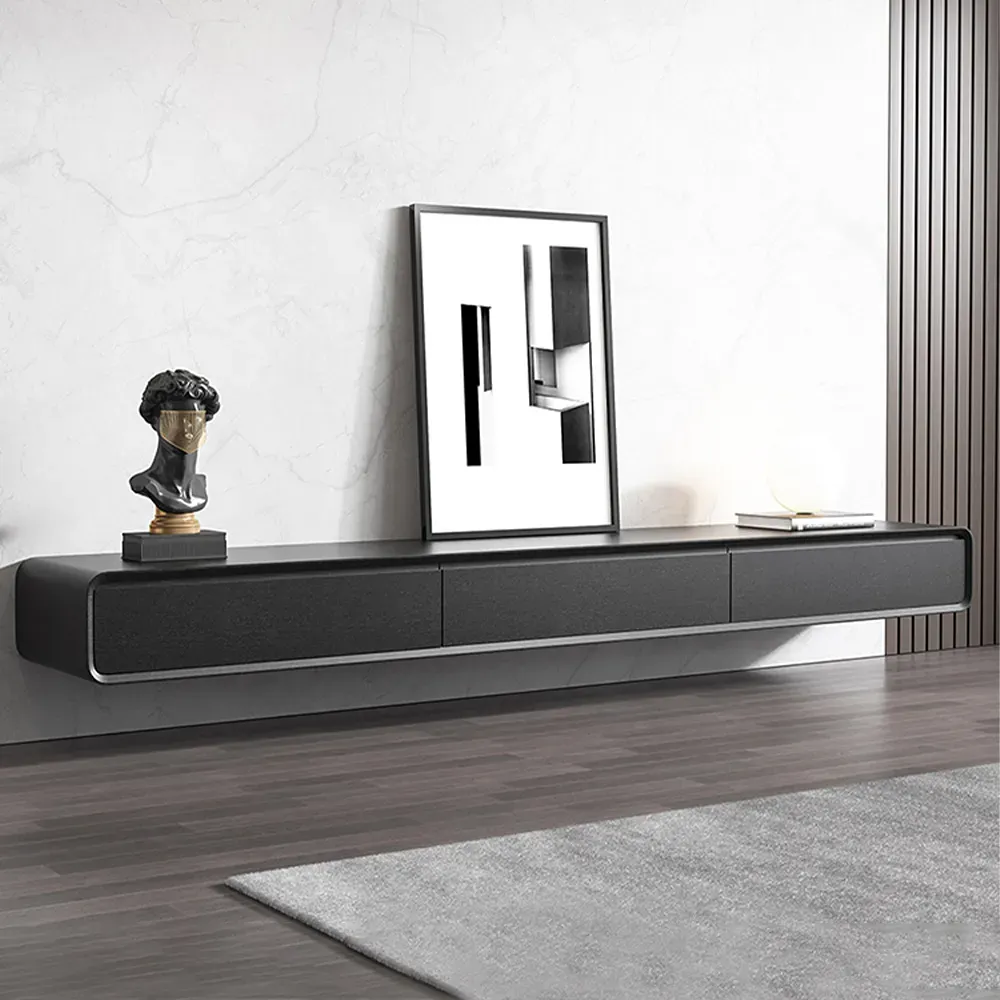
If you have already decided on the hybrid layout, TV stands for wall-mounted TVs and media gear can be compared by device access, usable depth, ventilation, and room footprint rather than by TV weight capacity alone.
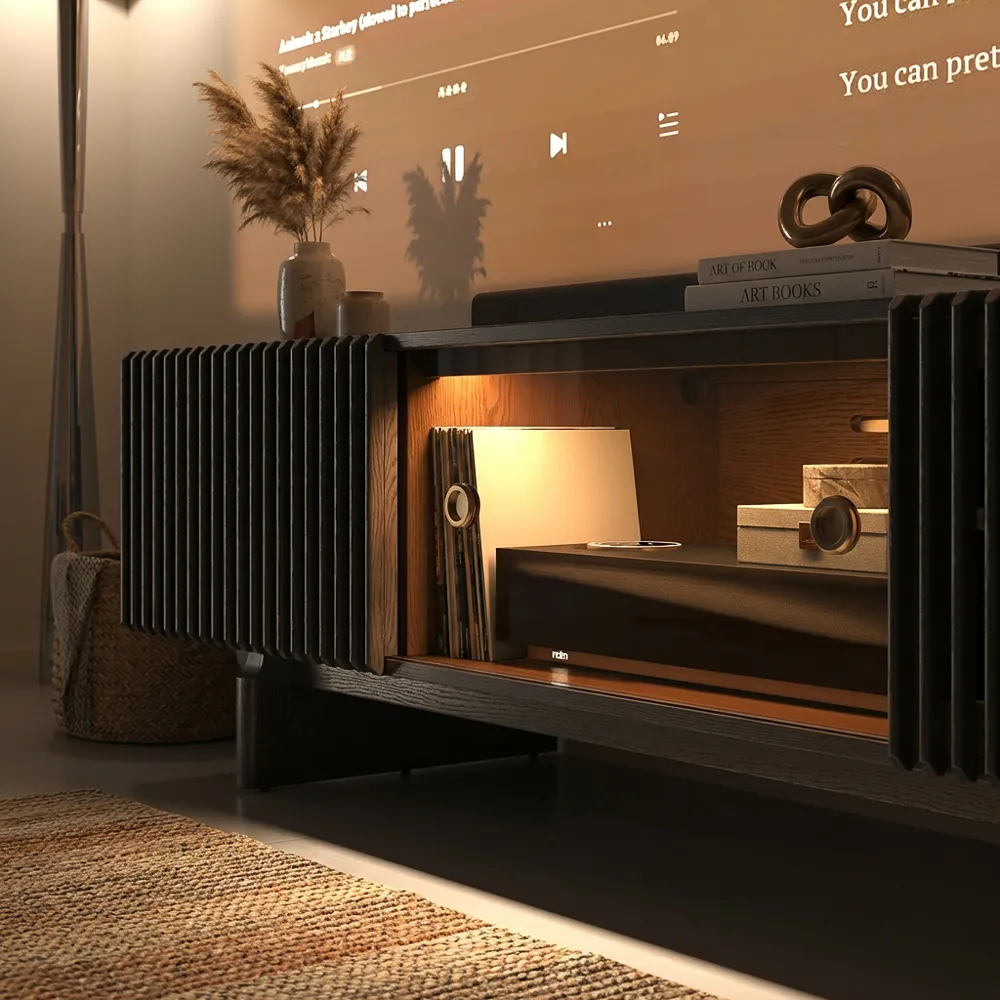
Delven Verse Mid-Century Modern TV Stand with storage
Best for a mounted-TV setup that still needs a substantial, furniture-like base below the screen.
What Should You Verify Before You Buy or Drill?
Once you have a preferred setup, test the physical details that can still make it fail. These checks are less about choosing between a stand and a mount and more about making sure the option you chose will actually work once the TV, cables, furniture, and people are in the room.
- Tape out the real footprint. Mark the console depth and width on the floor, then walk the main path between the sofa, doorway, and nearby furniture. A cabinet that fits the wall can still make circulation uncomfortable.
- Map outlets before placing furniture. Note the power outlet, low-voltage plate, and intended cable exit. Make sure the console will not cover connections or force power and HDMI cables around the cabinet edge.
- Check moving-screen clearance. If you plan to use a full-motion mount, extend and swivel the TV before finalizing the console or soundbar position. The screen should clear everything below it without pulling cables tight.
- Plan where the soundbar will sit. Check that the cabinet, TV, and mount leave a clear position for the soundbar without blocking the screen, upward-firing drivers, or cabinet doors.
- Compare the complete setup cost. Include professional mounting, cable concealment, mounting hardware, and any storage furniture you still need—not just the price of the bracket or cabinet.
- Plan tip-over protection separately. A wall-mounted TV removes the television from the furniture top, but a freestanding console may still require anchoring. Follow the TV and furniture manufacturers’ instructions, especially in homes with children.
Conclusion
The TV stand vs wall mount decision works better when you separate screen placement from equipment storage. A wall mount can solve viewing position without solving where your gear goes, while a stand can simplify equipment access without giving the screen independent placement. Before committing, check the wall, main viewing position, connected equipment, cable route, and how likely the setup is to change. The right choice is the one that keeps the entire media area workable — not simply the TV itself.
Choose Based on Space and Setup
Choose a TV stand for flexible storage and easy device access, or a wall mount when floor space and independent screen placement matter more.
FAQs
Can I reuse my wall mount with a larger TV?
Possibly. Check the mount’s weight rating, supported screen range, VESA pattern, and hardware requirements against the new TV. Screen size alone is not enough. If the television falls outside one specified limit, replace the mount instead of assuming the existing installation remains suitable.
What if there is no stud behind the TV?
Do not assume a generic drywall anchor is suitable. Follow the mount manufacturer’s requirements for your wall construction. If the required structural support is unavailable at that position, move the TV, use an approved installation method for that wall, or have a qualified installer assess the location.
Does a larger TV have to be wall-mounted?
No. A large TV can sit on a stand when the furniture safely accommodates its weight, base or feet, width, and depth. Wall mounting also depends on bracket capacity and wall construction. TV size affects the decision, but it does not determine the installation method by itself.
Can a soundbar sit inside a media console?
Sometimes. Check where the soundbar’s drivers and ports are located. Front-firing models can work with an acoustically open front, while upward- or side-firing speakers need unobstructed space. If the cabinet blocks sound, ventilation, controls, or wireless performance, place the soundbar on top or below the screen instead.
How do I keep HDMI ports accessible after wall mounting?
Check whether the TV’s HDMI ports face sideways or backward before mounting it. Connect frequently used cables before the screen goes up, leave enough service slack, and choose a mount that provides workable rear access if devices change often. A very low-profile fixed mount can make later cable changes harder.


