 By Kelvin
Introduction
A router can be one of the hardest pieces of technology to blend into a finished living room, especially when the internet connection puts it near the TV wall or an open shelf. If you are figuring out how to hide router in living room without weakening Wi-Fi, focus on more than appearance. The right solution keeps the router reasonably open, ventilated, accessible, and close to a useful network position. Below, you’ll find practical ways to disguise it, furniture options to consider, hiding methods to avoid, and a simple way to test whether your setup still performs well.
Table of Contents
How Can You Hide a Router Without Blocking Wi-Fi?
The safest approach is to hide the router visually rather than seal it away completely. Before deciding where to put a Wi-Fi router in the living room, keep three priorities in order: placement, airflow, and access. NETGEAR notes that walls and other objects can weaken Wi-Fi signals, while metal cabinets may cause particularly strong interference.
If you want to know how to hide router without blocking signal, use these rules first:
- Keep the current strong location when possible. Do not move a well-performing router into a distant corner just to remove it from view.
- Leave the device vents open. Decorations, books, cables, and furniture panels should not cover ventilation openings.
- Keep everyday access simple. You should still be able to see status lights, reboot the router, or unplug a cable without dismantling the setup.
The goal is not maximum concealment. It is the least enclosure needed to make the technology feel less prominent.
What Are the Best Ways to Hide a Router?
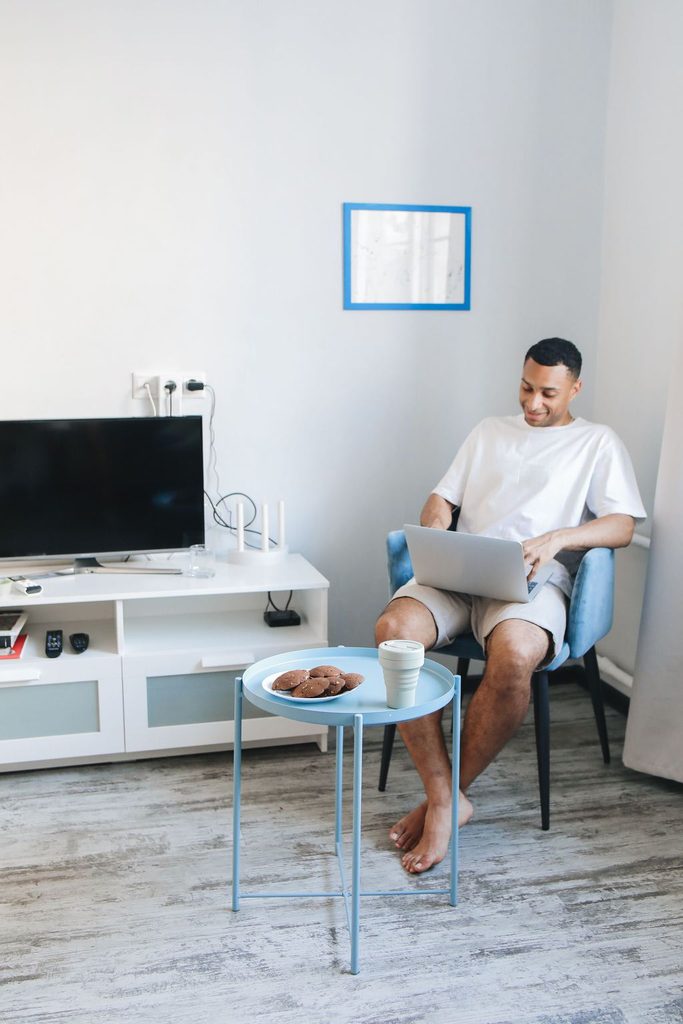
Most router storage ideas fall into three levels: disguise the router in plain sight, partially conceal it, or place it inside furniture. Start with the least restrictive solution that works visually. A decorative shelf may be enough in one room, while a TV wall with a modem, router, streaming box, and other electronics may benefit from furniture-based organization.
| Hiding Method | Visual Concealment | Signal Concern | Works Well For |
| Decor or picture frame | Medium | Low | Open shelves and consoles |
| Open woven basket | High | Low to moderate | Router and modem clusters |
| Bookshelf styling | Medium | Low to moderate | Small or multipurpose rooms |
| Slatted media console | High | Moderate; test first | TV walls with several devices |
| Fully closed cabinet | High | Higher | Usually better for passive storage |
| Behind the TV | High | Setup-dependent | Locations tested before and after |
Style It Behind Decor
Use a framed print, small sculptural object, or stack of books to interrupt the direct sightline to the router rather than surrounding it. Keep the top, sides, antennas, and ventilation openings clear.
This works especially well when the router already sits on a console in a useful network location. A few inches of visual separation can make the device much less noticeable without changing where it operates.
Use an Open Woven Basket
An open-weave basket can help hide router and modem hardware when both devices sit together near a wall outlet. Choose a basket with generous openings rather than a tightly enclosed box, and make sure power and Ethernet cables can exit without bending sharply or blocking device vents.
For daily use, a basket should also lift away easily so a status light, reset button, or connection can be reached.
Blend It Into a Bookshelf
A bookshelf lets the router sit among objects that already belong in the room. Place it beside decor or books instead of tightly between them, and avoid filling the space directly around the device.
This approach is especially useful in a small living room where moving the router toward the TV wall would actually put it farther from bedrooms, workspaces, or other frequently connected areas.
Use a Slatted or Perforated Media Console
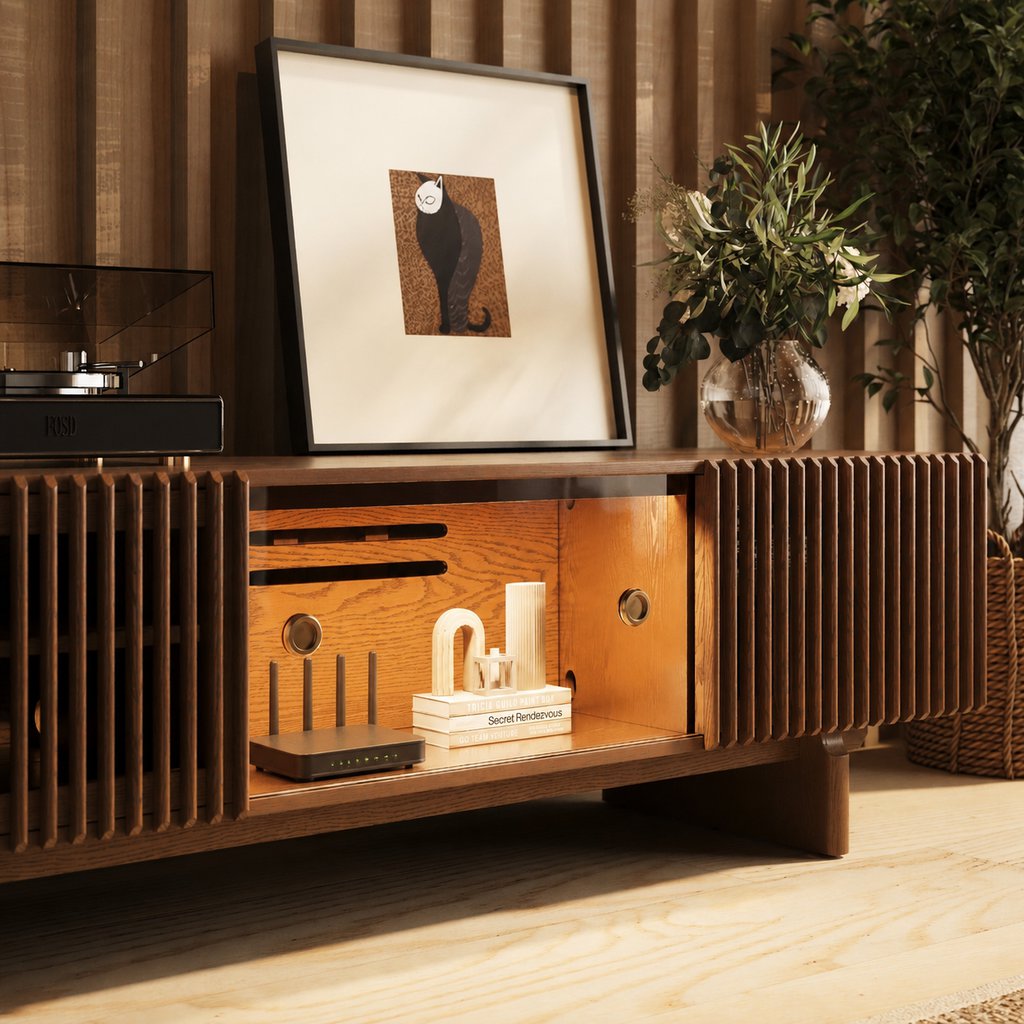
A media console makes more sense when the router is only one part of a larger TV-wall setup. Slatted or perforated fronts can provide a less enclosed environment than solid cabinet doors, while rear openings make power and network cables easier to contain. Wi-Fi performance can still vary by room, router, and furniture construction, so test the connection after the doors close.
Mount It Out of the Main Sightline
Some routers can be mounted on a wall or furniture side panel instead of sitting on a visible tabletop. First check that your model is designed for mounting and follow the manufacturer’s recommended orientation.
If the router has external antennas, keep their intended orientation in mind when choosing a mounting position. The least visible placement is not always the one that gives the router the clearest path to the rest of the room.
Can You Put a Router Inside a Cabinet?
Yes, but a fully closed cabinet is generally not the first place to put a Wi-Fi router. Cabinet placement only makes sense when the router’s required ventilation remains open and real-world Wi-Fi coverage stays acceptable after the doors close.
A cabinet adds physical barriers around the router, so both signal performance and heat management need to be checked. Avoid tightly enclosed spaces, keep ventilation openings clear, and test Wi-Fi performance with the cabinet doors closed before making the setup permanent.
Before using a cabinet, check:
- Front, rear, or side ventilation
- Router manufacturer clearance requirements
- Door and cabinet materials
- Cable exits that do not block vents
- Space to reach power and reset controls
- Signal strength with the cabinet door closed
It also helps to separate equipment that merely needs storage from devices that stay active. Understanding what electronics can go inside a TV stand with doors can prevent a cabinet from becoming one crowded compartment for controllers, power adapters, network equipment, and heat-producing AV gear.
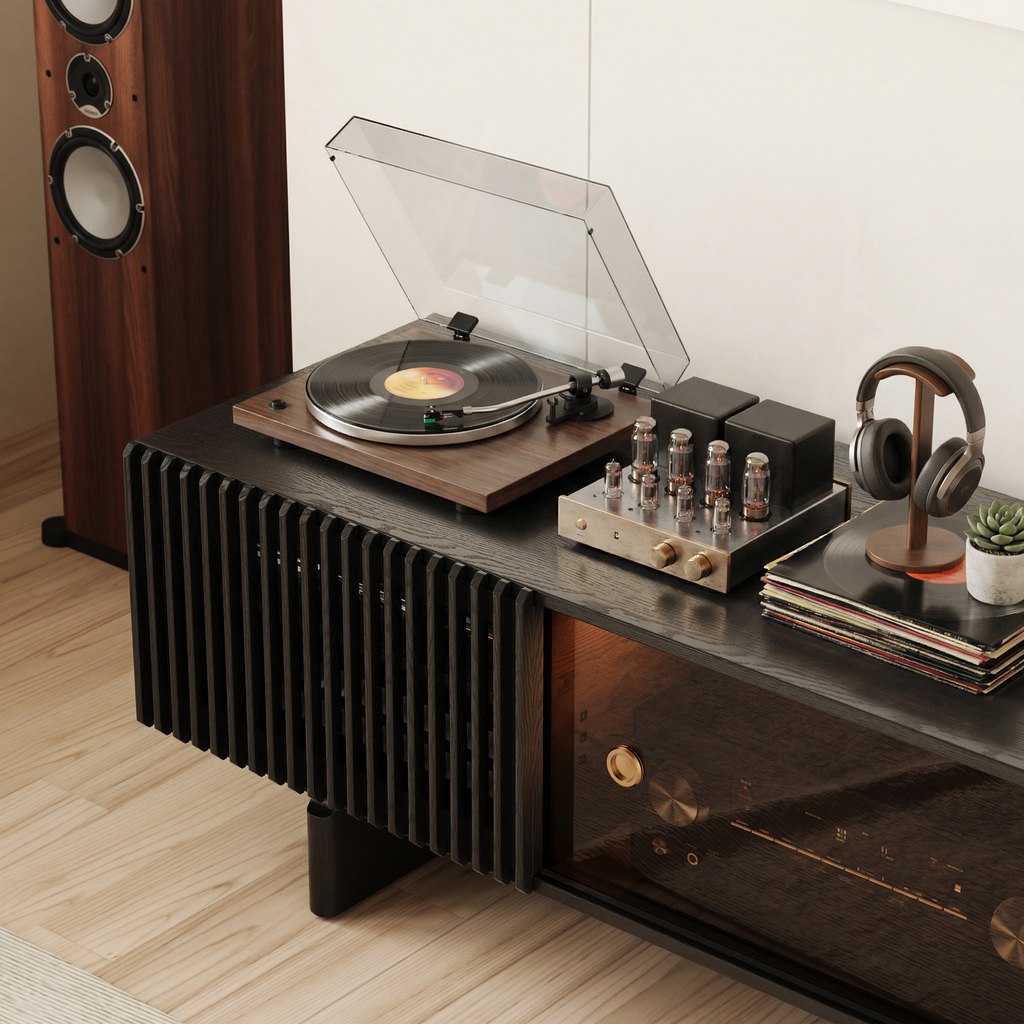
If the router shares a cabinet with a deeper AVR, game system, or network hardware, service access becomes another buying consideration. The POVISON Delven Axis Deep Vented Rolling Media Console uses an 18.7-inch usable interior depth, removable rear access, and hidden wheels, making it easier to reach a multi-device setup without repeatedly working through a narrow front opening.
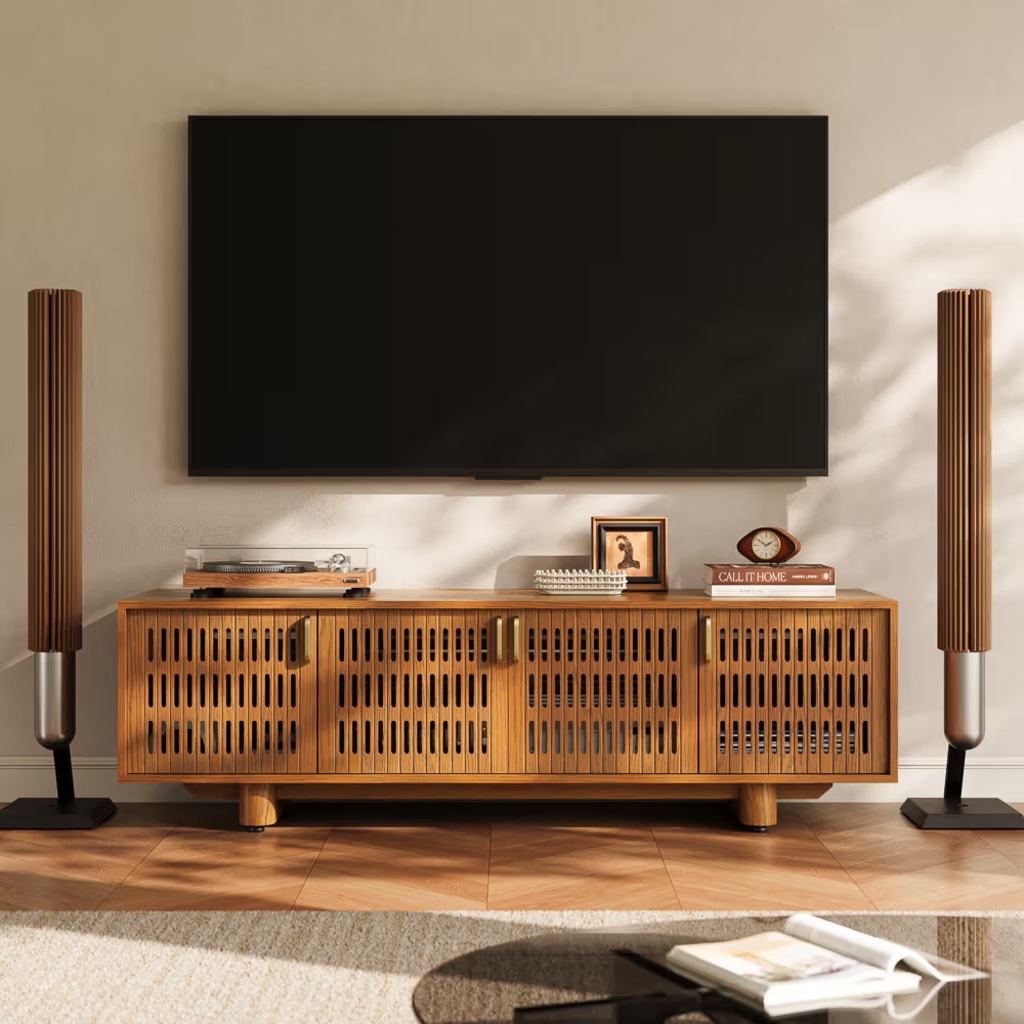
Delven Axis Deep Vented Rolling Media Console
Deep rolling storage makes equipment-heavy living room setups easier to maintain.
👍 Best for: Deep multi-device AV setups
✨ All-around slotted ventilation
✨ Six internal cable openings
✨ Three removable interior shelves
Which Router-Hiding Ideas Should You Avoid?
Some popular hiding tricks solve the visual problem by creating a new functional one. Use extra caution whenever the method substantially changes the router’s location or surrounds it with dense material.
| Idea | Why to Be Careful |
| Sealed decorative box | Restricts airflow and adds another signal barrier |
| Metal cabinet | Can strongly obstruct wireless signals |
| Behind the TV | May place the router behind a large physical obstacle |
| Floor-level corner | Sacrifices a higher, more central placement |
| Packed between books | Crowds ventilation and adds surrounding material |
The same principle applies to media furniture. Good media console ventilation and airflow planning depends on an entry path for cooler air, space around operating devices, and an exit path for warmer air rather than one small opening crowded with cables.
A common living-room example is a router that performs well on top of the console but looks distracting beside the TV. Moving it directly behind the television may clean up the view, yet partial concealment with decor or furniture can preserve more open space around the device. Test both positions instead of assuming the least visible location is automatically better.
How to Hide Router Cables With the Setup
Once the router looks less prominent, visible Ethernet, coax, and power cables can still give away the setup. Keep each device close to a useful rear opening, route cables toward the back of the furniture, and secure excess length with reusable ties rather than stuffing it around the router.
For a cleaner cable path:
- Keep power and network connections easy to identify.
- Do not bundle excess cable against router vents.
- Leave enough slack to pull the router forward for service.
- Keep cords away from walking paths and cabinet doors.
When the router sits beside streaming devices, game consoles, or other TV equipment, hiding one box rarely fixes the whole visual problem. The POVISON Delven Verse Mid-Century Modern TV Stand is designed for this type of shared media setup, with six internal and three rear cable openings that help separate connection paths while slatted doors keep devices visually contained without creating a fully solid front.
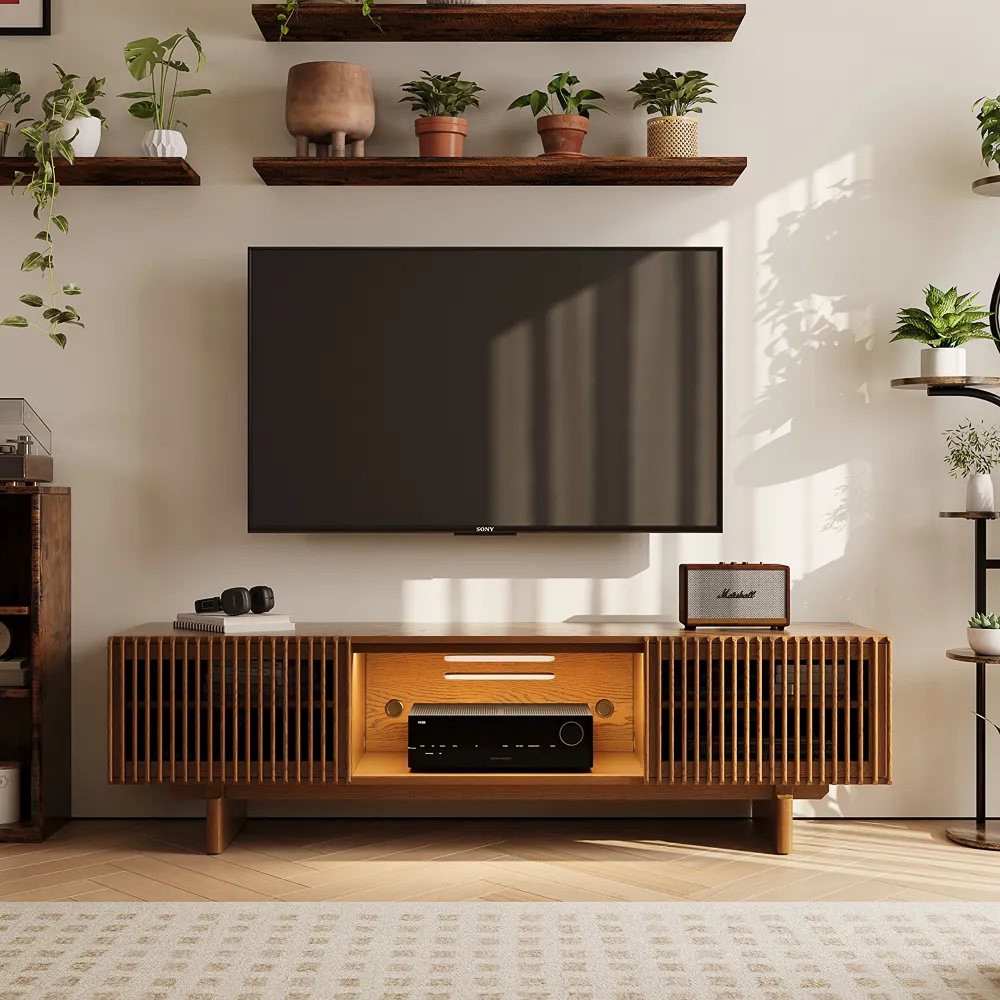
POVISON Delven Verse Mid-Century Modern TV Stand
Slatted storage organizes connected devices and cables behind a cleaner TV wall.
👍 Best for: Mixed router and AV setups
✨ 18.3-inch usable interior depth
✨ Nine dedicated cable openings
✨ Slatted device-storage doors
If the router sits with other media equipment, the same principles used to hide cables behind a TV stand can organize HDMI, power, Ethernet, and speaker cables without turning the rear of the console into a tight bundle.
Test Your Wi-Fi After Hiding the Router
A hiding method is not successful until the network still works where you use it. Rather than judging from the Wi-Fi icon beside the router, compare performance from the sofa, home office, bedroom, or another location that matters to your routine.
Use a simple three-step test:
- Test before hiding. Check Wi-Fi performance from two or three regular-use locations.
- Complete the setup. Add the basket, decor, or cabinet and close the doors as they will normally be used.
- Test from the same locations again. Compare connection stability and speed.
If performance noticeably worsens, reduce the amount of enclosure before relocating the router farther from its original position. This closes the loop when deciding how to hide router in living room: the finished setup has to work from the places where people actually connect.
Conclusion
Learning how to hide router in living room is less about making the device disappear completely and more about controlling what you see without compromising how the network works. Start with a useful, elevated location, choose the least restrictive concealment that suits the room, preserve ventilation and cable access, and test Wi-Fi afterward. A basket or bookshelf may be enough for a simple setup, while a ventilated media console can make more sense when the router shares the TV wall with several connected devices.
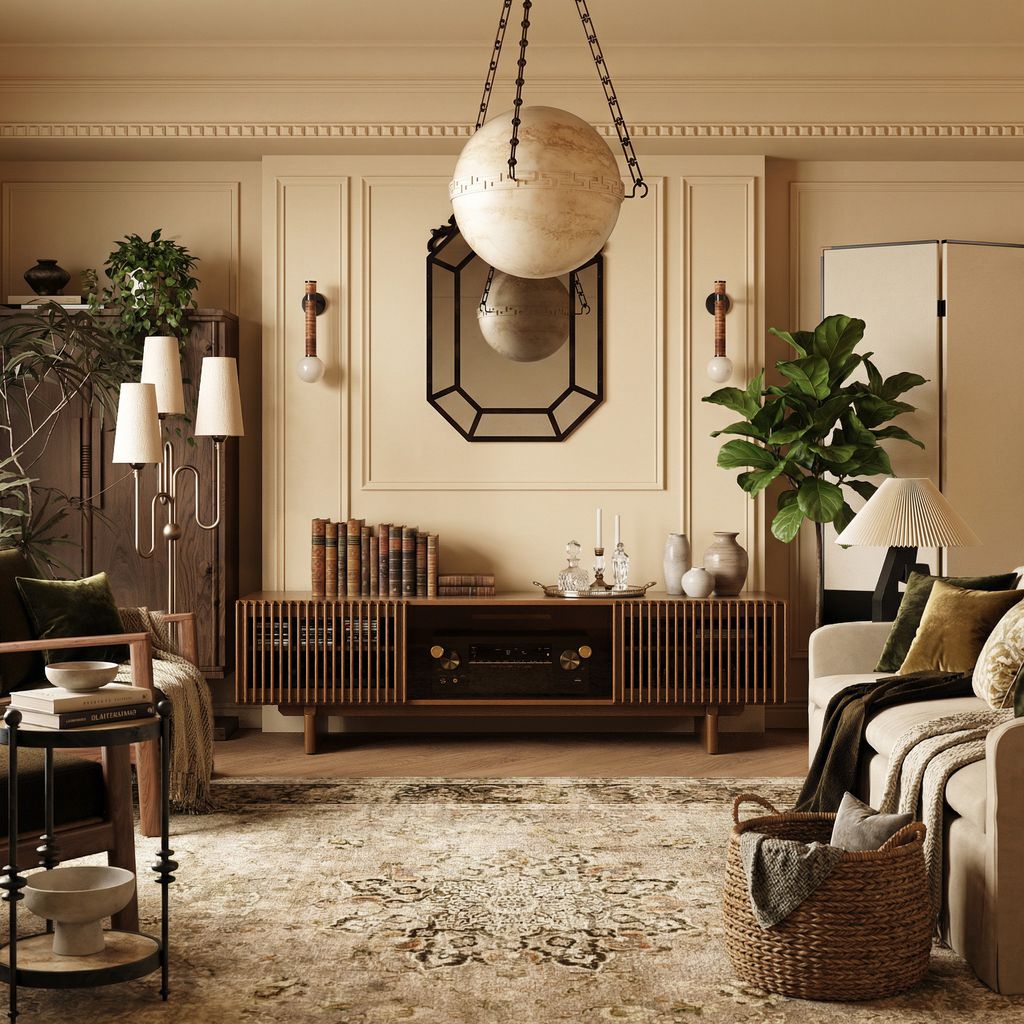
Find the Right Media Console
Explore designs for different room sizes, layouts, and everyday needs.
FAQs
Can I hide my modem separately from my router?
Yes, when they are separate devices. The modem usually stays near the incoming internet connection, while router position affects wireless coverage more directly. If cable length and your equipment allow it, keeping the modem less visible while leaving the Wi-Fi router more open can reduce clutter without forcing both devices into the same enclosure.
Can a router share a cabinet with game consoles?
It can, but check the combined heat load rather than judging the router alone. Keep each device’s vents clear, avoid stacking powered electronics, and use separate shelves when possible. If several devices run for long periods, prioritize a cabinet with multiple ventilation paths and easy rear access for cables and maintenance.
What if my router has external antennas?
Keep external antennas free from books, baskets, cabinet walls, and decorative covers. Do not bend or reorient them only to make the router fit a hiding spot. Follow the router manufacturer’s antenna guidance first; for some designs, antenna orientation changes how wireless coverage is distributed through a single-story or multistory home.
Should I hide a mesh Wi-Fi point the same way?
Use even more restraint with mesh points because each unit needs a strong wireless connection to the rest of the mesh. Keep points reasonably open and avoid pushing one behind dense furniture simply because it is not the primary router.
Can a router sit on top of a media console instead?
Yes. In many rooms, keeping the router on top of the console and disguising it with nearby decor is simpler than enclosing it. Maintain open space around vents and antennas, and avoid placing large objects directly in front. This approach is especially useful when cabinet testing shows noticeably weaker Wi-Fi.


[…] once tried hiding a router behind solid cabinet doors. The room looked cleaner, but the Wi-Fi signal became unreliable. A slatted or ventilated door […]
[…] receiver needs room above it. A router should not sit in a drawer with manuals, spare cables, and power adapters. Small streaming devices also need space to release heat, especially near the back of a warm […]
[…] Use closed storage for remotes, routers, chargers, game controllers, and visible cables. […]
[…] Wi-Fi may work behind closed doors, but IR-friendly openings do not guarantee wireless reliability. Metal panels and router distance can weaken reception. If performance drops, relocate the network hub outside the cabinet or connect fixed streaming devices through Ethernet. […]
[…] equipment still needs appropriate placement, airflow, and access; the same principles used to hide a router in the living room without losing Wi-Fi apply even when visual simplicity is the […]
[…] and access. Check cable reach before relocating it, and test Wi-Fi in the rooms you use most. Router placement that preserves Wi-Fi coverage also needs ventilation; avoid burying equipment behind books or inside a crowded […]