 By Kelvin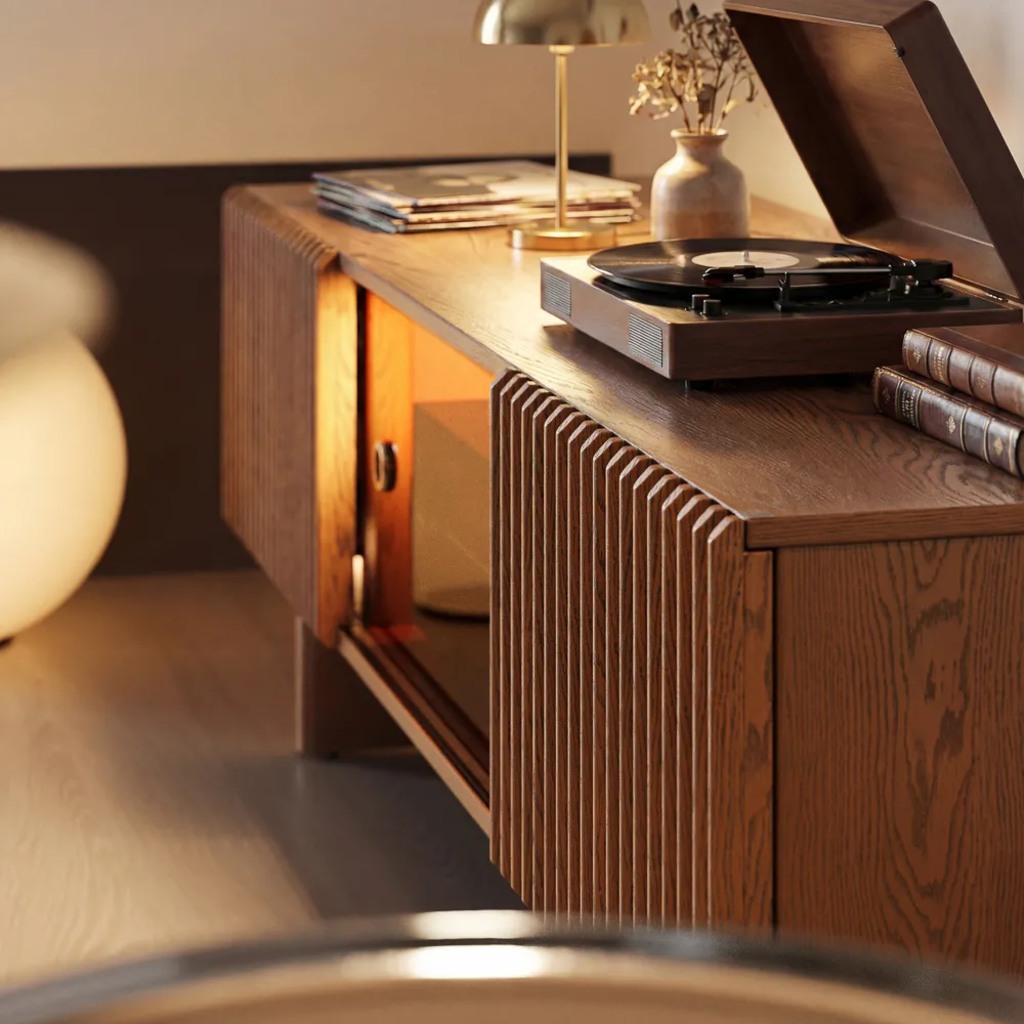
Introduction
Choosing a TV stand for large TV use means solving three problems: safe screen support, working electronics, and furniture that fits the room without feeling oversized. A stand can look wide enough yet fail because the feet sit near the edge, the soundbar blocks the screen, or connected devices do not fit. This guide covers size, support, viewing height, storage, room flow, and style before you order.
Table of Contents
What Size TV Stand Does a Large TV Need?
A TV stand for large TV placement should usually be wider than the television’s actual body, not just its feet. Check the manufacturer’s dimensions with the TV stand attached, then measure the flat, usable cabinet top. Decorative lips, curved ends, or raised edges may reduce the area that can safely hold the base.
| TV Size | Typical TV Width | Practical Starting Stand Width |
| 65 inches | About 57 inches | About 63–72 inches |
| 75 inches | About 65–66 inches | About 72–80 inches |
| 85 inches | About 74–75 inches | About 80–90 inches |
Use these ranges for initial screening, not as substitutes for your television’s specifications. A detailed TV stand size guide for 55–85 inch TVs can help with broader width decisions. Model-level checks still matter because bezel design, feet placement, and pedestal size vary among TVs with the same advertised screen size. Check the actual width, stand width, base depth, and weight in your TV’s manual or specification sheet before choosing a console.
Structural Support Essentials go beyond total width. Confirm that both feet or the entire pedestal remain inside the usable top, with room behind the base for power and signal cables. Add the TV’s weight to anything else placed on the surface, then compare that total with the manufacturer’s listed desktop capacity. A long top also needs center support to resist bowing.
The Best Materials for Heavy TVs are not defined by name alone. Solid wood, plywood, reinforced MDF, and metal-framed construction can all perform well when the joinery, center supports, hardware, and published load rating match the setup. Appearance alone does not prove capacity.
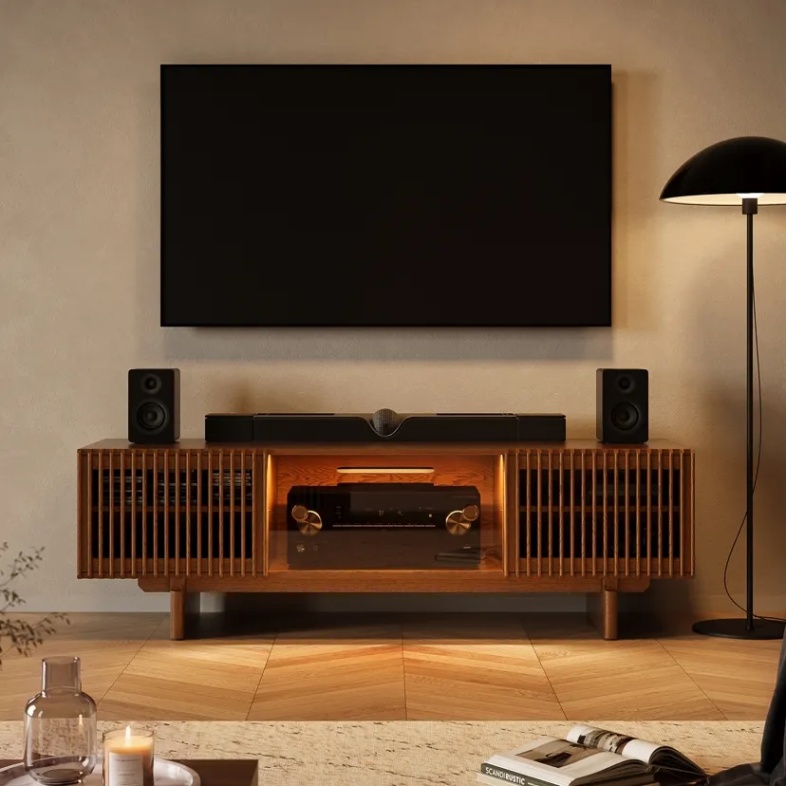
For a large screen that will sit directly on the console, the Arboren Mid-Century Modern TV Stand suits homes that also need substantial AV storage. Its plywood cabinet and listed 250-pound desktop capacity address structural support, while deep adjustable bays, rear ventilation, and slatted doors keep bulky components accessible without turning the front into an equipment rack.
Will the TV Sit on the Stand or Mount Above It?
Decide the installation method first. The cabinet performs a different job when the TV is floor-standing or wall-mounted.
When the TV sits on the cabinet, the usable top, depth, weight capacity, floor level, and anti-tip plan are hard requirements. Do not let a pedestal or either foot extend past the edge. Push the TV back as far as cable bends allow, and make sure the cabinet does not rock.
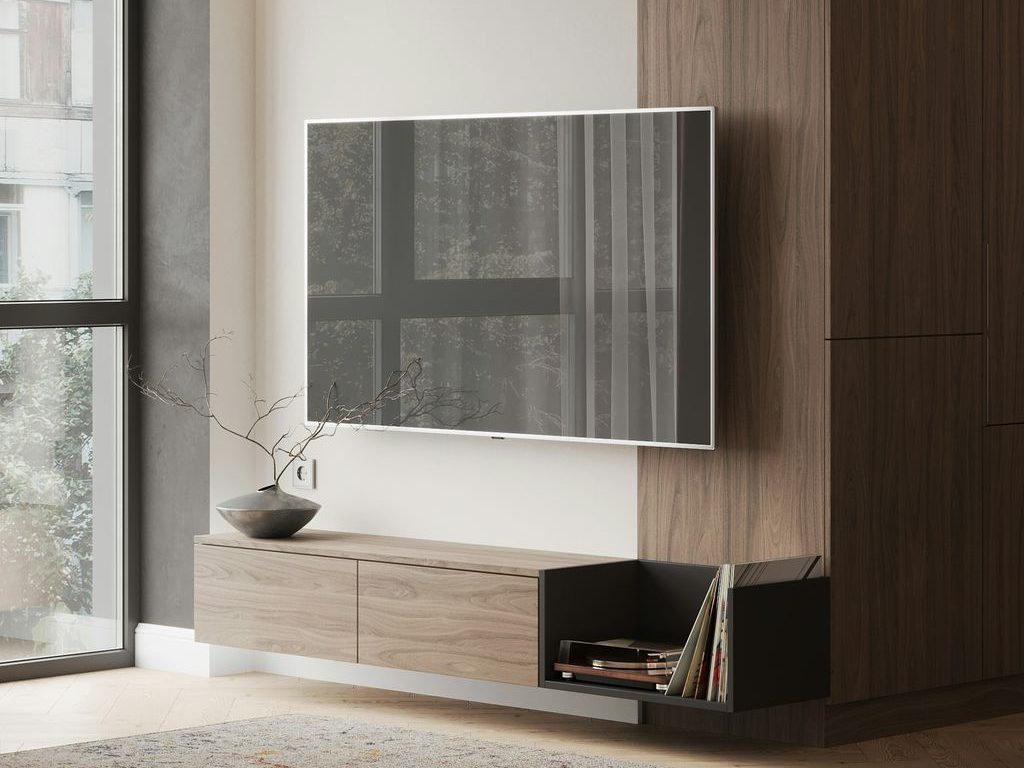
When the TV is mounted, the console no longer carries the screen. Its priorities shift to visual balance, media storage, soundbar placement, and cable access. It can sometimes be slightly narrower when a window, fireplace, built-in, or asymmetrical wall limits the layout. It should still look intentional rather than like a small table left beneath an oversized black rectangle.
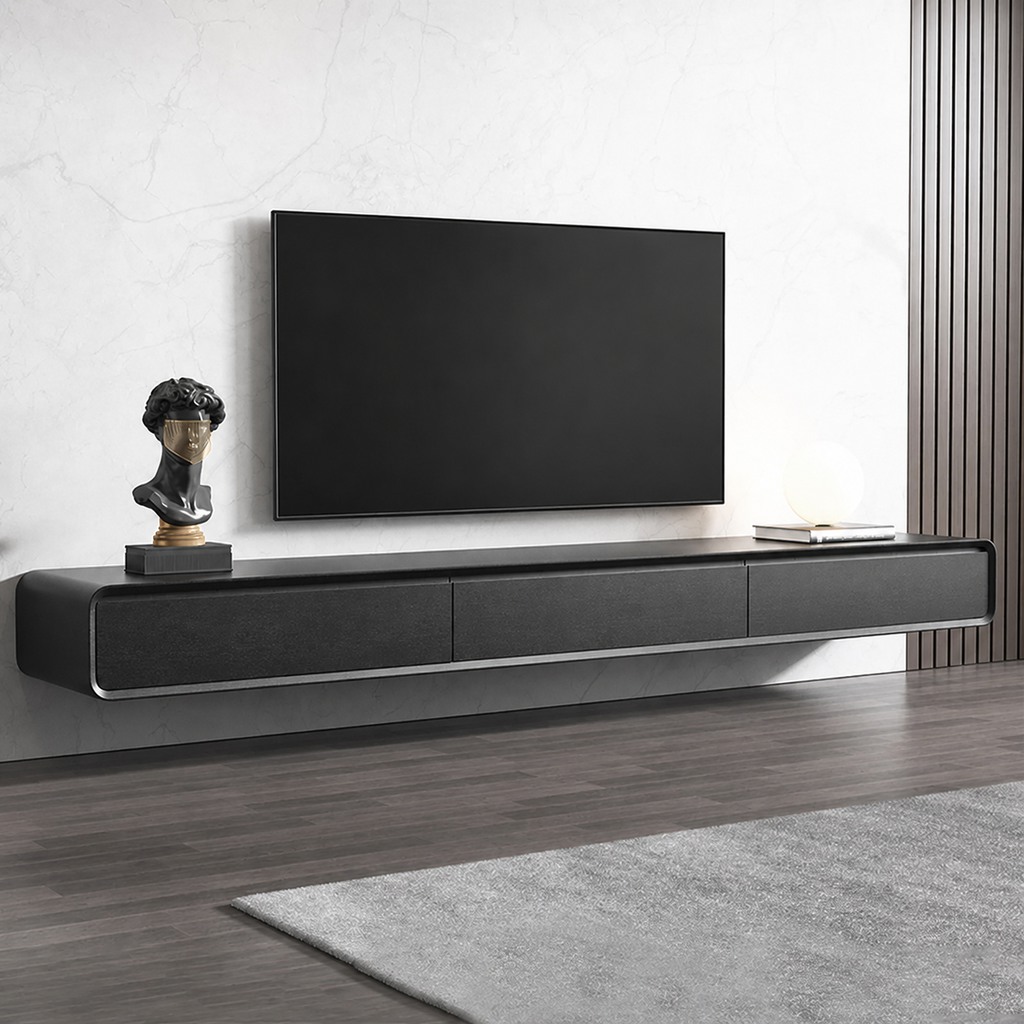
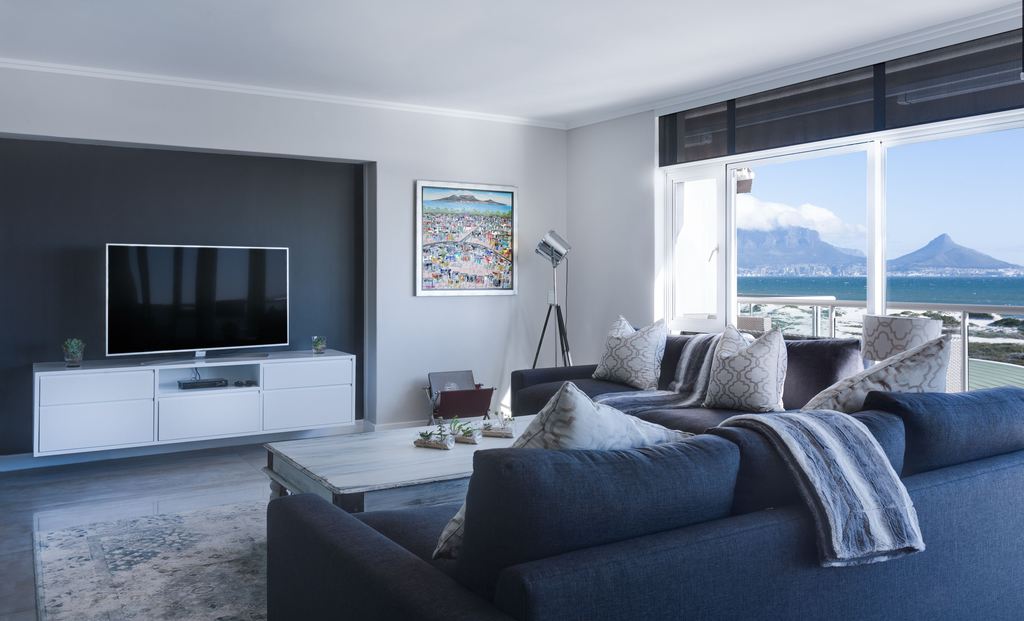
When the screen is wall-mounted and floor space is tight, the Merrin Black Floating TV Stand keeps the visual line low and clears the floor for cleaning. Its closed storage contains small devices and accessories, while the veneered MDF construction and adjustable mounting height support a warmer, less bulky TV wall. Installation still has to match the wall type and hardware requirements.
How Should the TV Stand Fit Your Room and Seating?
The cabinet affects the route around the coffee table, nearby doors, and viewing height. Mark the cabinet footprint with painter’s tape, including open doors or drawers, then walk the usual path to the sofa.
Sit where you normally watch television. The screen center should fall near your relaxed seated eye line rather than being positioned from a standing view. A low, large sectional often works with a lower console, while upright chairs may support a slightly higher setup. A TV stand height guide for comfortable viewing is more useful than a showroom photo because it starts with your actual seat and screen.
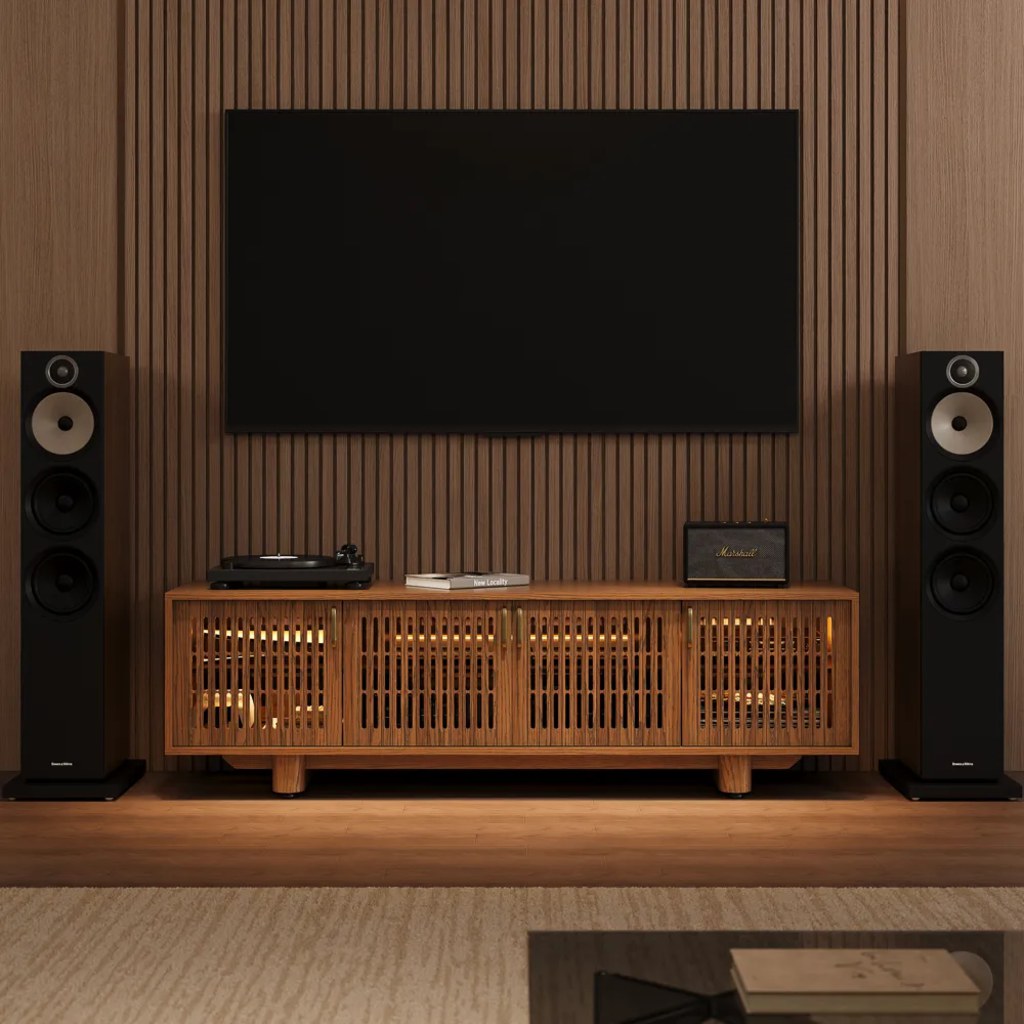
Design Without Bulk is mainly about proportion and visual interruption. A long, low silhouette spreads the screen’s visual weight horizontally. Raised legs or a floating installation expose more floor, while slatted, fluted, or divided doors break up a wide cabinet front. In a narrow room, avoid tall decor at both ends; it can make the wall feel denser.
A practical test is to confirm five things before buying:
- The cabinet leaves the main walkway open.
- Doors and drawers can open while someone is seated nearby.
- The screen center works from the primary sofa.
- Speakers, lamps, or curtains still have room at the sides.
- The console does not cover a floor vent or force plugs into a tight bend.
Match Storage to the Way You Watch TV
Storage should follow the equipment you use. List every device, controller, remote, power strip, game case, and router. Measure devices with plugs connected because cables add depth.
A streaming-only household may need one ventilated compartment and a remote drawer. A gaming setup needs fast access, airflow, controller charging, and a route for cables that change often. A home theater needs deeper bays, adjustable shelves, and rear access. A family living room may place less attractive items behind solid doors while keeping active electronics in ventilated sections.
Closed storage works only when equipment operates normally with the doors shut. Check whether warm air can leave, whether the remote signal reaches the device, and whether you can reach a power button or HDMI port without unloading the cabinet. The same checks used for a TV stand with ventilation for gaming consoles apply to receivers and streaming boxes.
For a gaming-and-receiver setup that runs for hours, the Arboren Deep Vented Rolling Media Console solves a different problem: equipment access. Its ventilated metal shelves and removable rear panels support airflow and cable changes, while hidden wheels let you move the cabinet for cleaning or reconnection. The deeper interior also reduces the chance of rear plugs pressing against the back.
Soundbar placement deserves a decision before checkout. On top of the console, it should not block the TV’s lower edge, remote sensor, or pedestal. Inside the cabinet, it needs an open or acoustically transparent front and should sit near the front edge rather than deep inside a reflective cubby.
What Should You Check Before Ordering?
Complete one final fit test using the real TV, cabinet, equipment, room, and delivery specifications. This prevents a technically suitable stand from becoming difficult to use.
- Confirm the TV body width, base width, base depth, and weight.
- Confirm the cabinet’s usable top and published desktop capacity.
- Add the weight of a soundbar, speaker, or decor placed on top.
- Check internal shelf dimensions with device cables connected.
- Test drawer, door, and walkway clearance with painter’s tape.
- Locate outlets and confirm that plugs will not be crushed behind the cabinet.
- Check the carton or assembled furniture path through doors, elevators, halls, and stair turns.
- Plan how the TV and cabinet will be secured in homes with children or pets.
- Leave usable storage for one likely future device rather than filling every compartment immediately.
The U.S. Consumer Product Safety Commission recommends anchoring TVs and furniture; when anchoring is not possible, it advises using a sturdy, low base, pushing the TV back as far as practical, and keeping cords out of reach. Follow the TV and furniture manufacturers’ instructions for your specific products rather than treating a general width rule as a safety guarantee.
Fully or mostly assembled furniture needs extra delivery planning because it may travel as one large piece. Measure the route’s narrowest point and any turns where the carton cannot stay parallel to the wall.
Conclusion
The right TV stand for large TV setups should pass three tests: the screen is fully and safely supported, the electronics fit and operate normally, and the furniture works with the room’s seating and circulation. Start with actual TV and base measurements, then verify cabinet capacity, device depth, viewing height, storage, and delivery access. Style comes after those checks, but it does not require a bulky result. A low horizontal profile, divided door fronts, raised legs, or a floating installation can give a large screen a stable, balanced setting.
Frequently Asked Questions
Can a sideboard work as a TV stand for large TV use?
It can, but verify the sideboard’s published top capacity, usable depth, height, and anti-tip options. The entire TV base must remain on the flat surface. Open the loaded drawers during your stability check, since a tall cabinet can become less stable when weight shifts toward the front.
Can I place two media consoles together under one large TV?
Two matching consoles can work beneath a wall-mounted TV when they are level, stable, and aligned at the center seam. Avoid placing separate TV feet on different cabinets because slight movement or height differences can create uneven support. Treat the pair as storage unless the combined surface is specifically rated for the television.
Can an extendable TV stand support a large TV?
It can when the TV base rests on one continuous, stable, load-rated section. Do not position separate feet across sliding, overlapping, or independently moving panels unless the manufacturer permits it. Extendable consoles are often easier to use below wall-mounted TVs, where the adjustable width does not directly support the screen.
How much space should I leave between a wall-mounted TV and the console?
About 8–12 inches is a useful starting range, not a fixed requirement. Establish the television height from seated eye level first, then position the console below it. Leave more room when a soundbar, cable channel, upward-opening door, or tall decor will occupy the gap.
Can a long TV stand sit on thick carpet?
Yes, provided the cabinet remains level and does not rock when its doors or drawers are opened. Thick carpet can compress unevenly beneath a long cabinet and affect door alignment. Use adjustable levelers when available, recheck the cabinet after several days, and secure it according to the manufacturer’s anti-tip instructions.


