 By Charles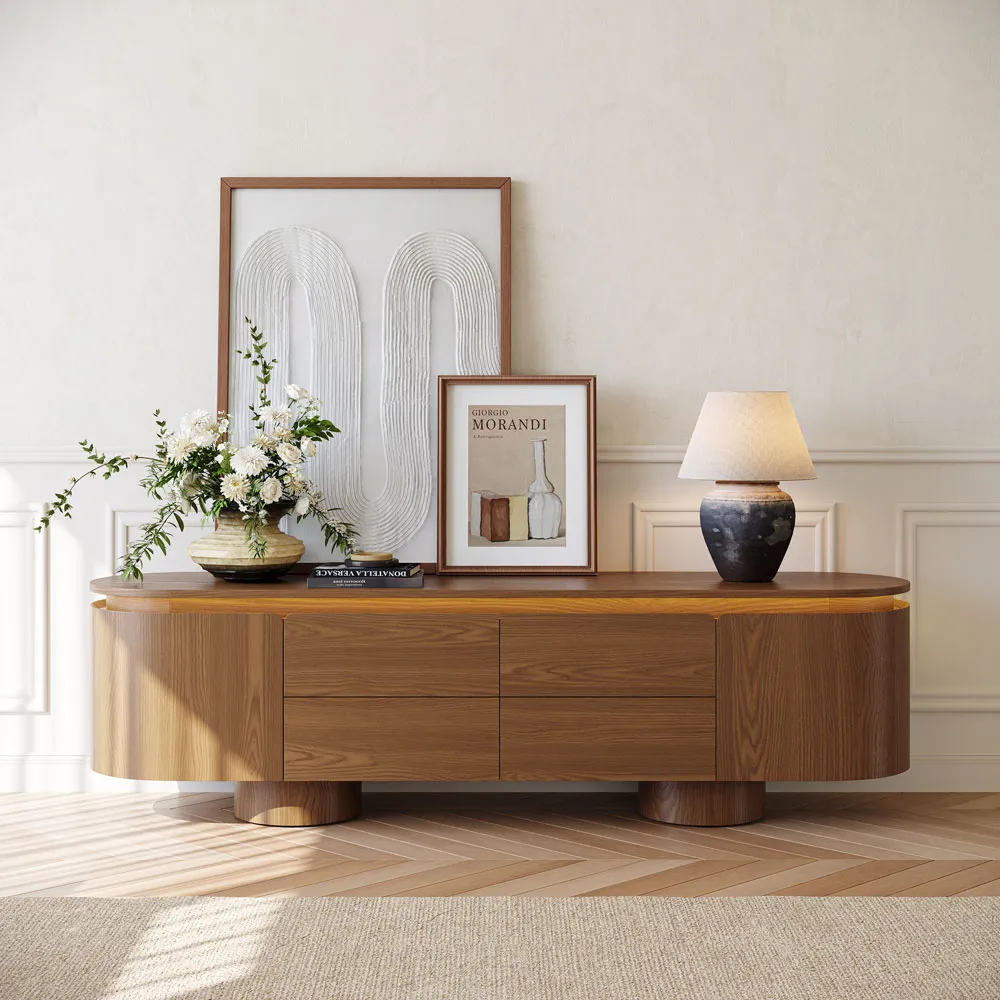
Last fall I nearly made a very expensive mistake. I had a 75-inch TV, a freshly painted living room wall, and a Saturday afternoon blocked off to “finalize the setup.” I’d already ordered a console that looked incredible in the product photos. What I hadn’t done was the actual math on wall width, cable routing, or how much gear I was trying to stash inside it. Spoiler: the stand arrived, looked too narrow under the screen, and had zero space for my router, soundbar, and the kids’ four game controllers.
That’s the real problem with buying an entertainment center in 2026. Everyone talks about “style” but almost no one talks about the media wall as a complete system — the TV’s proportion to the stand, the cords that need to disappear, the storage that has to handle real-life chaos. This guide is for people who want to get it right the first time.
Why an Entertainment Center Still Matters
A living room without a proper entertainment center doesn’t just look unfinished — it feels unfinished. The TV wall is the first thing your eye goes to when you walk in. If the console is too small, the screen looks like it’s floating awkwardly in space. If there’s a tangle of cords visible underneath, the whole room looks messy no matter how nice everything else is.
Think of the entertainment center as the visual anchor of your living room. Done right, it creates a focal point that makes the rest of the space feel intentional and calm. Done wrong, it looks like an afterthought — or worse, a safety issue. The U.S. Consumer Product Safety Commission estimates that 17,800 people are injured annually in furniture and TV tip-over incidents, with children under 18 accounting for 44% of those injuries. A wide, stable base isn’t just an aesthetic preference — it’s a genuine safety call, especially if you have kids or pets.
Start With TV Size and Wall Width
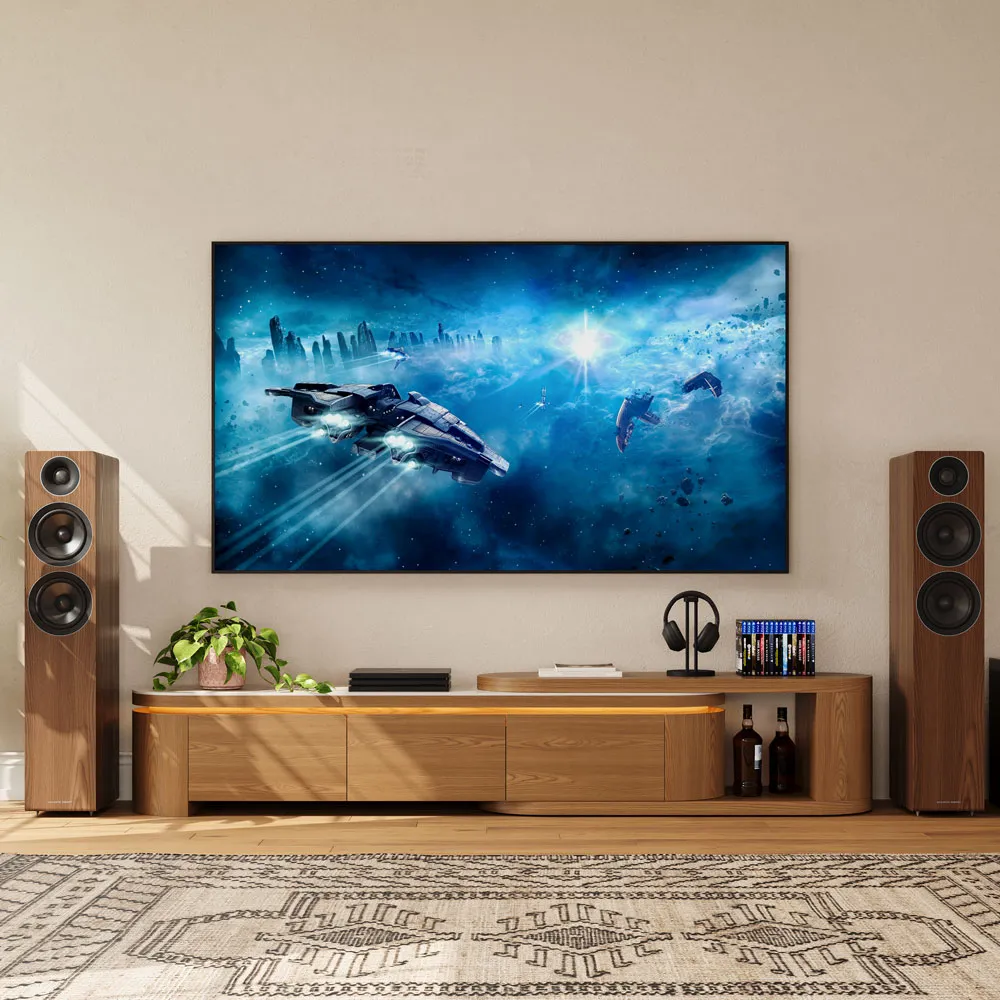
I’ll be honest: this is where most people skip steps, and it’s where most regrets start. Don’t just measure your TV’s diagonal screen size. Measure its actual physical width, then figure out how much wall you’re working with.
The rule: your entertainment center should be at least 2–6 inches wider than your TV on each side. For a 65-inch TV (actual width roughly 57 inches), you’re looking at a console in the 63–72 inch range. For a 75-inch TV (about 66 inches wide), aim for 72–84 inches. This isn’t just about looks — a wider base means better weight distribution and less tip risk.
Height matters just as much. Most people set their console at the wrong height and end up craning their neck every movie night. Sit on your sofa, measure your eye height from the floor, subtract half of your TV’s height. That number — usually around 40–43 inches from the floor — is where the center of the screen should land. Most standard consoles sit 20–24 inches tall and get you there.
Small Living Room Layouts
In rooms under 200 square feet, proportion is everything. A wide entertainment center that spans most of the wall can actually make a small room feel more spacious — it brings order and stops your eye from bouncing around. The mistake I see constantly is people defaulting to the smallest stand possible, thinking it will “open up” the room. It doesn’t. A properly proportioned, low-profile console (55–68 inches wide, 18–22 inches tall) grounds the wall and makes the TV look like it belongs there.
For narrow walls under 10 feet, stick to a clean single-body console rather than a unit with side towers. Open shelving on at least one side will prevent the whole thing from looking too heavy.
Larger Family Media Walls
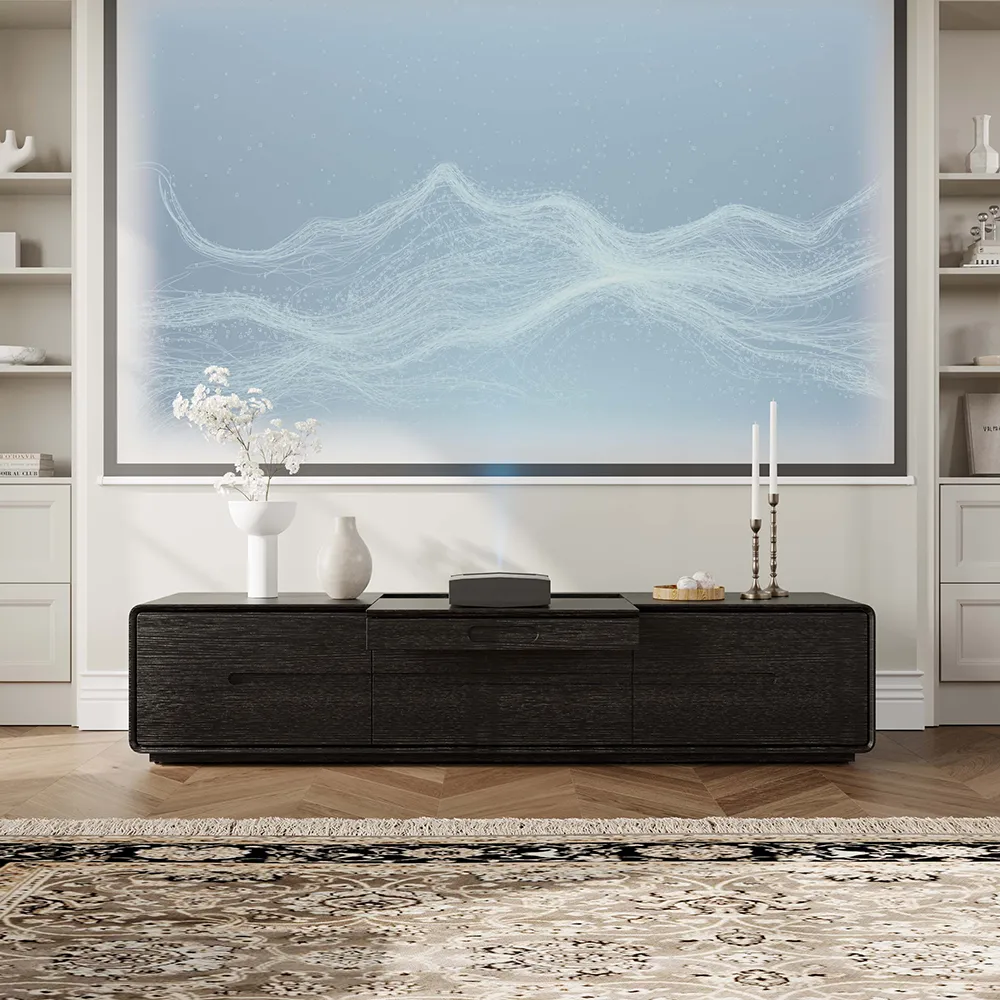
If you have a wall over 12 feet wide and a 75-inch or larger screen, this is where entertainment centers really earn their keep. A single narrow console under a big TV on a big wall just looks lost. At this scale, you want something in the 80–110 inch range that balances the screen and gives you real storage capacity.
One thing I learned the hard way: if you’re going this big, measure your doorways before you order. A 90-inch entertainment center delivered as a single assembled piece may not clear a standard 32-inch interior door. Confirm the delivery logistics before you check out, not after.
Open Storage vs. Closed Storage
Here’s where the decision matters more than almost anything else for how your setup looks day to day.
Open shelving looks great in product photos. In real life, it is a display of every remote, game controller, stray cable, and dusty router you own. If you have kids, or just live like a normal human being, plan on at least 60% of your storage being behind closed doors.
That said, open shelves aren’t bad — they’re just honest. They work well when you’re disciplined about what goes on them (a soundbar, two decorative objects, a plant) and when the console has real depth: minimum 15 inches, ideally 18–20 inches, so items don’t look crammed forward.
| Storage Type | Best For | Watch Out For |
| Closed cabinets | Hiding consoles, cables, routers | Check ventilation — electronics need airflow |
| Open shelves | Soundbars, decor, books you actually display | Dust and clutter visibility |
| Drawers | Controllers, remotes, small accessories | Shallow drawers waste space fast |
| Mixed (open + closed) | Most households with kids or multiple devices | Requires discipline or it looks messy fast |
One thing most buying guides skip: ventilation. Game consoles, streaming boxes, and routers generate heat. Closed cabinets with no airflow will shorten the life of your equipment. Look for units with perforated backs, ventilation slots, or cable cutouts that allow some airflow.
What Makes a Setup Look Finished
I’ve moved a lot of furniture around in the last few years and I’ve noticed the same things keep separating setups that look truly done from ones that look like a work in progress even after you’ve bought everything.
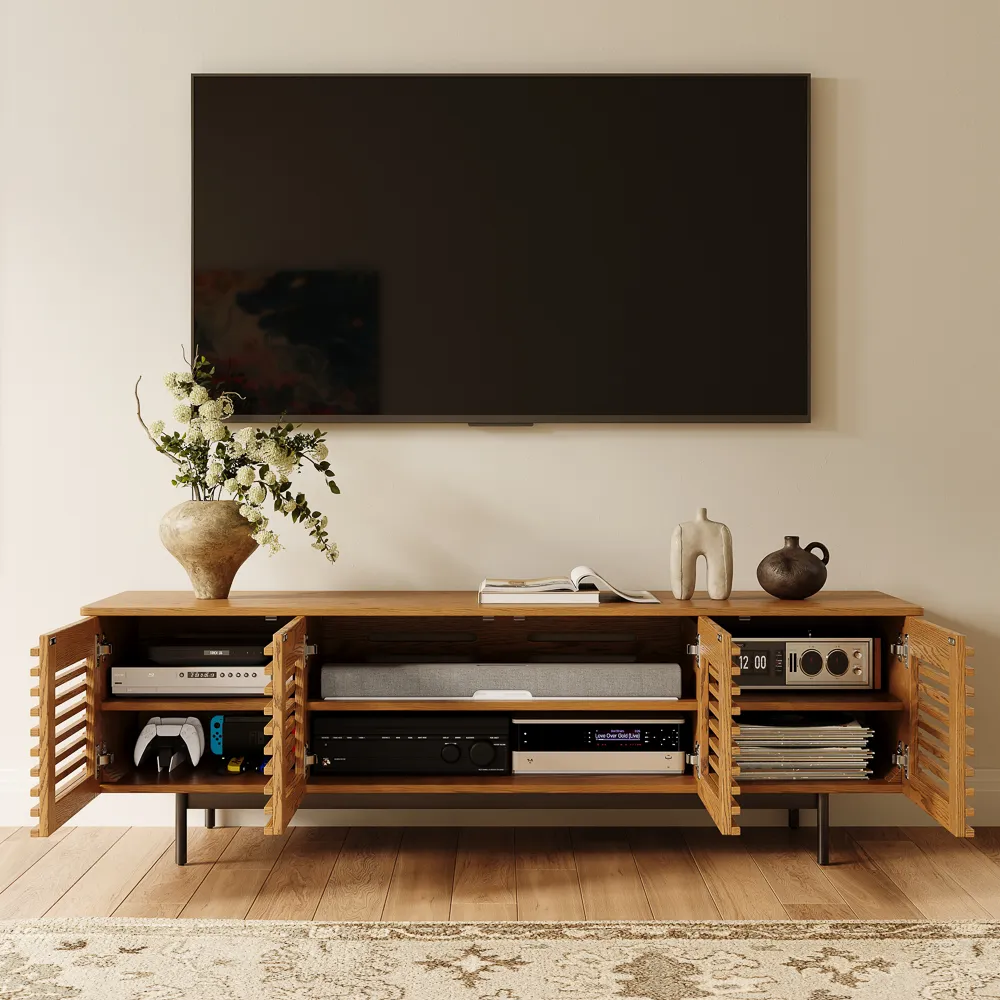
Cable management is number one. Hiding the cables from your TV, soundbar, gaming system, and streaming box will do more for how your living room looks than almost any decorative choice. Look for entertainment centers with built-in cable grommets — actual pass-through holes in the back panels, not just an open gap at the back. The best setups route power cords into a slim surge protector inside a cabinet, bundle device cables with velcro ties, and run a single clean cable down the wall to the outlet. For TV cables specifically, the CPSC recommends keeping cords out of reach and away from traffic paths — especially important with young kids around.
Second: proportional breathing room. Don’t fill every shelf and surface. Leave about 30% of visible storage empty or lightly decorated. A single plant, one or two objects at different heights, and your soundbar should be plenty for the top surface. Everything else belongs behind a door.
Third: align with the room, not just the wall. The center of the console should line up with the center of your main sofa, not necessarily the exact center of the wall. In real rooms, those two things are often different. Matching the furniture to the seating arrangement makes the whole room feel more cohesive — it’s subtle but noticeable.
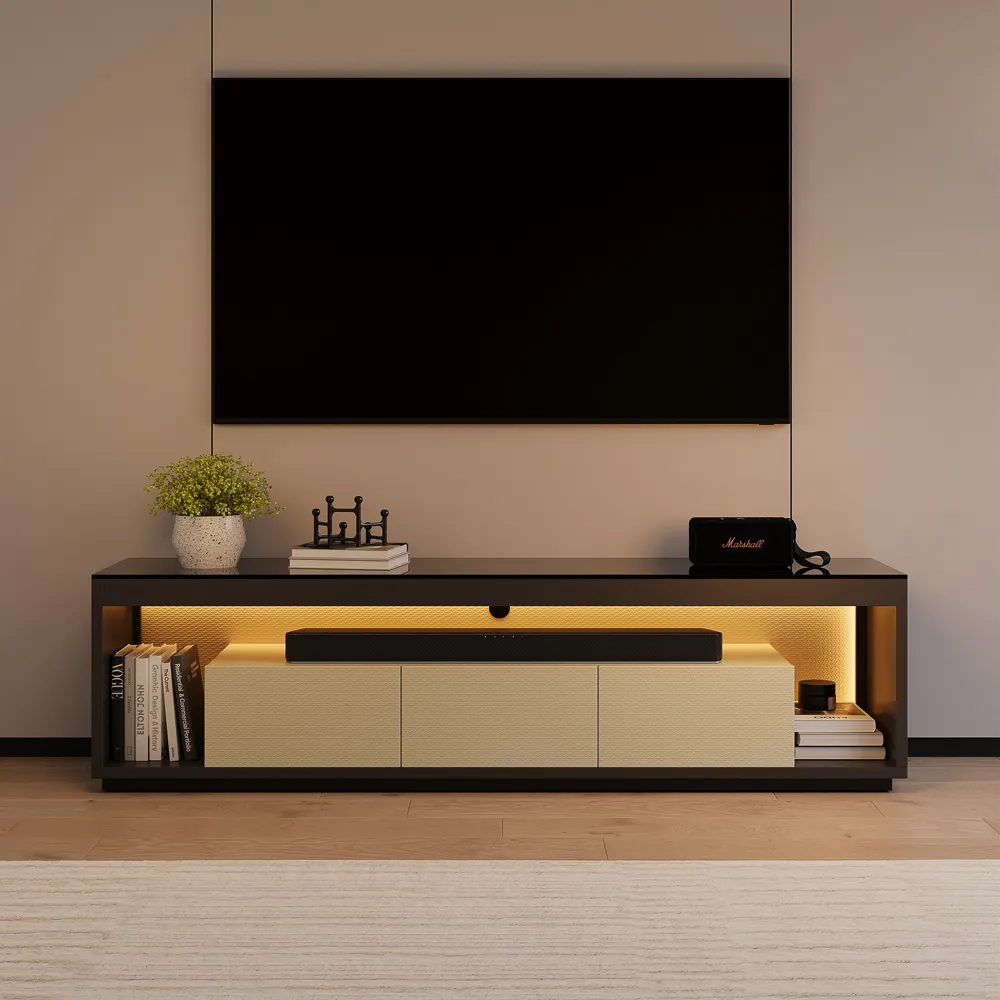
If you want a setup that arrives ready to place — no hex keys, no Saturday lost to assembly — Povison’s Fully Assembled entertainment centers are worth a look, including detailed spec sheets on each piece — exact dimensions, weight capacity, material grade, and delivery options.
What to Check Before Buying Online
I’ve been burned enough times to have a mental checklist I run through before clicking “Buy Now” on anything this size.
Weight capacity. Your TV, soundbar, streaming boxes, and gaming systems add up fast. A 75-inch OLED can weigh 70–80 lbs on its own. Add a soundbar at 8 lbs, two game consoles at 5–6 lbs each, a receiver or cable box — and you’re past 100 lbs before you’ve added a single decorative object. Always check the stated weight capacity and verify it covers your actual setup with a safety margin.
Material honesty. “Wood” can mean solid hardwood, plywood with veneer, MDF, or particle board. Solid wood and quality plywood hold up to real life — they resist warping and joints stay tight over time. MDF is fine for cabinet bodies but shouldn’t be your top surface if you’ll have anything heavy on it long-term. Particle board is fine at the price point, but plan on replacing it in 3–5 years with heavy use. FSC-certified wood signals that material sourcing is verified — worth prioritizing if that matters to your household.
Assembly reality. Some “minimal assembly required” listings still mean 90 minutes with an instruction manual. If the listing says “fully assembled,” confirm that specifically. A genuinely pre-assembled unit should need nothing more than positioning and attaching feet or legs. If you’re ordering a large unit, ask: “Does this ship in one assembled piece, or do I assemble on-site?”
Delivery logistics. For a unit over 70 inches wide, standard curbside delivery means hauling a heavy, awkwardly shaped box up your stairs by yourself. White-glove delivery — where the team brings it to your room, unpacks it, and positions it — is worth every extra dollar on pieces this size. Confirm what’s included before checkout.
Color accuracy is the last thing I always flag. Screens show warm walnut differently than natural light does. Besides, specifically requesting finish swatches or checking return policies before committing to a large piece is also a must during the process.
FAQ
What size entertainment center do I need for my TV?
Your entertainment center should be at least 2–6 inches wider than your TV on each side. For a 65-inch TV (approximately 57 inches wide), target a console between 63–72 inches. For a 75-inch TV (approximately 66 inches wide), aim for 72–84 inches. Always measure your wall width first and verify the unit’s weight capacity covers your TV plus all components with a 20% safety margin. Height should position the center of your screen at your seated eye level — typically 40–43 inches from the floor, which means a console 20–24 inches tall for most sofas.
Is an entertainment center too bulky for a small living room?
Not if you choose the right proportions. A low-profile console (18–22 inches tall) in a warm finish actually grounds a small room rather than overwhelming it. The mistake is choosing a unit that’s too narrow relative to the TV — that combination makes both the TV and the furniture look out of place. In rooms under 200 sq ft, a clean single-body console in the 55–68 inch range at a low height is the right move. Avoid full wall units with upper hutches in tight spaces: they close off the room visually.
What storage should an entertainment unit have?
For most households, plan for at least 60% of storage to be behind closed doors or drawers. You’ll need space for a soundbar (usually 36–45 inches wide), at minimum two game consoles or streaming boxes, a router or modem, and remote controls. Dedicated cable grommets — not just an open back gap — are a must. If you have a router inside the unit, make sure the back panel is perforated or has ventilation slots. Heat buildup in enclosed cabinets is a real issue that shortens equipment lifespan.
What should I know before ordering a large TV unit online?
Four things to verify before you click buy: (1) stated weight capacity versus your actual TV plus components weight, (2) whether “fully assembled” means assembled at the factory or assembled on-site, (3) whether delivery includes room placement or is curbside only, and (4) actual product dimensions versus your doorway and room clearance. For units over 80 inches wide, tape out the footprint on your floor with painter’s tape and live with it for a day before ordering. Sounds obvious. Almost nobody does it.
Conclusion
Getting an entertainment center right comes down to a few things done well: TV-to-stand proportion that makes the whole wall feel intentional, storage that handles your actual gear, cable management that eliminates the clutter you’d otherwise stare at every night, and a delivery experience that doesn’t wreck your weekend.
The rooms that feel truly finished aren’t the ones with the most expensive furniture. They’re the ones where someone thought through the whole setup — measured twice, checked weight capacities, planned for the cables — and then chose a piece that arrived ready to use. A living room that’s Ready To Live In, not a project that’s technically done but never quite right.
Take the measurements. Check the specs. And if you can skip the assembly entirely, do it. Your Saturday is worth more than that.
Related Reading:


