 By Charles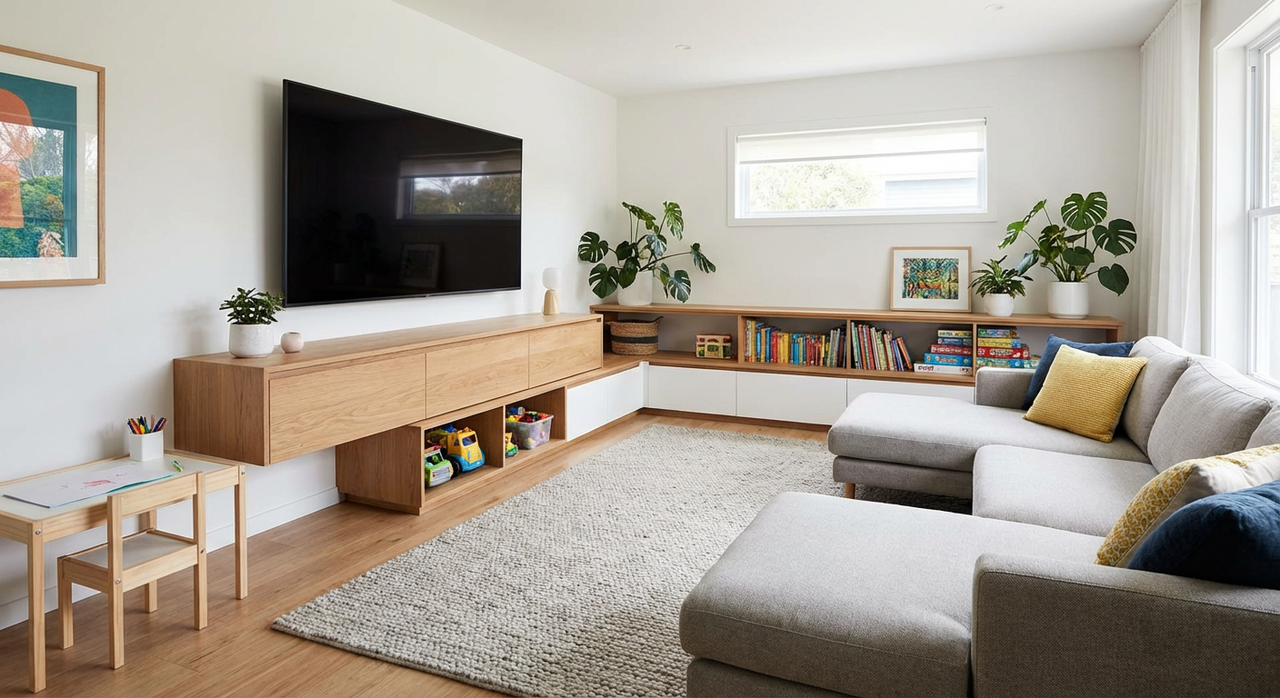
Ever notice how your living room seems to collect chaos like a magnet?
If you’re juggling family life, pets, or just the daily avalanche of stuff, your TV area probably does more than you’d like: movie nights, toy storage, dog tornado paths, and maybe even double duty as a home office. A floating TV stand can turn that visual mess into something that looks deliberate—giving you a sleek, modern setup that’s actually easier to keep clean and safer when kids and pets are in the mix.
But here’s the thing: to make it work in real life (not just in those perfect Instagram photos), you need the right size, the right mounting height, and solid weight support. This guide walks you through exactly how to choose and install a floating TV stand so you can drill once, mount it right, and never look back.
What Is a Floating TV Stand?
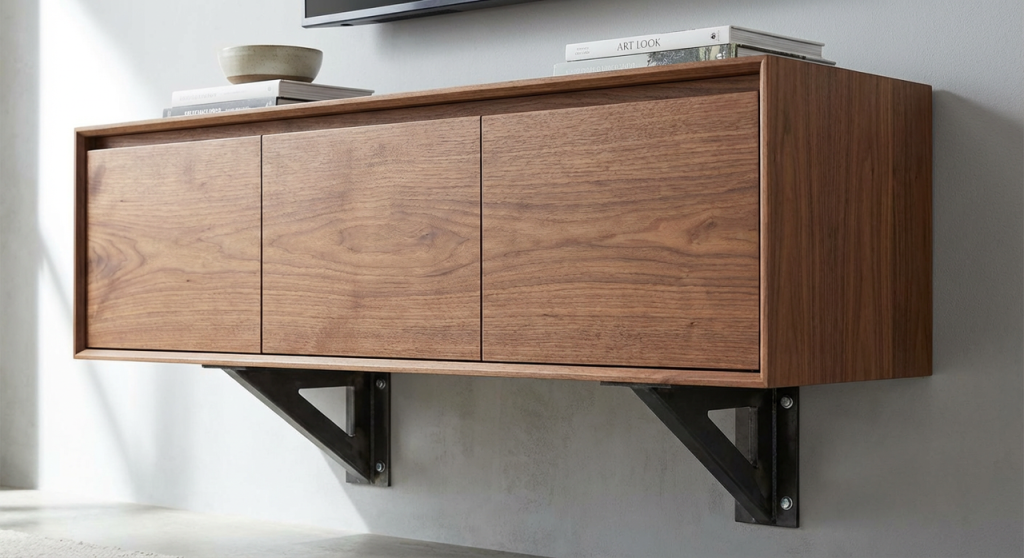
A floating TV stand is a wall-mounted media console that appears to “float” above the floor. Your TV can be mounted on the wall above it, while the stand holds consoles, remotes, games, speakers, and all the random stuff that usually clutters your coffee table.
Unlike traditional floor units, a floating stand leaves the floor clear, which is a big win when you’re vacuuming around Lego mines or tumbleweeds of pet hair.
Wall-Mounted vs Floor-Standing TV Stands
Wall-mounted (floating) TV stand:
- Attaches directly to the wall.
- Leaves the floor open for easy cleaning and robot vacuums.
- Looks more built-in and modern.
Floor-standing TV stand:
- Sits on legs or a base.
- Easier to move if you switch layouts a lot.
- No drilling, but more dust and cable clutter.
If you’re the kind of person who values time-saving cleaning and a calmer-looking room, a floating TV stand usually wins.
Pros and Cons of a Floating TV Stand
Pros
- Easier cleaning: No legs or base in the way, just swipe or vacuum under it.
- Kid and pet-friendly: Fewer sharp corners at toddler head level: no wobbly legs for big dogs to bump.
- Cleaner look: Hides cables and boxes so your living room doesn’t look like a tech store.
- Space illusion: Makes smaller rooms look bigger because you see more floor.
Cons
- Installation effort: You’ll need to find studs or solid anchors. This is not a “guess and hope” job.
- Less flexibility: Once it’s mounted, moving it means more wall repair.
- Weight limits: You must respect the stand’s and wall’s weight ratings.
If you want even more low-maintenance pieces that survive kids and pets, consider pairing your stand with our rounded-corner coffee tables to create a safer, stylish living room setup.
Size Guide by TV Size
Your floating TV stand shouldn’t look like it shrank in the wash, or swallowed your TV whole. As a rule, aim for a stand that’s at least as wide as the TV, ideally a bit wider for balance.
Here’s a quick guide by TV size.
55″ TV, Recommended Floating TV Stand Width
For a 55″ TV, look for a floating TV stand that’s at least 50–60 inches wide.
- Sweet spot: 60″ if you want room for decor or speakers.
- Minimum: Around 48–50″ so it doesn’t look tiny underneath.
65″ TV, Recommended Floating TV Stand Width
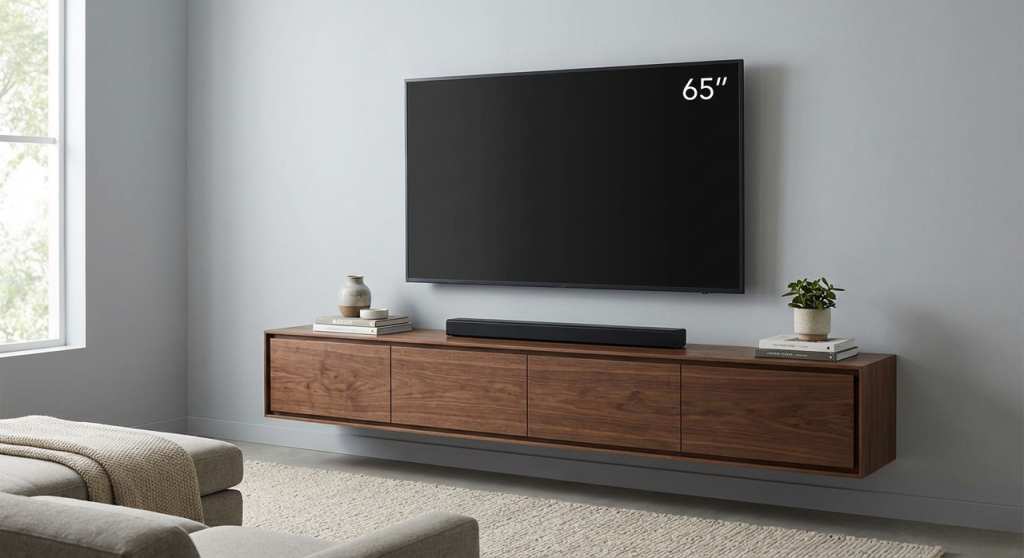
For a 65″ TV, aim for 60–72 inches wide.
- Sweet spot: 70–72″ for a balanced, high-end look.
- This size gives you space for consoles and hidden storage without feeling bulky.
For example, a pre-assembled mid-century console in this size range offers both the visual balance and practical storage compartments needed for a 65″ setup — ready to hang right out of the box.
75″ TV, Recommended Floating TV Stand Width
For a big 75″ TV, you’ll want a 70–84 inch floating TV stand.
- Sweet spot: 80–84″ if your wall allows it.
- This prevents the “top-heavy” look where the TV overpowers the stand.
85″ TV, Recommended Floating TV Stand Width
For an 85″ TV, plan on 80–96 inches of stand width.
At this scale, a long floating TV stand almost feels like a built-in. It’s worth choosing a model with reinforced construction. Options like a heavy-duty solid wood floating stand provide the durability and premium aesthetic that large TVs demand.
100″ TV, Recommended Floating TV Stand Width
At 100″, you’re basically running a home theater. You’ll want at least 96–120 inches of stand width.
If you’re going this big, you might also want to explore high-capacity floating media centers designed for families, ensuring the unit handles equipment, speakers, and everyday chaos without sagging.
Mounting Height Calculator for Floating TV Stands
Getting the right mounting height matters more than most people think. Too high and your neck hates you, too low and it looks off.
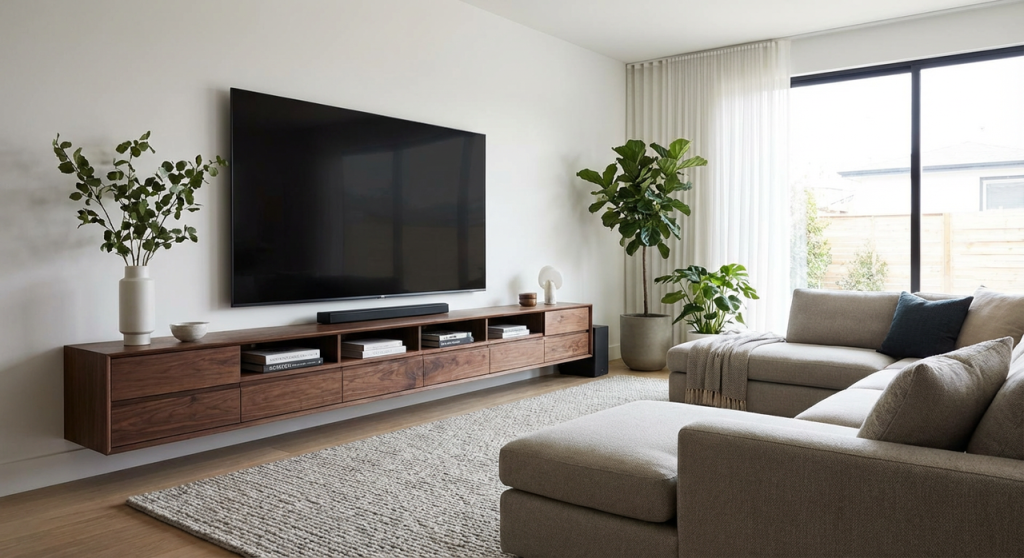
A simple approach: first decide where your TV sits, then place your floating TV stand so it visually lines up and leaves enough clearance.
Eye-Level Rule for Comfortable Viewing
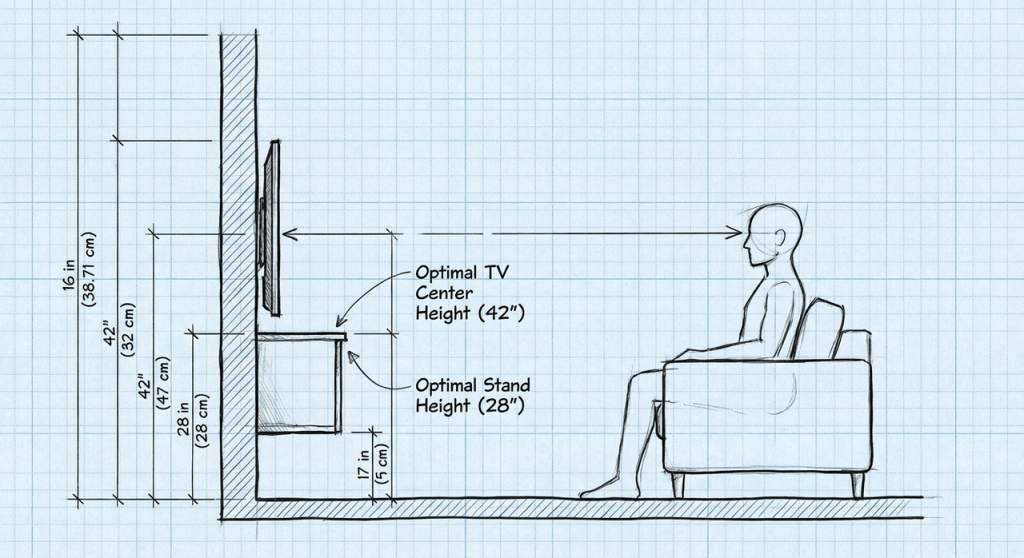
For most sofas, the center of the TV should be about 42 inches from the floor. That usually lands at your natural eye level when you’re sitting.
So, if your TV is centered at 42″, you typically want the top of your floating TV stand around 18–24 inches from the floor, depending on stand height.
Seated vs Standing Viewing Height
- Mostly seated viewing (living room, family room): Stick close to the 42″ center rule.
- Mixed seated and standing (open-plan spaces, kitchen TV): You can bump the center up to 48″ so it’s easier to see while you walk around.
Just remember: your floating TV stand should still leave enough space underneath for a clean, airy look and for easy floor cleaning.
Above-Fireplace Mounting Exceptions
Mounting above a fireplace throws the rulebook a bit:
- The TV center may end up at 54–60 inches or higher.
- In that case, keep your floating TV stand slightly higher too, so the gap between stand and TV doesn’t look awkwardly huge.
If your room is tricky, it helps to look at real-life living room layouts on your site’s inspiration or blog pages and copy a layout that matches your wall height and seating.
Weight Capacity and Wall Types for Floating TV Stands
A floating TV stand only feels magical if it’s rock-solid. That comes down to your wall type and how much weight you’re asking it to hold.
Drywall vs Stud Mounting Requirements
If you’re in a typical US home, you’re probably dealing with drywall over wooden studs.
- Best practice: Mount the stand’s main brackets directly into studs using the recommended screws/lag bolts.
- Avoid relying only on drywall anchors for a heavy floating TV stand plus gear. Anchors alone are fine for a picture frame, not for your entire entertainment center.
For concrete, brick, or block walls, you’ll use masonry anchors rated for the stand’s load.
TV and Stand Combined Weight Limits
Always check:
- Stand’s weight rating (for example, rated to hold 110 lbs).
- What you’re putting on and in it:
- TV (if it’s partially resting on it)
- Consoles, speakers, decor
- Inside cabinet weight (games, books, etc.)
Add it all up and stay comfortably below the max rating. If your setup is heavier, upgrade to a heavy-duty floating TV stand or split the load with additional wall brackets or shelves.
For more peace of mind, you can also read your site’s guide on weight limits for wall-mounted storage to understand how much your walls can safely handle long-term.
Cable Management Solutions for Floating TV Stands
Nothing ruins the look of a sleek floating TV stand like a waterfall of cables.
Look for stands with:
- Built-in cable channels: Pass-through holes in the back panel so wires stay hidden.
- Separate compartments: One side for consoles, another for routers and power strips.
- Removable back panels: So you can actually reach ports without crawling on the floor.
If your media wall includes consoles, speakers, routers, or gaming gear, storage-friendly TV stands can make the setup feel cleaner while keeping everyday electronics organized.
Simple upgrades that help:
- Slim surge protectors inside the cabinet to centralize power.
- Velcro wraps or cable sleeves to bundle wires.
- A wall-rated cable kit if you want the TV wires to disappear entirely into the wall.
Set it up right once, and you won’t have to chase down mystery cords every time you plug in a new device.
5 Common Floating TV Stand Installation Mistakes
Avoid these, and your floating TV stand will look good and stay secure.
- Guessing stud locations
Don’t tap and hope. Use a stud finder, confirm with small test holes if needed, and anchor into solid framing.
- Mounting too high or too low
Follow the eye-level rule and test with painter’s tape on the wall before drilling. Sit on your sofa and double-check.
- Ignoring weight ratings
Overloading your floating TV stand with big speakers, stacks of books, and a massive console is asking for trouble. Respect the spec sheet.
- Skipping a level
An unlevel stand is the kind of thing you’ll notice every single night. Use a real level, not “that looks straight enough.”
- Forgetting future gear
Leave extra space and cable access for the devices you’ll add later, streaming boxes, gaming consoles, a soundbar upgrade, you name it.
When you measure carefully, mount into studs, and plan for cables and weight, a floating TV stand gives you a clean, family-friendly setup that saves time every week, especially when you’re not dragging a heavy cabinet around just to vacuum.
Browse our best-selling floating TV stands to find the perfect, hassle-free match for your TV size and room layout.
Floating TV Stand FAQs
What is a floating TV stand and how is it different from a regular TV stand?
A floating TV stand is a wall-mounted media console that appears to “float” above the floor. Unlike floor-standing units with legs or a base, it’s attached directly to the wall, leaves the floor clear for easier cleaning, and usually hides cables and devices for a cleaner, modern look.
How high should I mount a floating TV stand under my TV?
For most living rooms, aim for the TV’s center to be around 42 inches from the floor. Then place the top of the floating TV stand about 18–24 inches from the floor, depending on stand height. This keeps viewing comfortable while leaving enough clearance for an airy, easy‑to‑clean look.
What size floating TV stand do I need for a 65 inch TV?
For a 65″ TV, look for a floating TV stand between 60–72 inches wide. The sweet spot is usually 70–72 inches, which gives a balanced, high-end look and enough space for consoles, speakers, and hidden storage without the stand feeling too small or overwhelmingly bulky under the screen.
Can I mount a floating TV stand on drywall without hitting studs?
For a heavy floating TV stand, you shouldn’t rely on drywall anchors alone. In typical drywall-over-stud walls, the main brackets should be secured directly into wall studs with proper screws or lag bolts. Drywall anchors alone are better for light decor, not a loaded media console plus electronics.
Are floating TV stands safe for renters or should I avoid them in apartments?
Floating TV stands can be tricky for renters because they require substantial wall holes and stud or masonry anchors. Many leases limit this kind of modification. If you rent, consider a low-profile floor stand, or get written permission and be ready to repair the wall when you move out.
Past Review:


