 By Stephanie
If you are comparing HD vs Ultra HD TV, the useful question is not simply which resolution has more pixels. It is whether those extra pixels will create a visible improvement from your sofa, on the screen size you plan to use, with the content you actually watch. Ultra HD can deliver much finer detail, especially on larger screens, but viewing distance and source quality can narrow the difference. This guide helps you decide when 4K UHD is worth choosing—and what else in your living-room setup may need attention.
Table of Contents
What Is the Difference Between HD, Full HD, and Ultra HD TV?
HD, Full HD, and Ultra HD describe different display resolutions. In common consumer TV terms, HD usually means 1280 × 720, Full HD means 1920 × 1080, and 4K Ultra HD means 3840 × 2160. A 4K UHD screen contains about 8.3 million pixels—four times the roughly 2.1 million pixels in Full HD.
In everyday TV shopping, 4K and Ultra HD usually describe the same consumer category. For this guide, HD vs Ultra HD TV refers to the practical decision most households face: whether replacing an existing 1080p television with a 4K model will produce a visible improvement.
Resolution sets the maximum detail a screen can display, but it does not determine overall picture quality by itself. Screen size, seating distance, source resolution, contrast, HDR performance, and image processing all affect what the viewer actually sees.
When Can You Actually See the Ultra HD Difference?
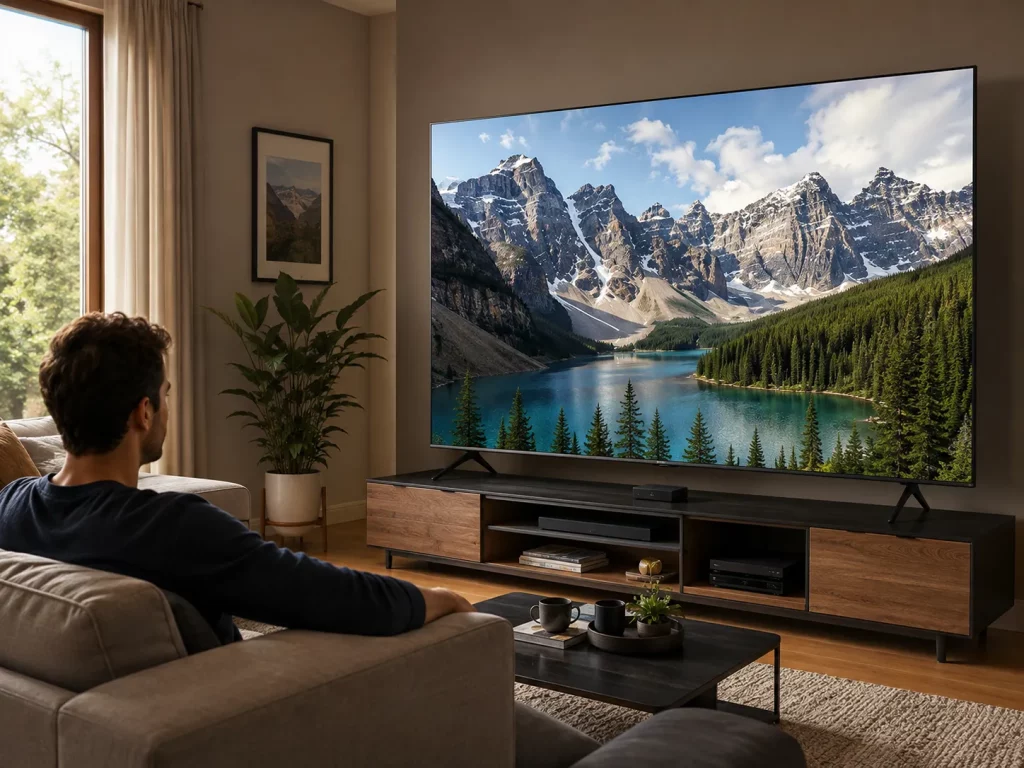
The visible benefit of UHD depends on three variables working together: screen size, viewing distance, and source quality. A larger television viewed relatively close gives those extra pixels more opportunity to matter. Move the sofa farther away or feed the TV low-resolution content, and the difference can shrink even though the panel itself remains 4K.
Screen Size
On the same physical screen size, 4K places four times as many pixels on the panel as Full HD. As the screen becomes larger, Full HD’s lower pixel density becomes easier to notice, while 4K preserves finer detail. That makes resolution more relevant on a large main TV than on a small secondary screen.
Screen size still needs to suit the room. If an upgrade also changes the proportions of the TV wall, use a TV stand size guide for 55–85 inch TVs to check furniture width separately.
Viewing Distance
Distance determines whether the extra pixel density remains visible. Sony recommends a reference viewing distance of about 1.5 times the screen height for 4K models and three times the screen height for HD models. These are viewing references rather than universal comfort rules (Sony).
A household sitting relatively close to a 75-inch main TV therefore has more reason to value 4K detail than someone watching a smaller bedroom screen from across the room.
A 2025 Nature Communications study measured foveal resolution limits as high as 94 pixels per degree for achromatic patterns and found different limits for some color patterns. Its model also shows where additional display resolution becomes increasingly difficult to perceive. The practical takeaway is not one universal cutoff: screen size, distance, visual acuity, and image content all affect the visible benefit (Nature Communications).
Source Quality
A 4K TV can upscale lower-resolution video to fill its 3840 × 2160 panel, but upscaling cannot turn HD footage into native 4K. A better processor may smooth edges, reduce noise, or make lower-resolution material look cleaner, but it cannot recover detail missing from the source.
Do not judge a television only from a polished native-4K store demo. Consider what will actually play at home: 4K streaming, broadcast TV, older Blu-rays, YouTube, sports, or games. If most viewing remains HD, processing quality may matter nearly as much as resolution.
How Do You Decide If a 4K TV Is Right for You?
Use the three factors above as a buying filter rather than treating 4K as an automatic upgrade. The table below shows where UHD is likely to make the most practical difference—and what to prioritize when resolution alone offers limited improvement.
| Your Everyday Setup | Likely 4K Detail Benefit | What to Prioritize |
| Small secondary TV viewed from farther away | Lower | Price, contrast, processing, and app support |
| 55–65 inch main TV viewed relatively close with regular 4K streaming | Moderate to high | HDR and overall panel performance |
| 75 inch+ screen with relatively close seating | High | Native 4K source quality |
| Mostly broadcast, cable, or older HD content | Source-limited | Upscaling and image processing |
| 4K/120-capable console on a large, closely viewed screen | High potential | HDMI capability, refresh rate, VRR, and input lag |
Once 4K is confirmed, pixel count no longer explains most of the difference between televisions. Contrast, black levels, brightness, local dimming, HDR performance, motion handling, and image processing may have a greater effect on overall picture quality.
HDR is also separate from resolution: UHD describes pixel count, while HDR concerns brightness and color range. Two 4K TVs can therefore have the same resolution but produce noticeably different pictures.
What Do You Need for a Complete 4K TV Setup?
Choosing a UHD television does not guarantee that a 4K signal will reach the panel. Trace the complete path: streaming plan or disc, source device, receiver or soundbar, HDMI cable, TV input, and display settings. One incompatible link can reduce the output before it reaches the screen.
- Content: Confirm that the show, game, disc, or service actually offers the resolution you expect.
- Streaming connection: Netflix currently recommends at least 15 Mbps for UHD, compared with 5 Mbps for Full HD and 3 Mbps for HD (Netflix).
- Playback device: A streaming box, game console, disc player, or receiver in the chain also needs to support the required output.
- HDMI capability: Match the cable to the signal you want to send. HDMI Licensing Administrator states that Premium High Speed HDMI supports certified 4K/60 performance, while Ultra High Speed HDMI supports configurations including 4K/120 (HDMI Licensing Administrator).
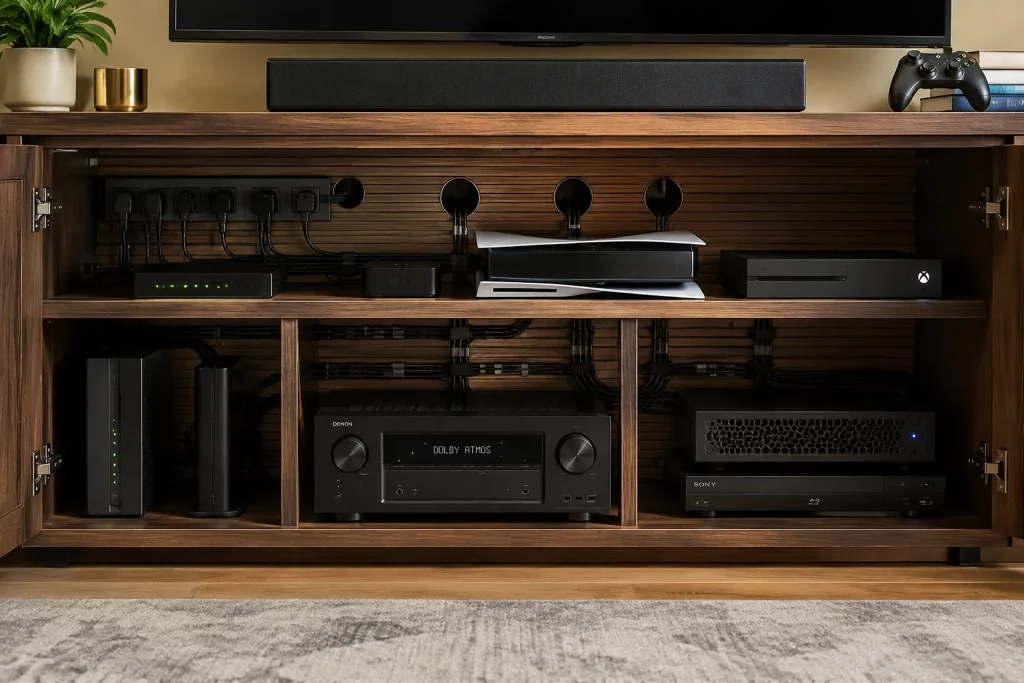
Do not automatically replace every cable because a new television is 4K. First identify the resolution and refresh rate being used, then confirm that each device and cable in the path supports them. When several boxes are connected behind the TV, planned TV stand cable management also makes later troubleshooting much easier.mpare two UHD televisions that have the same pixel count but noticeably different overall picture performance.
What Changes Around the TV After a 4K Upgrade?
A 4K TV does not require a special media console by itself. Furniture requirements change only when the upgrade also brings a larger screen, more source devices, or more complex connections. Replacing an older TV and cable box with a UHD screen, streamer, soundbar, and game console may increase the need for usable depth, storage, and rear access—but those are equipment changes rather than requirements of 4K resolution.
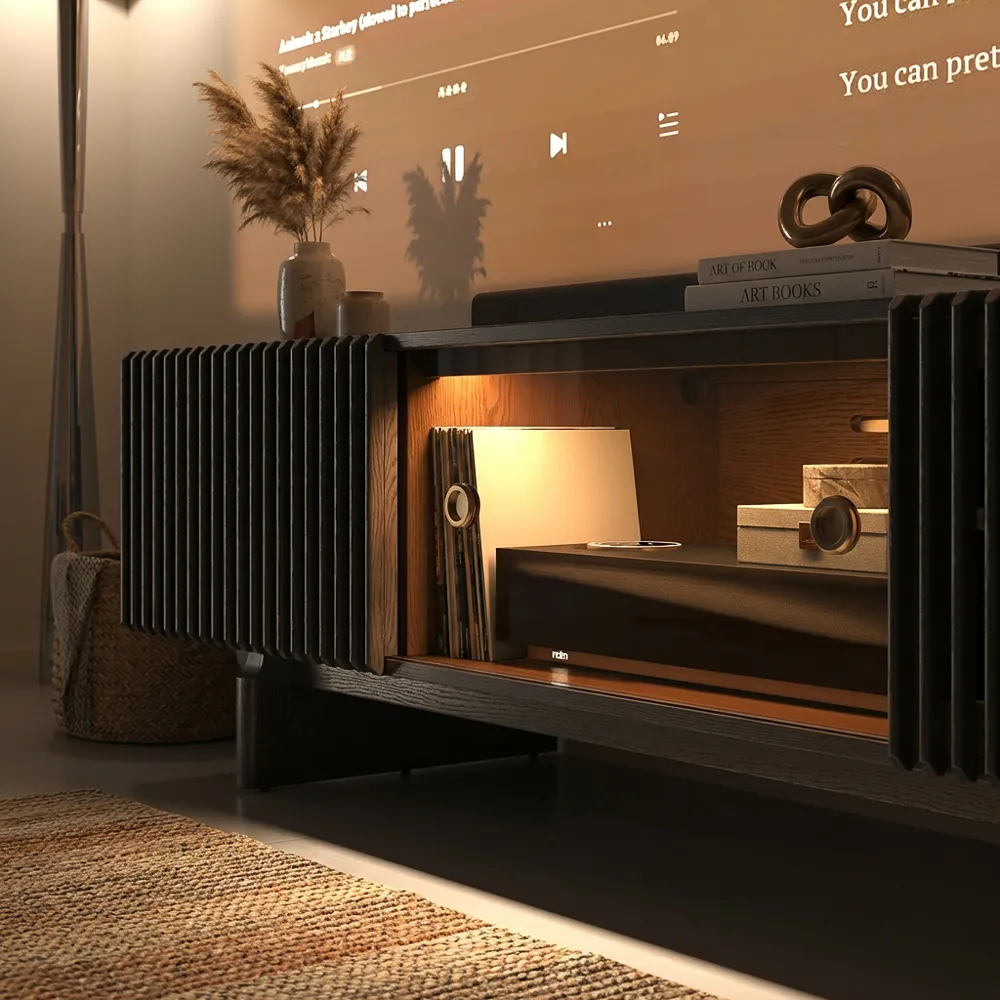
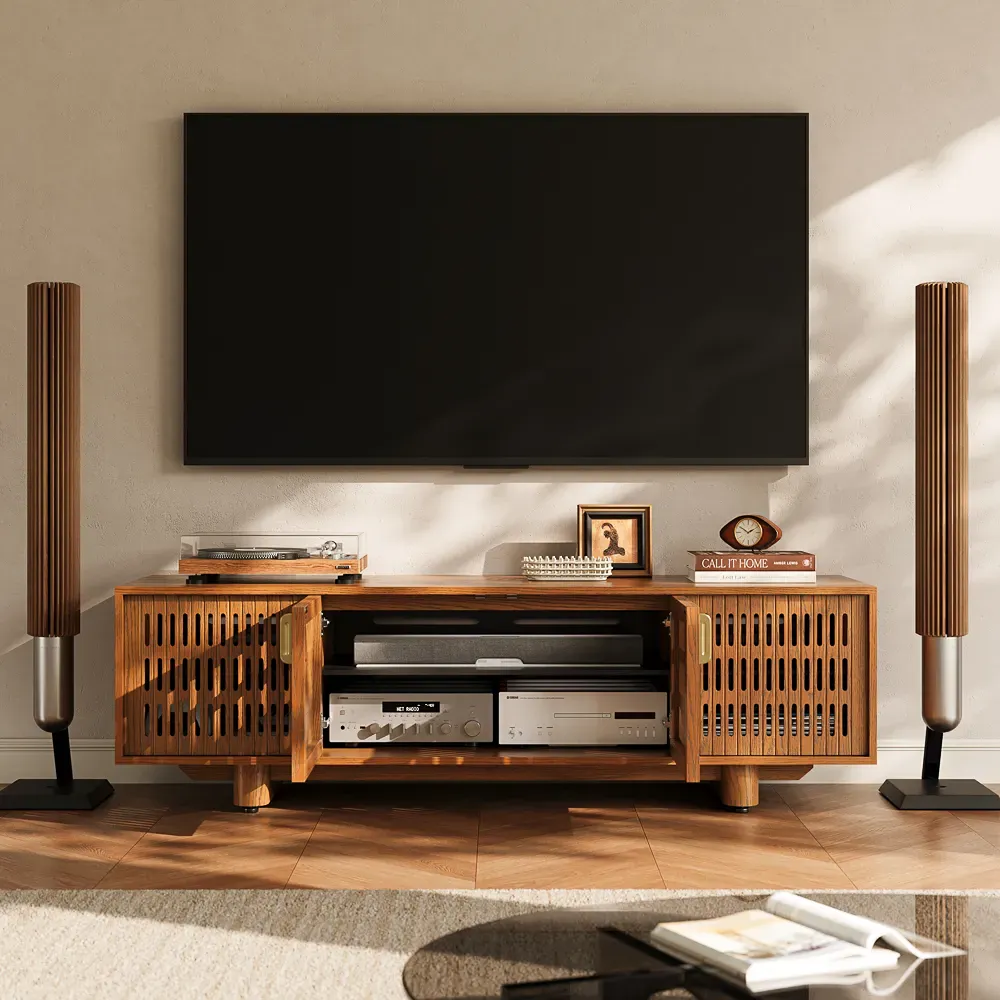
For a move from an older 1080p TV to a larger 4K screen, the POVISON Delven Verse Mid-Century Modern TV Stand suits a setup built around a streamer, soundbar, and one or two source devices. Its 18.3-inch usable depth, six internal and three rear cable holes, and two removable shelves help separate the devices and route their connections. Rear vents and slatted side doors provide an airflow path, subject to each device’s clearance requirements.
POVISON Delven Verse TV Stand
Keeps larger-screen living rooms looking balanced while giving everyday entertainment setups a cleaner place to grow.
For 4K/120 gaming or a receiver-based system, the POVISON Delven Axis Deep Vented Rolling Media Console is the stronger fit when HDMI connections change often. Its 18.7-inch usable depth leaves more room for deep hardware and rear plugs, while removable rear panels and hidden wheels improve access during cable swaps or troubleshooting. Metal shelves and all-around ventilation also help keep receivers and gaming consoles from overheating.
For receiver-specific measurements, use the media console for an AV receiver guide and measure the component with its rear plugs connected.
POVISON Delven Axis Deep Media Console
A practical fit for gaming and AV setups that need easier access as devices, connections, and upgrades change.
Conclusion
A 4K upgrade makes the most sense when a larger screen, relatively close seating, and native 4K content work together. If a smaller 1080p TV is viewed from farther away and still meets the household’s needs, replacing it for resolution alone may offer limited value. Compare HDR, contrast, processing, and gaming features as well as pixel count, then confirm that the content, device, HDMI path, and TV input can deliver the intended signal. Furniture only needs to change when the screen size or connected equipment changes with it.

Build a Better Entertainment Setup
Explore media consoles designed for organized storage, ventilation, and modern entertainment equipment.
Q&A
Does a Larger TV Need a Wider Media Console?
Usually, but width alone is not enough. Check the new TV’s actual width, foot or pedestal spacing, and weight against the console’s usable surface and load rating. For a wall-mounted screen, the console may be narrower, but it should still provide a visually balanced base without crowding nearby speakers.
Should I Upgrade My Media Console When I Upgrade to a 4K TV?
Only if the upgrade changes what the furniture must hold or how easily the equipment can be reached. Keep the current console when new source devices fit with their plugs attached and remain accessible. Replace it when added hardware blocks doors, crowds the shelf layout, or makes routine connection changes impractical.
Does TV Height Matter After Choosing a New Screen?
Yes. A larger screen places its center higher even when the console remains unchanged. Sit in your normal viewing position, measure your seated eye level, and include the TV base when checking the final height. If the screen center sits too high, choose a lower console or wall-mount the TV separately.
Should a Gaming Setup Use a Different Media Console?
Not necessarily, but the furniture should match how the system is used. Keep controllers and games near the front, reserve separate bays for active consoles, and confirm that doors do not obstruct ports or disc slots. A different console is justified when the current one makes daily access or equipment changes difficult.


