 By Jenny Smith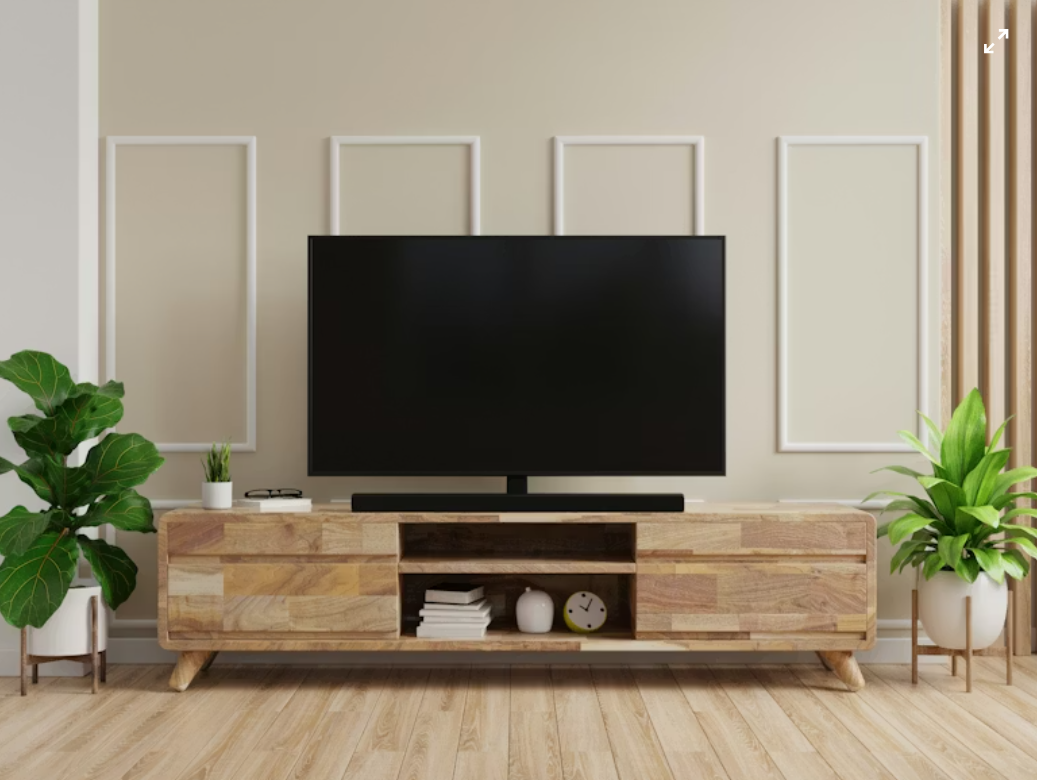
Why Your TV Stand Is the Secret to a Tidy Living Room
If your living room always looks a little “messy” no matter how much you declutter, the real culprit is probably the TV wall. Streaming boxes, consoles, speakers and routers all mean more cables, and the wrong stand leaves them hanging everywhere. Smart tv stand cable management turns that chaos into a clean, calm focal point you actually enjoy looking at. Because you spend about 2.6 hours a day watching TV, that wall really matters (U.S. Bureau of Labor Statistics, 2025).
Safety, Performance and Aesthetics in One Simple Upgrade
Loose cords aren’t just ugly; they’re a real safety issue. The U.S. Consumer Product Safety Commission estimates around 4,000 extension-cord injuries a year, and about half are from people tripping over them, plus roughly 3,300 residential fires linked to extension cords annually (U.S. Consumer Product Safety Commission, via William & Mary EHS). When power and data cables are tangled or sharply bent, they can cause interference, overheating and random glitches. Hidden, organized cables protect your family, your devices and your sanity in one go.
Common Cable Problems a Good TV Stand Can Solve
Today’suggle a smart TV, soundbar, gaming console, streaming box, maybe a router or mesh node. Research shows U.S. internet households now own an average of 17 connected devices, with 89% subscribed to at least one streaming service and 66% owning a smart TV (Parks Associates via MediaPost, 2024). No wonder cables pile up. A well-designed stand solves cable “puddles,” awkward diagonals to far-away outlets, and the ugly power strip sitting on the floor that collects dust bunnies.
Key TV Stand Cable Management Features to Look For
Built-In Cable Routing – Grommets, Channels and Cutouts
Look for TV stands with rear grommets or cutouts so cables can pass straight through the back instead of draping over the sides. Vertical and horizontal channels help keep bundles closer to the furniture, rather than hanging freely. Removable access panels are useful if you swap devices often, because you can reach connectors without shifting the whole stand away from the wall. These details don’t change how your TV works, but they do change how easily you can keep everything orderly over time.
| Aspect | Stand with cable routing | Open-shelf TV stand |
| Cable visibility | Easier to guide cables out of sight using holes/channels | Relies more on manual bundling and decor to disguise cables |
| Cleaning & access | Fewer exposed cables, but more panels and corners to work around | Faster surface dusting, cables may collect dust or snag when cleaning |
| Setup flexibility | Structured paths keep layouts repeatable, may require a bit of planning | Very flexible for unusual device layouts, but less built-in containment |
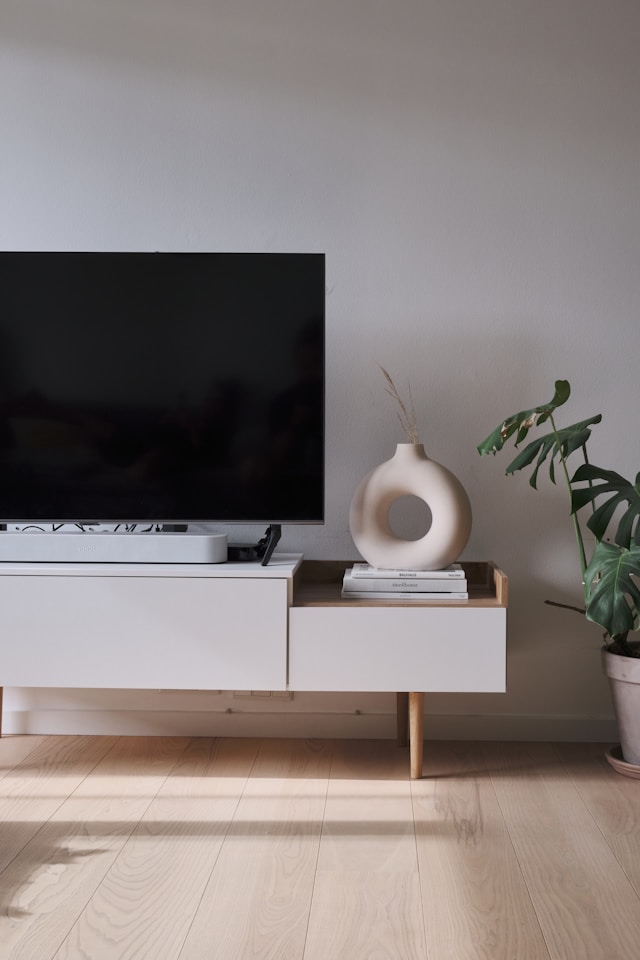
If your priority is making cables almost invisible, a stand with routing gives you a natural advantage because most wires disappear behind panels. If you prefer an open-shelf design, you can still hide cables, but you’ll need to combine good bundling (ties, sleeves) with styling tricks, such as placing baskets or plants where cables drop toward the outlets.
For more detail on how stands handle function and structure, you can also skim Povison’s guide on how TV stands really work.
Storage and Power Features That Keep Cables Out of Sight
The best tv stand cable management doesn’t just hide cords; it hides everything that creates them. Look for cabinets or drawers deep enough to hold a full power strip, excess cable length and even a small router. Some stands include a dedicated compartment for a surge protector plus vents or slatted doors so receivers and consoles don’t overheat. Aim for extra depth and height so future gear upgrades fit comfortably instead of being crammed against the back panel.
Open vs Closed Back Panels – Which Design Works Best for You?
Open-Back TV Stands – Flexible but Harder to Hide
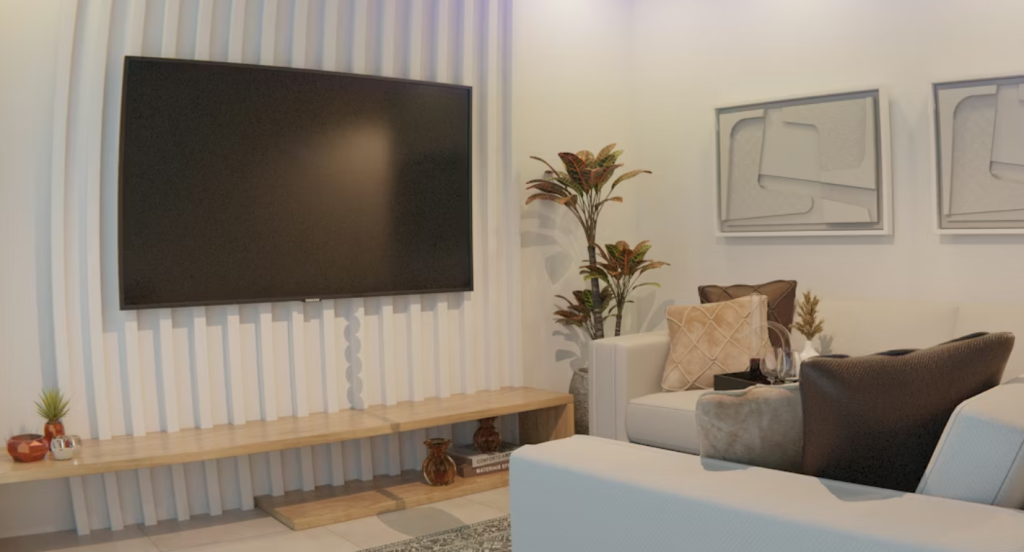
Open-back stands are forgiving: they allow generous airflow and make it easy to route cables directly to any outlet on the wall. They’re great if you like to rearrange devices often or live in a small space where you might occasionally shift the layout. The trade-off is that it’s much harder to hide cables completely; from the side you’ll usually spot cords hanging toward the outlets, especially if the wall has multiple sockets at different heights.
Closed-Back or Partially Closed Stands – Cleaner Look, Needs Planning
Closed-back or mostly closed stands make it far easier to achieve that “TV floating over a perfectly clean wall” look. The back panel hides most wiring, and well-placed cutouts let cables disappear almost immediately after they leave the device. The catch: you must plan where outlets sit, where the stand will live, and how thick your plugs are, or the panel can end up blocking access. Prioritize models with vent holes or slatted backs so receivers and game consoles can dump heat safely.
How to Set Up Clean, Hidden Cables With Your TV Stand
Plan Your Layout Before You Plug In Anything
Before you plug in a single thing, list every device you’ll use: TV, soundbar, console, streaming box, speakers, router, even a smart hub. Note each one’s power, HDMI, optical and network cables. Measure from your outlets to the stand and from the stand to key devices so you’re sure cables are long enough without slack everywhere. A quick sketch in your notes app, showing which device goes on which shelf and where each cable exits, saves a lot of unplug-replug frustration later.
Step-by-Step Cable Routing for a Tidy Result
- Place the TV and the largest devices in position.
- Mount or fix your power strip or surge protector to the back or side panel.
- Connect all power cords first, then signal cables like HDMI or optical.
- Bundle cables by device group with reusable Velcro ties.
- Route bundles along the back or inside edges, threading them through grommets or channels.
- Coil extra length and secure it inside a cabinet or behind the power strip where it’s completely out of sight.
Extra Clean Setup Tips for a Minimal, Future-Proof Look
Keep It Serviceable – Labeling, Access and Future Devices
A perfectly hidden setup that’s impossible to maintain will drive you crazy. Use simple labels or masking tape and marker to tag both ends of each cable. Leave one or two spare outlets on your power strip and a free cable channel for a future soundbar or game console. Every time you swap a device, spend ten minutes re-grouping and re-tightening bundles so things never slip back into chaos. For layout inspiration, you can pair these habits with Povison’s guide to TV stands for small living rooms.
Styling Tricks to Make Your Setup Look Professionally Installed
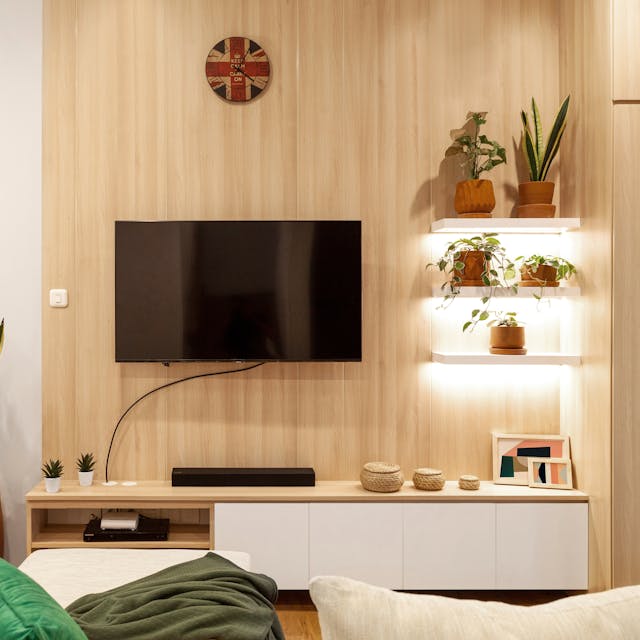
Once cords are under control, styling finishes the job. Use decor—plants, framed art, or a lidded basket—at the points where cables might still bend toward the wall. The goal isn’t to hide everything, just to guide the eye toward intentional shapes and lines. Try to keep any visible cords running vertically or horizontally along furniture edges instead of diagonally across space. For a bigger living-room refresh that tackles clutter more broadly, check out Povison’s living room makeover ideas.
Conclusion – Let Your TV Stand Do the Hard Work
Good tv stand cable management isn’t about perfection; it’s about making your living room easier to live with every day. When the stand handles routing, storage and power neatly, you spend less time untangling wires and more time actually enjoying movie nights, game sessions and quiet weekends. With the right mix of built-in cutouts, hidden storage and a little planning, your TV wall stops shouting “clutter” and starts looking like the calm centerpiece of a thoughtfully designed home.
FAQs About TV Stand Cable Management
How do I manage cables if my outlets are far from the TV stand?
Use a single, heavy-duty extension cord or surge protector rated for your total wattage and route that neatly behind the stand, instead of running several thin cords across the room. Keep it tight to the wall with adhesive clips and avoid covering it with rugs. Whenever possible, choose a TV stand deep enough that plugs aren’t ctlet.
Can I hide TV cables without drilling into the wall?
Yes. Choose a stand with a solid or partially solid back panel and generous cable cutouts, then route everything behind the unit. Use adhesive raceways that stick to the wall and can be painted to match, plus cable sleeves and Velcro ties. This combo keeps cords discreet while staying completely reversible and landlord-friendly, especially in rentals or temporary setups.
What if I rent and can’t make permanent changes?
Focus on solutions that peel off cleanly and move with you. Floating raceways, adhesive hooks, under-desk trays and stands with strong built-in cable channels all hide wiring without holes. A closed-back or partially closed TV stand will do most of the visual work, while furniture placement and decor—like baskets or plants at cable exit points—help disguise the rest.


