 By Stephanie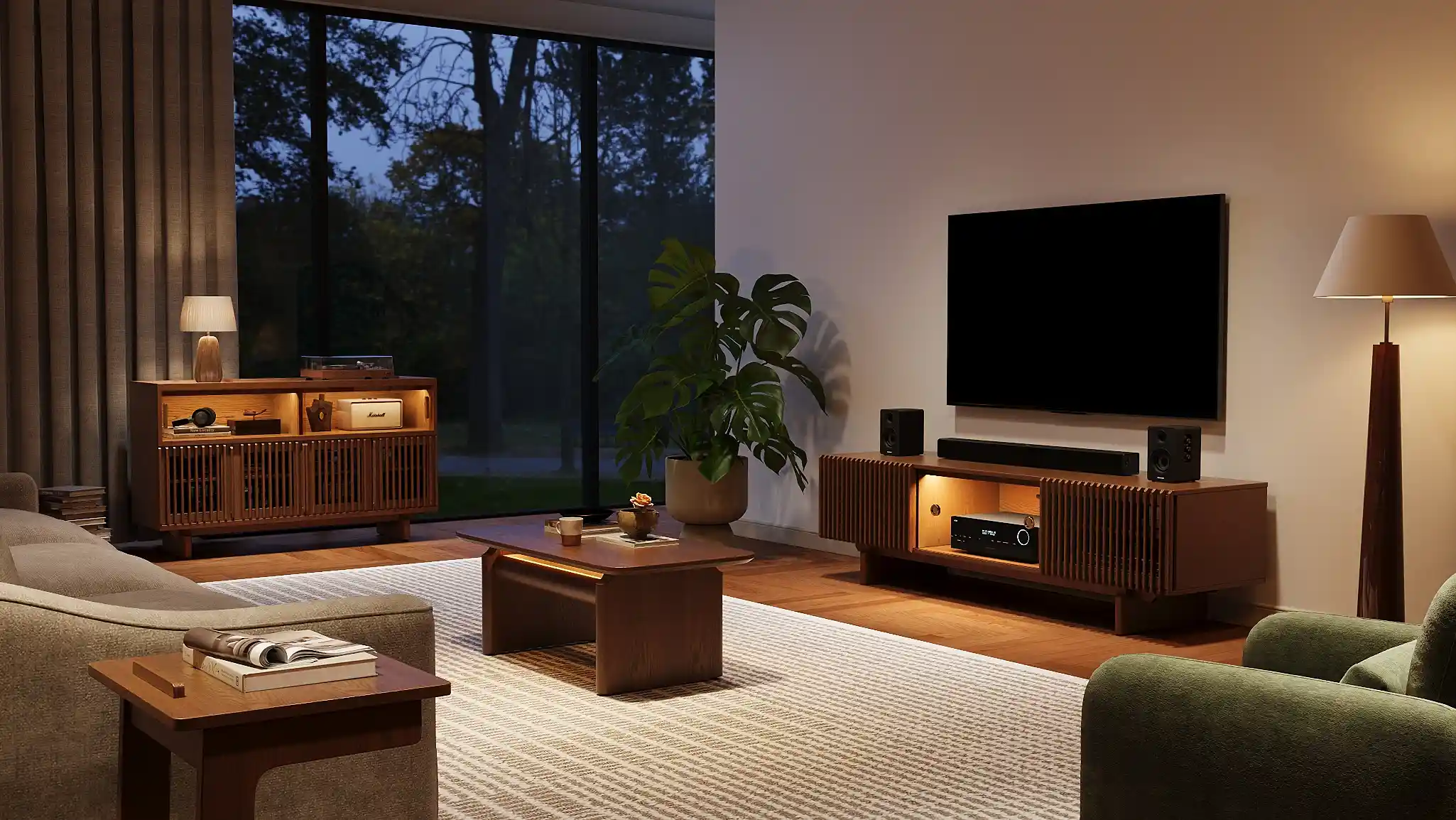
A living room gaming setup should make it easy to play without making the room harder to use the rest of the day. The key decisions are where players sit, how they see the screen, and what happens to the equipment when the game ends. Start with the games you play and the furniture you already own. Then test the screen position, seating, table, and walking routes before buying anything new. This guide walks through that process for a living room shared with family, friends, and everyday routines.
Table of Contents
What Kind of Gaming Setup Fits Your Living Room?
Choose a layout based on how you control the game, not how a gaming room looks online. A controller needs a comfortable view of the TV and somewhere to put a drink. A keyboard and mouse need a stable surface at a usable height. Local multiplayer needs more than one seat with a clear view.
| How you play | Layout to try first | Check before committing |
| Console or handheld games, mainly from the sofa | TV opposite the main seating area; console near the TV | Can players reach their controllers and see text on the screen without leaning forward? |
| PC games played with a controller | PC connected to the living room TV; sofa remains the main seat | Where will the PC sit, and can you access it without leaving equipment in a walkway? |
| PC games played regularly with a keyboard and mouse | Small workstation along a side wall, separate from the TV seating area | Can the chair pull out fully without blocking the sofa, a door, or a route through the room? |
A household may use more than one approach. If someone plays PC games at a desk most evenings but joins family games on the TV at weekends, keep the desk usable and plan a separate TV connection. Trying to make a coffee table serve as a permanent keyboard desk usually creates an awkward compromise.
These living room gaming setup ideas also help set a limit on furniture purchases. A second screen, gaming chair, or larger table should solve a use you have identified, rather than occupy floor space in case you need it later.
How Should You Position the Screen and Seating?
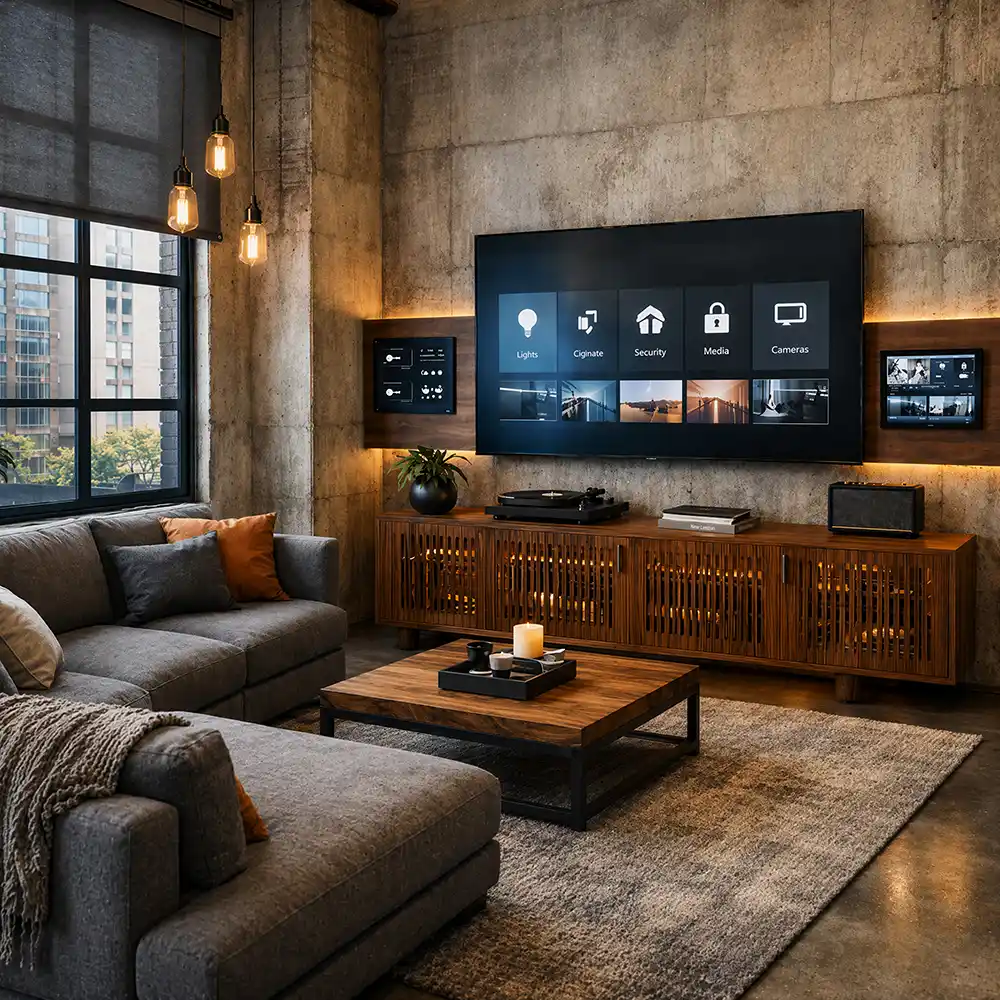
For a living room gaming setup, place the screen where the primary player can face it comfortably, then test the view from every seat you expect to use. The room’s most attractive wall is not necessarily the right TV wall if afternoon glare washes out the picture or the sofa must sit across a doorway.
Use the furniture you have for a short trial:
- Choose a screen position. Check the location in daylight and after dark. Notice reflections from windows and lamps, and confirm that the TV and equipment can reach suitable outlets.
- Sit where you would actually play. Open a game with menus or small text. If you have to lean forward to read it, reconsider the seat position or display before buying a deeper sofa.
- Add the other players. Have two people sit with controllers while someone walks the usual route to the kitchen or hallway. A side chair may work for watching but be uncomfortable for a player who must turn toward the screen throughout a session.
Which Furniture Makes Gaming and Daily Life Work Together?
Choose each piece for the job it must do while people play and when they stop. Seating determines how comfortably players face the screen; the table controls what stays within reach; the media console determines whether active equipment is accessible while smaller accessories have a place to go. Evaluate those jobs separately before treating the furniture as a matching set.
Seating for the Way You Play
For controller games, start with back support and a clear screen view. A very deep seat may feel inviting for lounging, but some players will need a cushion behind their backs to sit upright and use a controller comfortably. For two regular players, check that both seats offer usable support and sightlines, rather than counting every place someone could briefly perch.
When two people share the TV but prefer different sitting positions, a fixed-depth sofa can make one player sit farther back than they want. The Aurora Multifunctional Sofa Bed lets one seat extend for lounging while the other remains shallower for upright controller play. Its 27-to-45.5-inch adjustable depth makes that difference practical in the same seating area. Check the space between the sofa and coffee table with the seat extended.
If you are still comparing seating types, couches for different gaming room setups can help distinguish an upright loveseat from a deeper sofa or sectional.
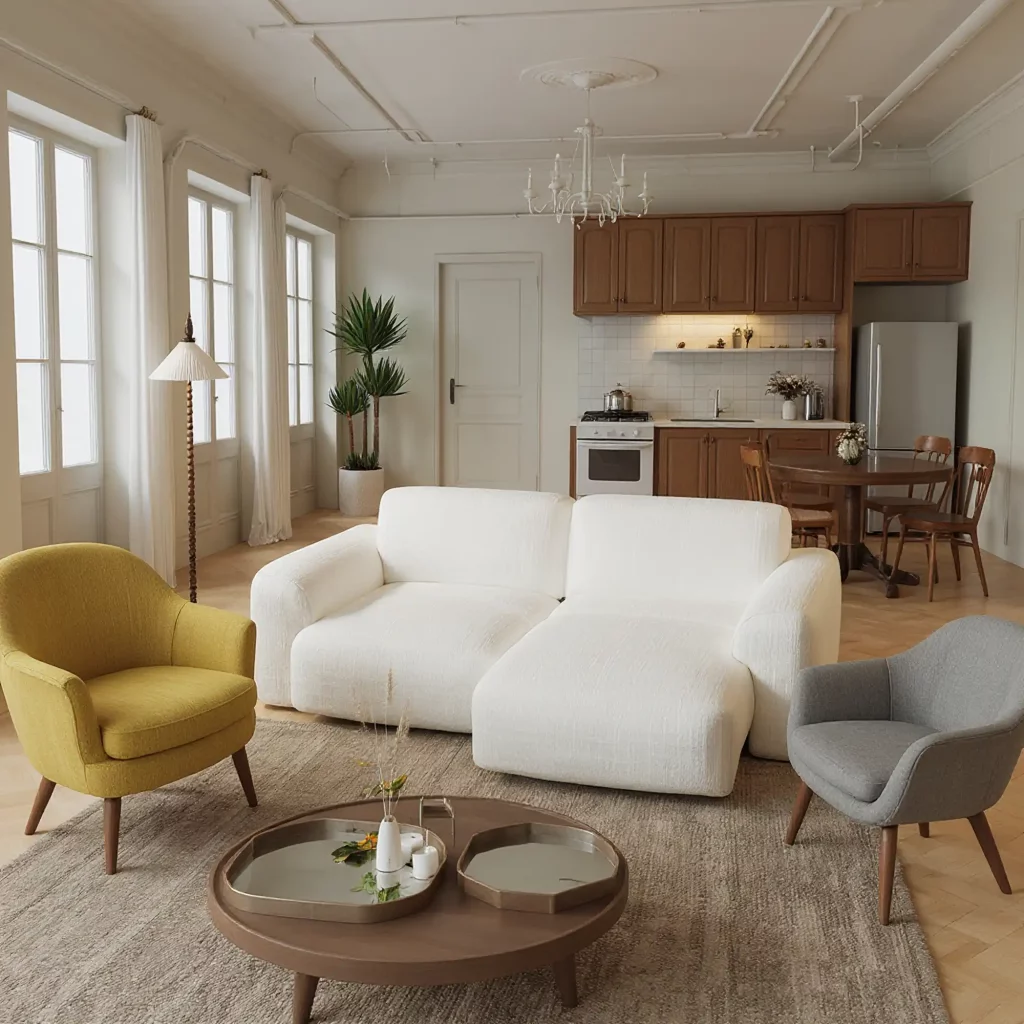
Aurora Multifunctional Sofa Bed
A smart fit when two regular players share one screen but don’t want to sit in exactly the same way.
A Table That Leaves Room to Move
Keep a surface within reach for drinks and controllers, but avoid choosing a table solely because it fills the space between the sofa and TV. Check whether people can stand up without stepping around its corners. If the sofa extends or someone uses an ottoman, decide where the table will go during play.
A compact coffee table can hold drinks and controllers during play. In a narrower room, a side table at each end of the sofa may leave the center open for an ottoman or for people to walk through. Choose the arrangement that lets players reach their things without moving the table whenever someone stands up.
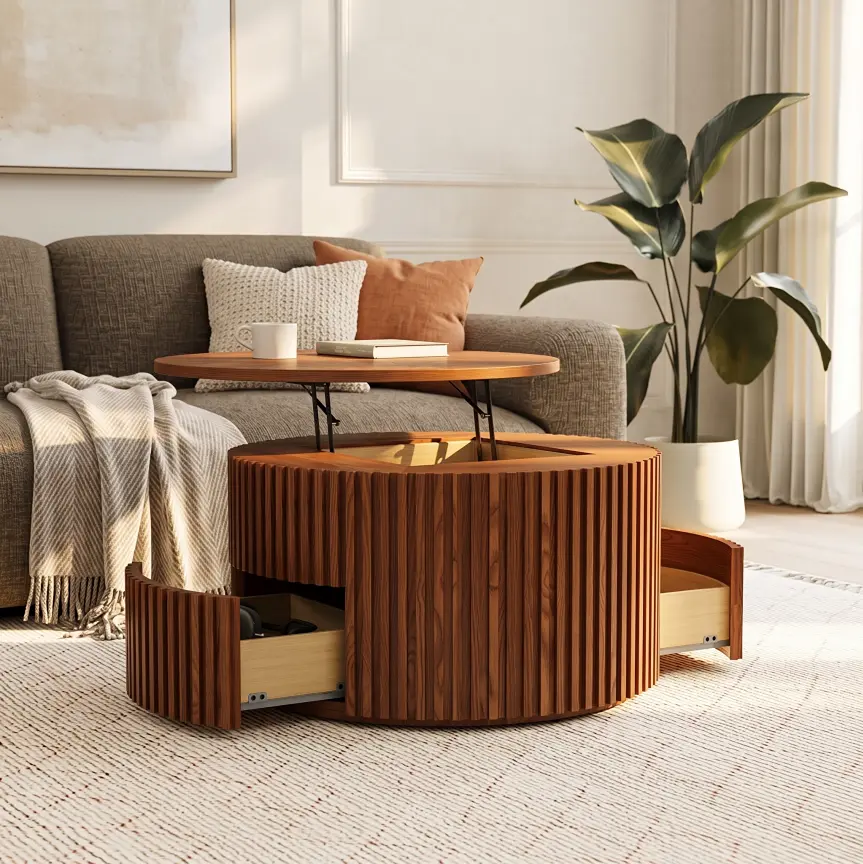
Silva Lifting Top Round Coffee Table
The raised surface is handy for an occasional snack or laptop, while the drawers give small accessories a place to go afterward.
A Media Console That Keeps Gear Reachable
Decide which devices must remain connected and which accessories can be put away. Check whether you can reach the active equipment without pulling the cabinet from the wall or disturbing the TV. Closed storage is useful only if the components inside still have the operating space required by their manufacturers.
In a shared living room, the TV wall needs to hold the equipment without leaving every cable and accessory on display. The Delven Verse Deep media console suits a setup with a game console and other connected components: its 18.3-inch usable interior depth gives devices room beyond their bare footprint, while internal and rear openings provide routes for cables. Check the connected device’s dimensions and required ventilation space before assigning it a compartment.
If several systems share the cabinet, organizing gaming consoles and gear in one cabinet becomes a separate decision about operating space, daily access, and storage zones.
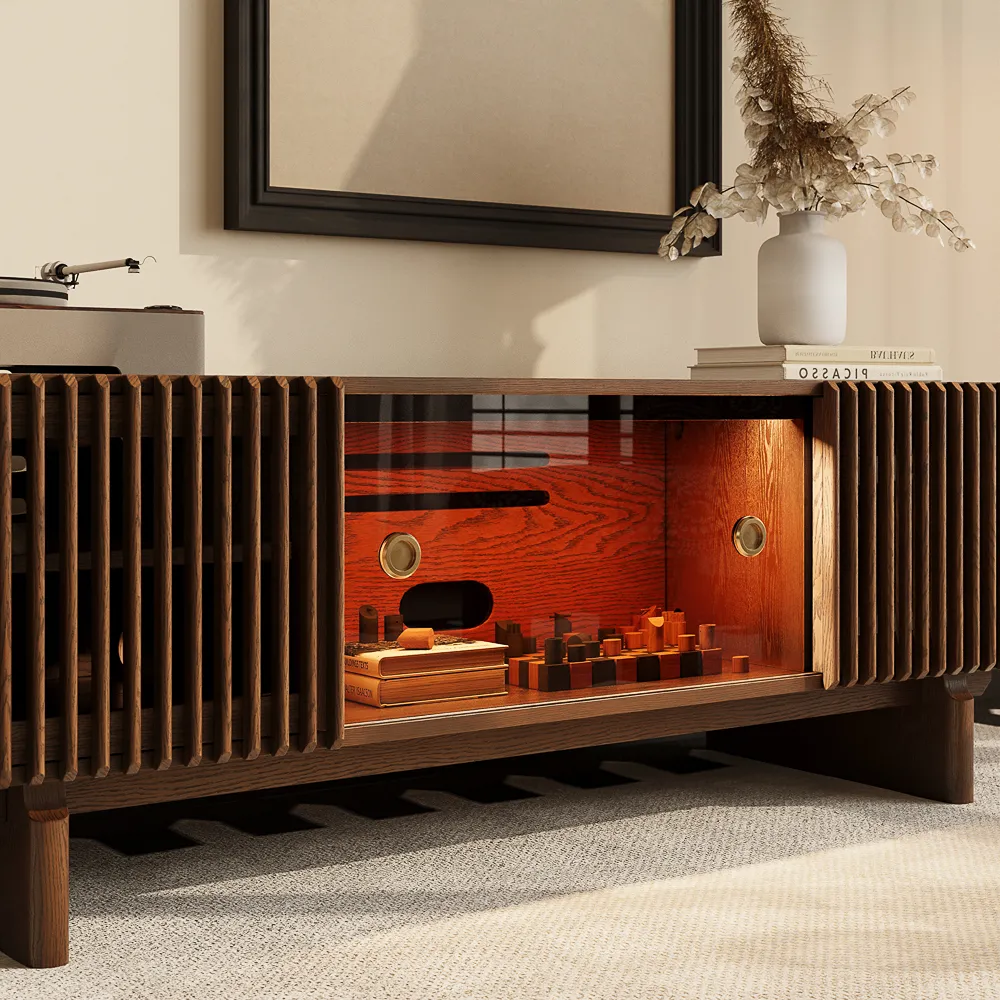
Delven Verse Mid-Century Media Console
It makes the most sense when the TV wall holds several connected devices and still needs to look like part of the living room.
How Do You Make the Setup Easy to Live With?
A useful gaming setup in a living room must also work when someone else is home. If one person plays while another reads or talks, give the second person a seat outside the main player’s sightline and a lamp they can control. Try the arrangement with a game running; a layout that looks open when the TV is off may feel crowded once both seats are occupied.
Keep room lighting bright enough to move around without reflecting directly in the screen. For late sessions, lower the game volume or use headphones before adding more speakers. Route equipment cables along the furniture rather than across the path people take through the room. These small choices let different activities happen at the same time without requiring a separate gaming room.
What Should You Check Before Buying Furniture?
Measure furniture in use, not just as it appears in a product photo. Before buying, test the busiest version of the room: players seated, controllers in hand, a drink on the table, and the equipment running. Check four points:
- Can someone leave a seat without pausing the game so another person can move?
- Can you open the media console to reach a device without shifting the coffee table?
- Is there still room for a charging lead or powered sofa cord to reach an outlet without crossing a walking route?
- Does the workstation chair remain usable while someone else occupies the sofa?
If the busiest version of the room works, record the space available for each new piece before ordering. For a large sofa or media console, also check the delivery route through doorways, hallway turns, stairs, or elevators. A workable floor plan does not guarantee that the furniture can reach its intended position.
Conclusion
A living room gaming setup succeeds when the people using it can play comfortably and everyone else can still use the room. The right arrangement may be a sofa facing one TV, a separate PC corner, or a combination of both. Keep the pieces that support those routines and question anything that blocks a seat, passage, or everyday activity. Once you have tried the layout with players and equipment in place, you can choose furniture for a problem you have actually observed rather than for a setup that only looks convincing in a photo.
FAQ
Can someone game while another person watches TV?
If both activities need the same TV at the same time, the layout cannot solve the conflict. Decide whose activity uses the main screen and whether the other person needs a separate display or a different time slot. Headphones can reduce noise, but they do not create a second picture.
Where should drinks go during group play?
Put drinks on a stable side table or the outer edge of a coffee table, away from controllers, charging docks, and exposed electronics. Test whether every player can reach a surface without leaning across another person. If there is no safe spot, add a small movable table rather than crowding the media console.
How do I manage cords around children or pets?
Keep fixed power and display cables away from walking routes and use suitable cord covers where needed. Put temporary controller charging leads away after use rather than leaving them across the floor. Check accessible cords for damage, and keep power strips where they cannot be pulled or covered.
Can a projector replace the living room TV?
A projector may suit a living room with a suitable image surface, a practical placement position, and controllable light. Test the room at the hour you usually play; daytime brightness can change the decision. Also consider whether everyone can start ordinary TV viewing without setting up equipment each time.
What if my living room has no space for a gaming desk?
If you mainly use a controller, connecting a PC or console to the TV may remove the need for a permanent desk. Regular keyboard and mouse play still needs a stable surface at a comfortable height. If that cannot fit without blocking daily movement, keep the workstation in another room rather than forcing it beside the sofa.


