 By Kelvin
Introduction
Cutting cable should not leave you with a blank screen, missing local channels, or a soundbar that no longer works. This guide explains how to cut the cable cord while rebuilding the TV, network, audio, and gaming connections your household still needs. You will identify what you watch, choose between streaming, live TV, and an antenna, then remove only equipment that has become unnecessary. The result is a smaller, easier-to-service setup—not a rushed cancellation followed by hours of reconnecting devices.
Table of Contents
What Should You Decide Before Cutting Cable TV?
The safest way to learn how to cut the cable cord is to audit content and costs before buying hardware. Review what everyone in the household watched during the past month rather than trying to replace hundreds of channels that were rarely used.
Record these details:
- Must-keep local news and broadcast stations
- Live sports, regional networks, and blackout concerns
- Shows currently stored on a rented DVR
- Paid apps already included through another membership
- Number of TVs and simultaneous streams
- Internet price after removing the cable bundle
A household may need an antenna for morning news, a live TV service for one sports network, and a single on-demand app for series. That combination is more useful than recreating the old cable package with several overlapping subscriptions.
Which Cord-Cutting Option Fits the Way You Watch TV?
People researching how to cut the cord from cable TV often begin by comparing apps. Start with the content format instead: on-demand programs, scheduled live channels, local broadcasts, or a combination.
| Option | Best For | Equipment Needed | Main Limitation |
| On-demand streaming | Viewers who mainly watch series and movies on their own schedule | Smart TV or streaming player, plus internet | May not include live local stations or sports |
| Live TV streaming | Households that want a familiar channel guide, news, and live sports | Compatible TV or streaming player, plus internet | Monthly costs can approach cable when add-ons accumulate |
| OTA antenna | Viewers who need available local broadcast stations | TV with an antenna input and an indoor or outdoor antenna | Reception depends on location, terrain, and building conditions |
| Hybrid setup | Households combining local broadcasts with selected streaming apps | Antenna plus a smart TV or streaming player | Requires switching between inputs or viewing interfaces |
Check the FCC Digital TV Reception Maps before relying on an antenna. The FCC notes that its signal calculations assume an outdoor antenna 30 feet above the ground, so indoor reception may differ considerably. Use the map as an initial check, then test an antenna in the actual room before canceling service.
How Do You Rebuild Your TV Setup After Cable?
Treat the change as a controlled cutover. Build the replacement system while the cable box still works, document the existing connections, and test each function separately. This order shows whether a failure comes from the new service, the network, an HDMI input, or the audio path before the old equipment disappears.
Step 1: Install and Test the Replacement First
Sign in to the selected apps or connect the new streaming player. If you are using an antenna, connect it to the TV’s ANT/RF input and run a channel scan. Verify your most important local station, one live program, and several regular shows.
Test the system during the hours when your household normally watches TV. A stream that works on a quiet weekday morning may behave differently while several people are gaming, video calling, and watching 4K content.
Step 2: Mark Which Devices Stay and Which Leave
Take a clear photo of the back of the cable box, TV, soundbar, and receiver before unplugging anything. Label the cables by destination rather than by appearance.
- Remove and return: Rented cable box, provider DVR, provider remote, and associated power adapters
- Keep: TV, modem, router, streaming player, antenna, and game console
- Reconnect: Soundbar, AV receiver, amplifier, Blu-ray player, and HDMI switch
- Confirm first: Coax lines, provider-owned network equipment, and devices included in a cable-internet bundle
Do not remove the modem simply because it came from the cable company. It remains necessary when cable internet continues after television service ends.
Step 3: Build the New Signal Path
A basic streaming system can follow this route:
- Internet connection → modem → router → smart TV or streaming player
- Streaming player → available TV HDMI input
- Antenna → TV ANT/RF input
- TV → soundbar through HDMI ARC/eARC or optical audio
For gaming, connect the console directly to an appropriate TV HDMI input unless an AV receiver or HDMI switch manages the sources. Rename inputs as “Streamer,” “Game Console,” and “Antenna” so household members do not have to remember which numbered port replaced the cable box.
Step 4: Reconnect Audio and Gaming
If the cable box previously connected directly to the soundbar, removing it breaks that audio path. Route sound from the TV to the soundbar through the connection supported by both devices, then select the TV’s external-speaker setting.
A receiver-based system usually keeps its existing structure: streamer and console into the receiver, then receiver output to the TV. Test picture and sound from each source before closing the cabinet or securing cables.
Step 5: Test the Complete System
Confirm that streaming, local channels, audio, gaming, remotes, and household profiles all work. Check that doors do not block compatible IR commands and that a streaming stick is not trapped where Wi-Fi reception becomes unreliable.
Once the rented box and DVR leave, a household that keeps a streaming player, game console, and disc player still needs clear device zones. The POVISON Delven Verse Mid-Century Modern TV Stand uses three cabinets and removable shelves to separate active sources from controllers and accessories. Slatted and glass-front sections allow compatible IR remotes to work without keeping every component exposed.
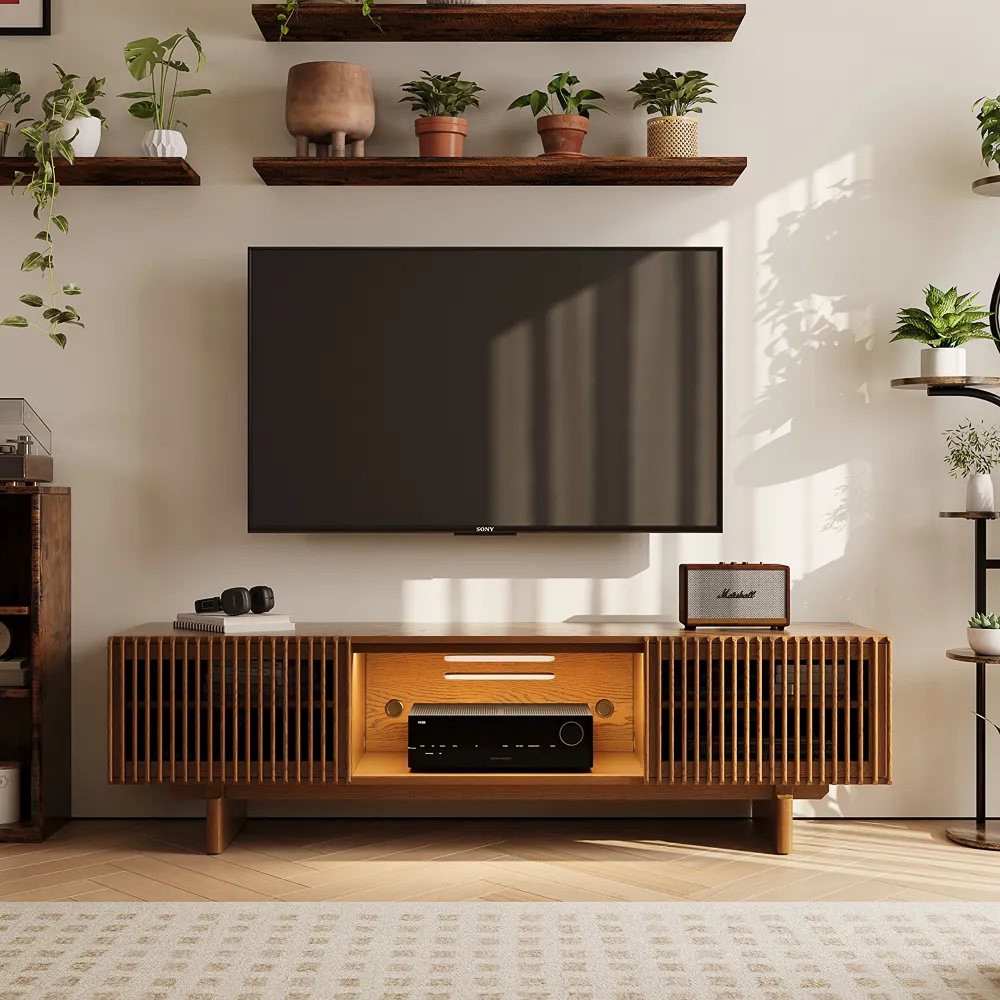
Delven Verse MCM TV Stand
Keeps a reduced device lineup organized without exposing everyday electronics.
👍 Best for: Streamlined streaming and gaming setups
✨ IR-friendly slatted and glass doors
✨ Six internal cable openings
✨ Two removable interior shelves
When Should You Cancel Cable and Return Old Equipment?
Cancel cable only after the replacement setup has completed a normal viewing cycle. That may include weekday news, a live sporting event, children’s programming, and regular streaming use. Testing one app for ten minutes is not enough.
Before contacting the provider:
- Confirm the internet-only price and start date
- Review recordings stored on the rented DVR
- List every box, remote, adapter, and power cord being returned
- Record device serial numbers when practical
- Ask how and where equipment must be returned
- Save the cancellation confirmation and return receipt
- Review the final bill for unreturned-equipment charges
Do not assume all equipment uses the same return method. Provider policies may differ by location, equipment type, and account status.
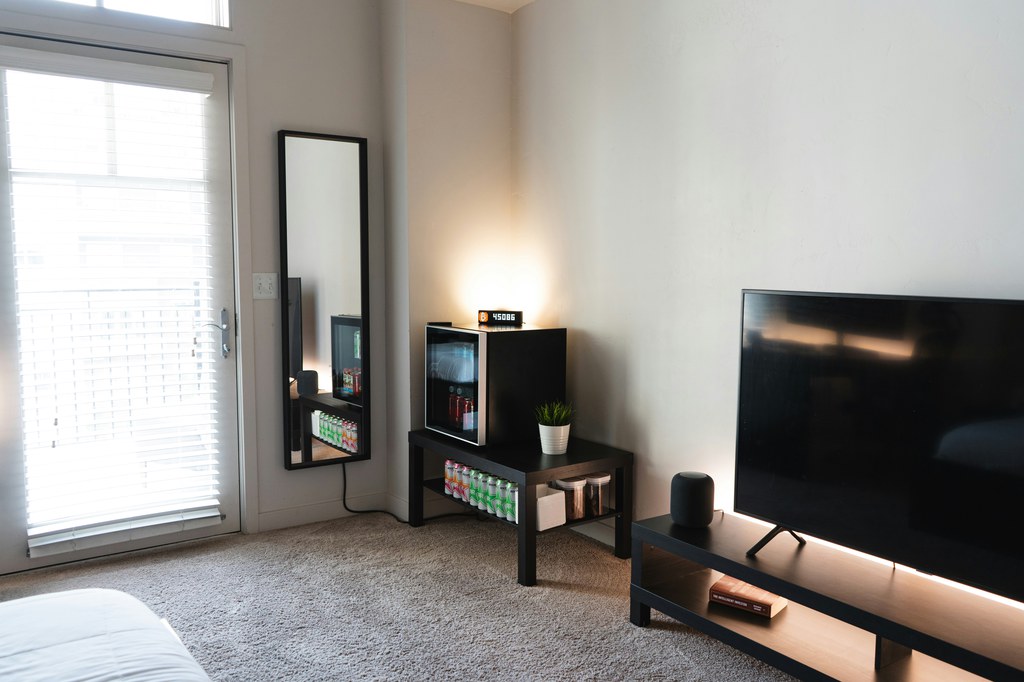
Where Should the Remaining Devices Go?
Place active equipment according to access, signal, and heat—not simply where it looks symmetrical. A frequently used game console needs a reachable, ventilated position. A small streamer can occupy a lower shelf if its remote and wireless connection still work. Keep controllers and spare adapters outside the warmest equipment compartment.
Planning how to organize a media cabinet with adjustable shelves becomes easier after obsolete cable equipment is removed. Build three simple zones:
- Active-device zone: Streamer, console, disc player, or HDMI switch
- Daily-access zone: Remotes, controllers, charging cables, and headphones
- Flexible zone: Empty or adjustable space for a later device change
An empty shelf does not need to be filled immediately. That open capacity prevents the next upgrade from forcing another complete cabinet rearrangement.
What Changes If You Keep an AV Receiver or Amp?
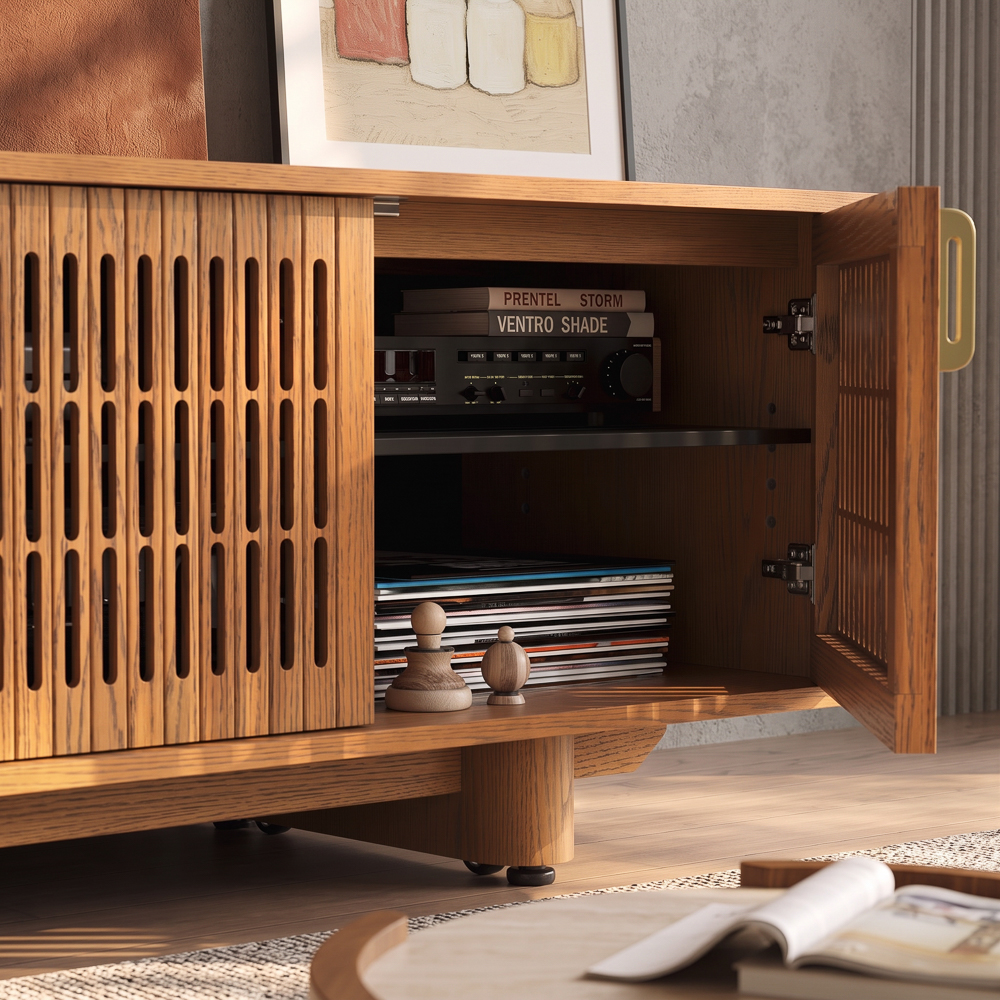
Keeping an AV receiver or amplifier means the back of the system remains dense even after cable TV is gone. The POVISON Delven Axis Deep Vented Rolling Media Console gives larger components 17.7 inches of usable interior depth, while removable rear panels and concealed wheels make speaker-wire or HDMI changes more accessible. Ventilated metal shelves support the warmer equipment that remains.
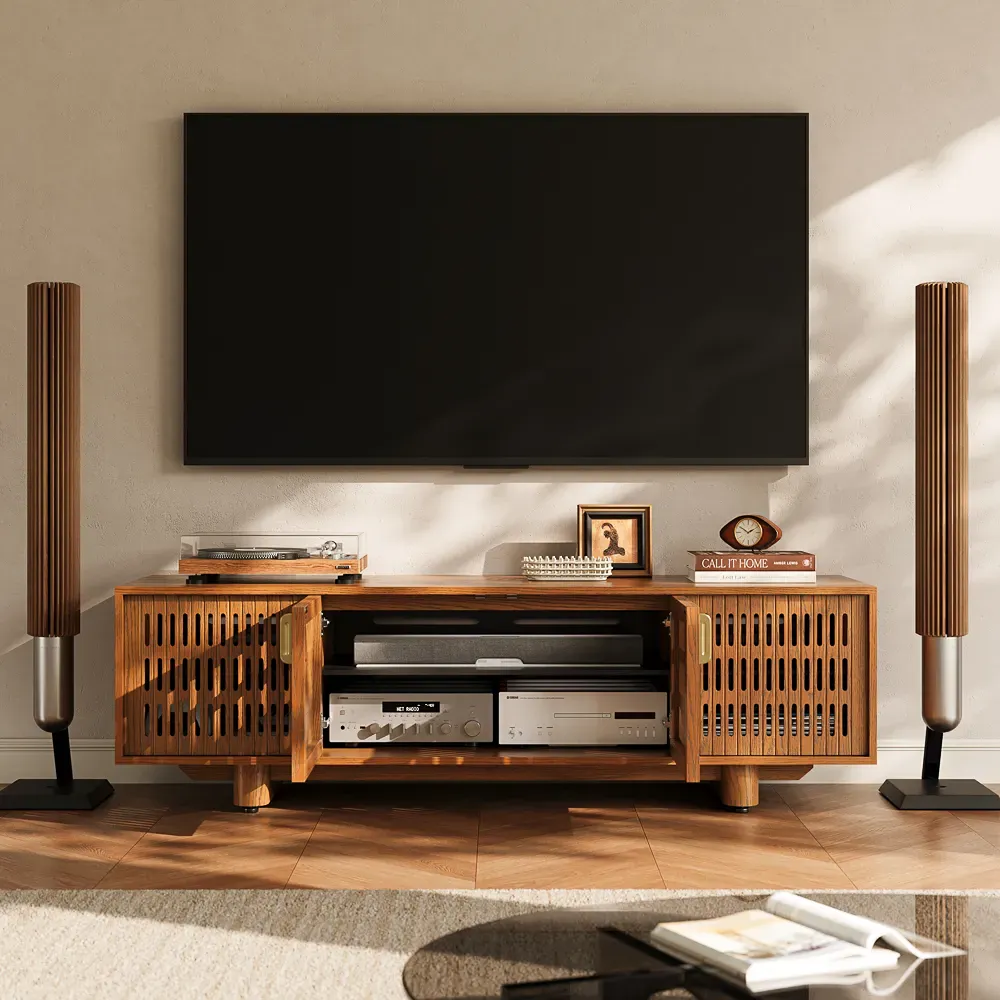
Delven Axis Media Console
Built for households keeping a full receiver-based entertainment system after cable.
👍 Best for: Receiver-based home theater systems
✨ 17.7-inch usable interior depth
✨ Removable rear access panels
✨ Ventilated metal component shelves
How Do You Finish a Cleaner TV Setup?
Finish organizing only after every source, input, and audio connection has passed testing. Remove abandoned HDMI cables and power adapters instead of hiding them inside the cabinet. Label both ends of the cables that remain, preserve enough slack for service, and keep cords away from device vents.
Detailed TV stand cable management for hidden cables should come after the system works—not before. At this stage, the goal is simply to give every retained device one defined position, power source, signal route, and accessible connection.
Conclusion
Knowing how to cut the cable cord involves more than canceling a subscription. First identify the content your household needs, test the right combination of streaming, live TV, or antenna service, and rebuild every essential connection before returning provider equipment. The cleaner setup comes from removing obsolete boxes and giving the remaining TV, network, audio, and gaming components clear roles. When each device has an accessible position and a tested signal path, the system becomes easier to use, troubleshoot, and update.
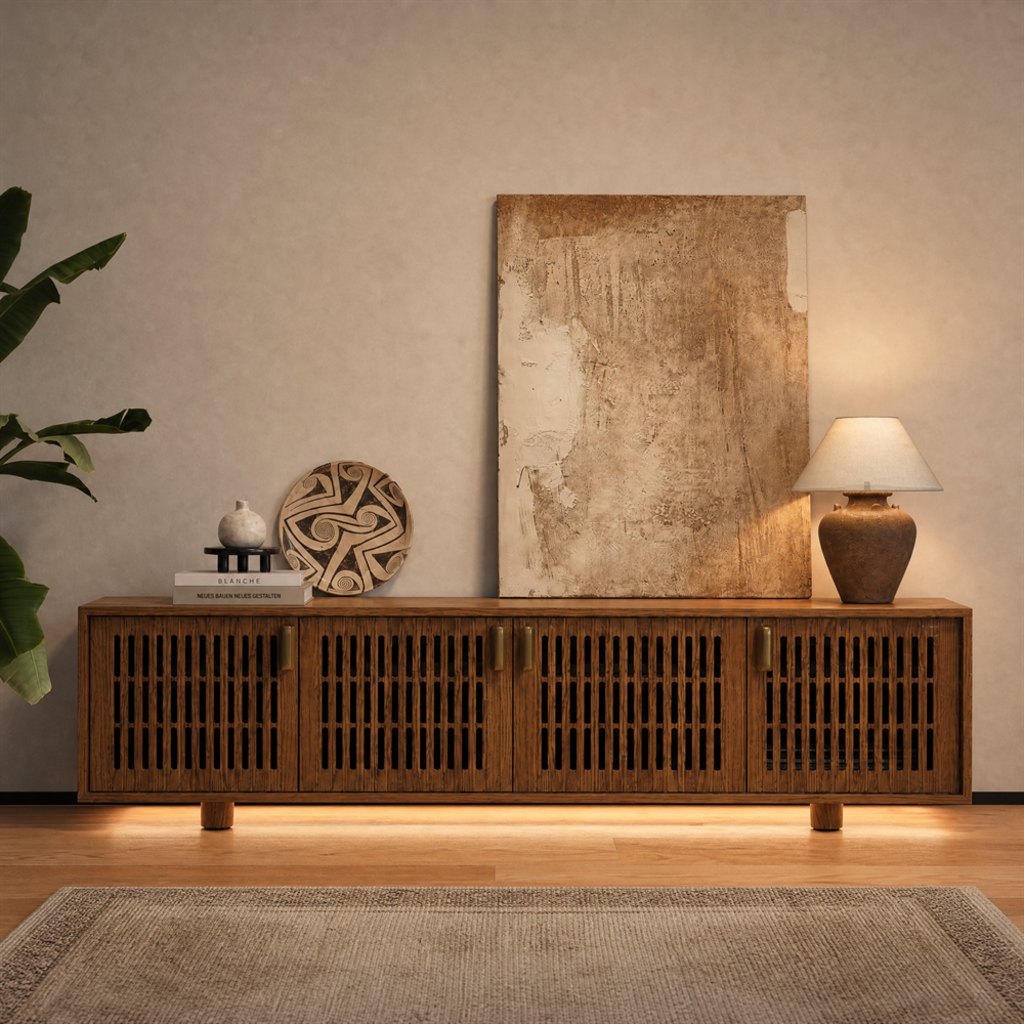
Find the Right Media Console
Explore designs for different room sizes, layouts, and everyday needs.
FAQ
Which Coax Cable Stays With Cable Internet?
Keep the coax line connected to the active cable modem. It may share wall wiring or a splitter with the former television service, so do not repurpose or remove it without confirming the route. Ask the internet provider when the modem line cannot be identified confidently.
Should I Reset Provider Equipment Before Returning It?
Usually, follow the provider’s return instructions instead of factory-resetting rented equipment on your own. Sign out of third-party streaming apps and remove saved payment or account details when the interface allows it. Photograph the equipment and serial number before return, and reset only when the provider specifically recommends that step.
What Happens to Recordings on a Rented DVR?
Recordings stored on provider-controlled DVR equipment usually become inaccessible after the service ends or the box is returned. Review important recordings before cancellation and ask whether the provider offers an approved transfer option. Do not assume cloud recordings will remain available through a separate streaming account.
Can an Older Non-Smart TV Work Without Cable?
Yes, when the television has a compatible HDMI input for a streaming player. A set without HDMI may require an adapter or separate digital tuner, but compatibility and picture quality vary. Check the TV’s inputs and supported resolution before buying conversion hardware for a very old display.
Should the Router Stay Inside the Media Console?
Keep the router outside a dense closed cabinet if the doors or surrounding electronics weaken Wi-Fi. When cabinet placement is unavoidable, use a ventilated, nonmetallic area and test streaming in the farthest viewing room with the doors closed. Relocate the router if speeds fall, connections become unstable, or the unit runs unusually hot.


[…] cabinet door design allows the signal to reach your device. An IR friendly media cabinet helps hide streaming boxes, cable receivers, Blu-ray players, and game consoles without forcing you to open the doors every time you pause a show. The key is understanding how […]
[…] can begin with a TV, soundbar, and one streaming device. Add a subwoofer when you want more impact. Separate speakers and an AV receiver can come later, […]
[…] Start by listing what will stay active inside the cabinet: […]