 By Stephanie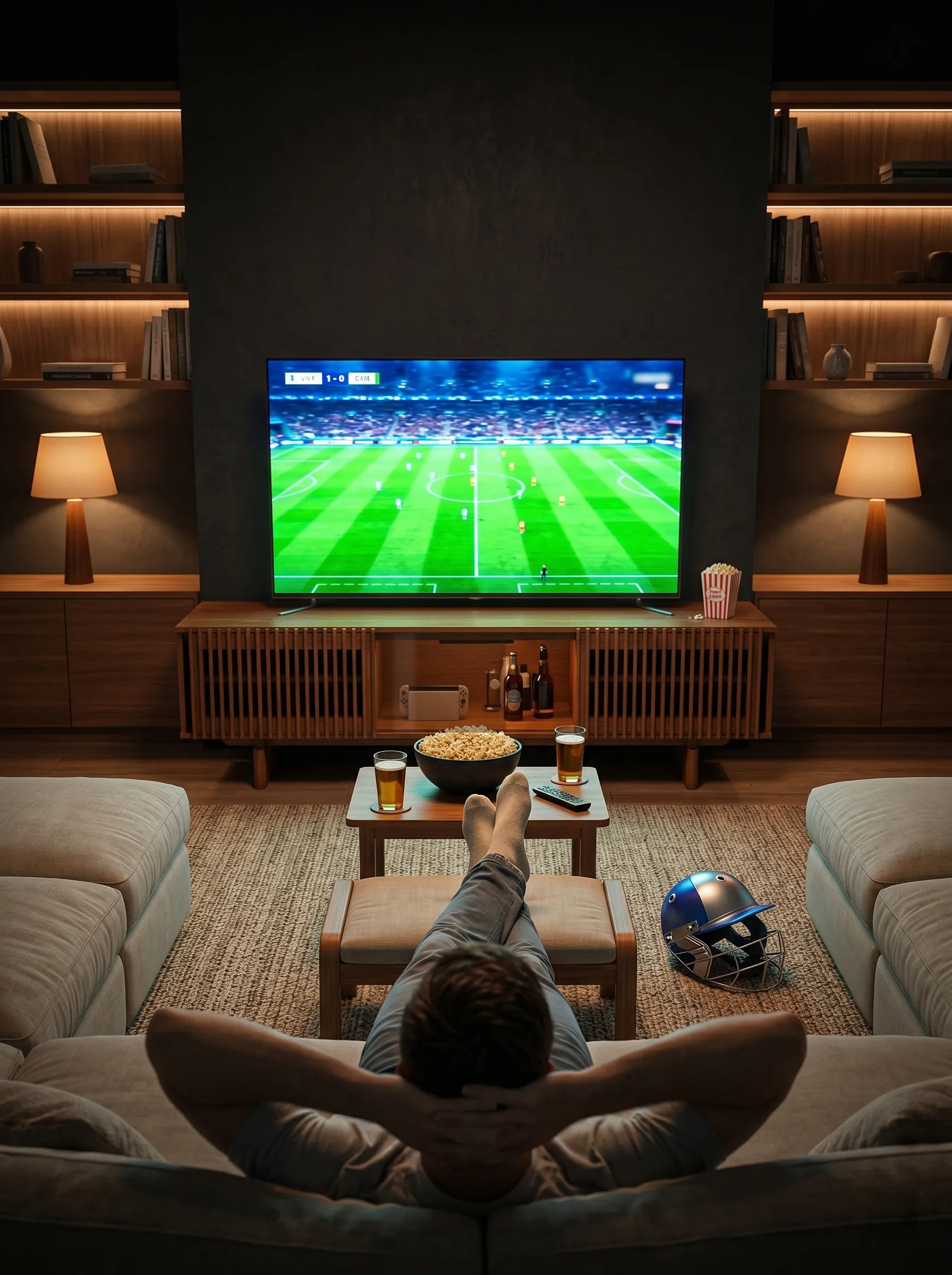
Choosing the proper viewing distance for TV is not about finding one universal number. Different recommendations often reflect different viewing goals: a comfortable everyday setup and a more immersive viewing experience call for different distances. This guide explains why those numbers vary, how to work backward from the sofa position you already have, and how to measure from your real viewing posture rather than from the wall. The result is a TV size and furniture setup based on how your living room actually works.
Table of Contents
What Is the Proper Viewing Distance for TV?
For a modern 4K TV, a useful starting point is about a 30° field of view for everyday mixed viewing or around 40° for a more immersive experience. RTINGS currently uses 30° as a practical mixed-use baseline, while 40° is commonly used as a more cinematic target (RTINGS).
| TV Size | Everyday ≈30° | Immersive ≈40° |
| 43″ | 5.8 ft | 4.3 ft |
| 50″ | 6.8 ft | 5.0 ft |
| 55″ | 7.5 ft | 5.5 ft |
| 65″ | 8.8 ft | 6.5 ft |
| 75″ | 10.2 ft | 7.5 ft |
| 85″ | 11.5 ft | 8.5 ft |
| 98″ | 13.3 ft | 9.8 ft |
These figures are starting points rather than minimum room-size requirements. Sony specifically notes that viewing comfort should also reflect personal preference and the layout of the living space (Sony).
For a 75-inch TV, that means sitting about 10.2 feet away for a 30° everyday view or about 7.5 feet away for a more immersive 40° experience.
Why Do TV Viewing Distance Guides Give Different Answers?
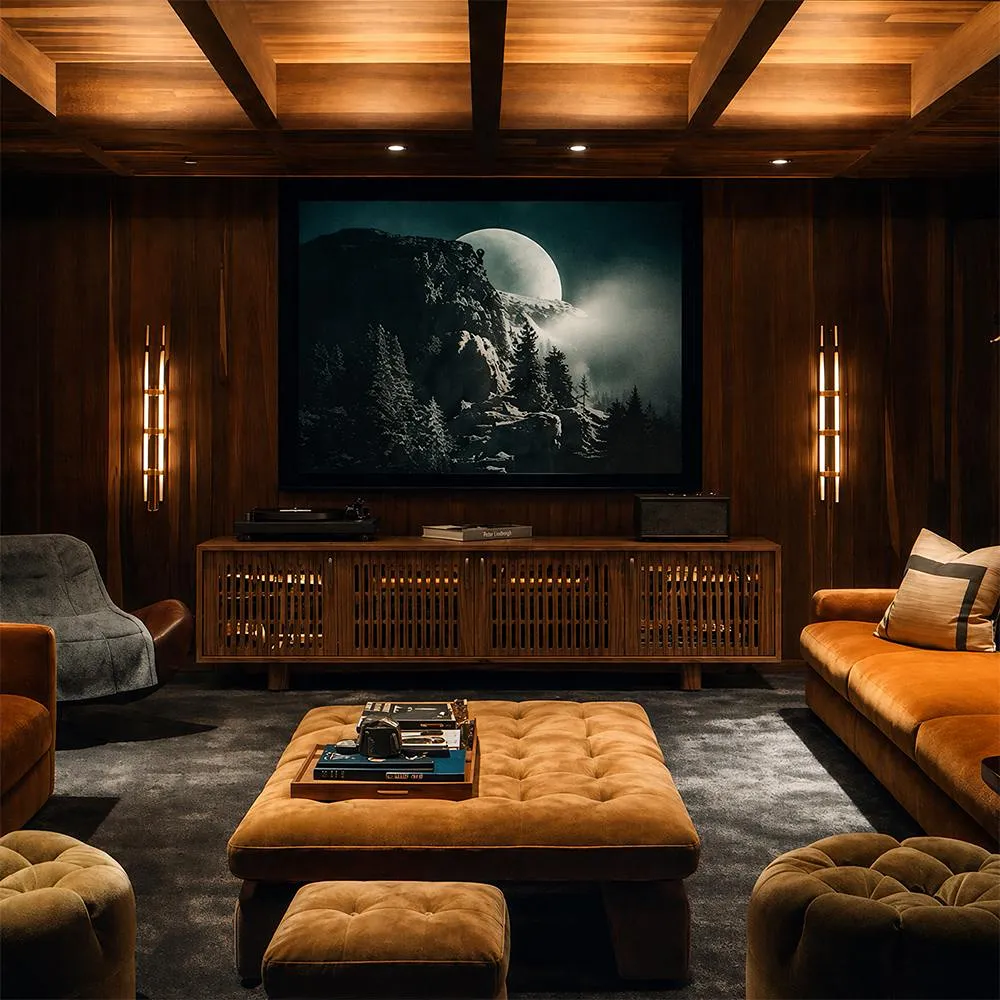
Most conflicting TV-distance numbers come from one of three assumptions: the field of view you want, the screen resolution, or the seating position the calculation starts from. Identify that assumption first, and the numbers become much easier to compare.
30° and 40° Use Different Distance Multipliers
Most recommendations reveal their viewing goal through the multiplier. For a 16:9 TV, a 30° viewing distance is roughly 1.6 times the screen diagonal, while a 40° distance is about 1.2 times the diagonal.
To work backward, divide your eye-to-screen distance by the appropriate multiplier. This helps you determine whether a chart is intended for everyday viewing or greater immersion, even when its method is not clearly explained.
Resolution Changes the Minimum Viewing Distance
Resolution matters because sitting very close to a lower-resolution display can make pixel structure and image softness easier to notice. Sony recommends much shorter minimum distances for its 4K models than for HD models, while What Hi-Fi similarly recommends sitting farther back from Full HD screens than from modern 4K televisions (What Hi-Fi).
For most current 4K setups, field of view is therefore more useful than older distance rules developed for lower-resolution TVs.
How Should You Measure Your Real Viewing Distance?
Measure from your eyes in the position where you normally watch to the front surface of the TV screen. Do not measure from the wall behind the TV to the front edge of the sofa.
Use this sequence:
- Sit in your normal viewing position.
- Settle into the posture you actually use.
- Measure from your eye position to the expected screen plane.
- Repeat the measurement if the TV’s mounting method changes.
This matters with deep sofas and reclining seating. A person sitting upright near the front of a deep cushion may be noticeably closer to the screen than when settled against the backrest. Use the position that represents most of your viewing rather than an artificially upright measuring posture.
TV placement matters too. A television sitting toward the front of a media console will be slightly closer to you than the same screen mounted nearly flush with the wall. Furniture depth and mounting configuration can subtly change the final viewing distance in a real room.
How Do You Choose TV Size From Your Viewing Distance?
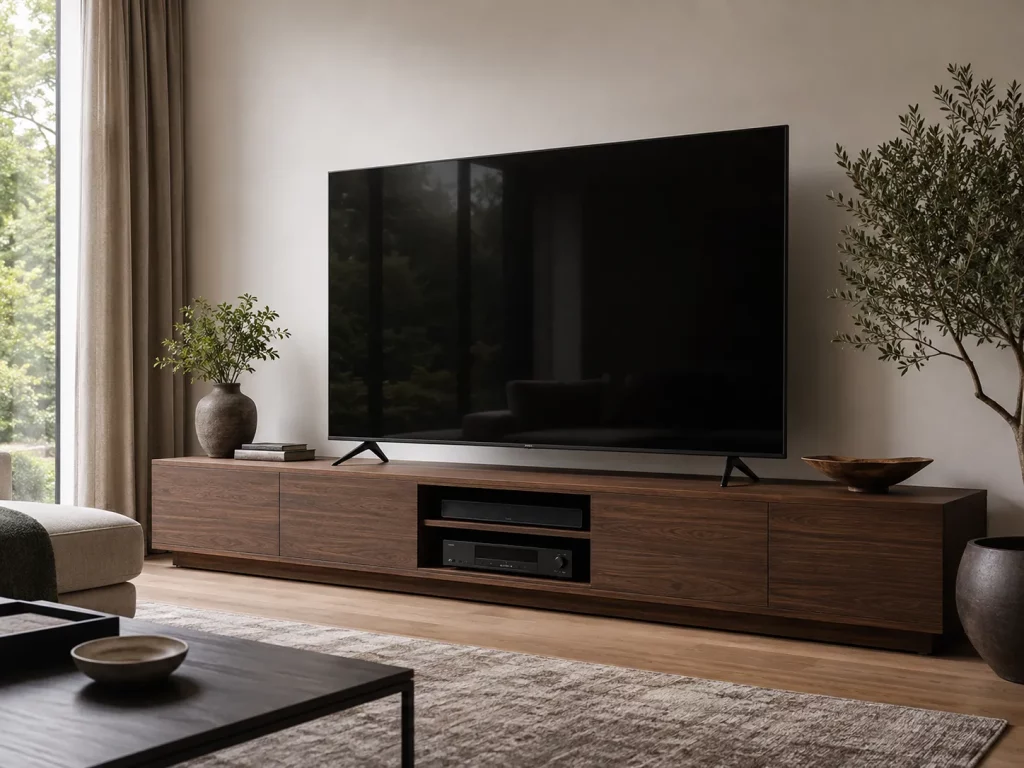
In many homes, the sofa position is harder to change than the television. If a sectional already fits between a doorway and a window, choosing the screen around that position is more practical than buying a TV first and forcing the furniture to follow it.
Once you have your eye-to-screen distance, use the table below to estimate a suitable screen size for everyday or immersive viewing:
| Eye-to-Screen Distance | ≈30° Everyday Screen | ≈40° Immersive Screen |
| 6 ft | ~44″ | ~60″ |
| 7 ft | ~52″ | ~70″ |
| 8 ft | ~59″ | ~80″ |
| 9 ft | ~66″ | ~90″ |
| 10 ft | ~74″ | ~100″ |
These estimates use the underlying viewing-angle calculation, so they may differ slightly from charts based only on rounded 1.6× and 1.2× shortcuts. Treat the result as a starting point, then round to an available screen size and adjust for room layout and comfort.
This reverse method is especially useful when you are choosing a TV for an 8- or 10-foot viewing distance in an existing room. Choose the viewing style first, then round the result to a common screen size instead of chasing an exact diagonal.
Before ordering, mark the approximate screen width on the wall with painter’s tape. Tom’s Guide also recommends physically visualizing the proposed TV footprint because the mathematically suitable size can still feel different once it occupies a real wall (Tom’s Guide).
In compact rooms, small living room TV ideas work best when screen size and placement are treated as one decision instead of choosing the TV independently from furniture and circulation.
After Choosing TV Size, What Furniture Should You Check?
Once viewing distance determines the screen size, switch from the TV’s diagonal measurement to its actual width. A 75-inch TV, for example, has a 16:9 screen about 65.4 inches wide before model-specific bezels, so check the manufacturer’s full dimensions before choosing the furniture underneath it.
From there, make sure the full pedestal or both TV feet sit completely on the console and that its top can support the TV’s weight. Then compare the console’s overall width for visual balance and calculate whether its height will keep the center of the screen close to seated eye level. If you are sizing specifically for a large screen, TV stand size for a 75 inch TV can handle the detailed width, height, and load-capacity checks without turning viewing distance into a second TV stand guide.
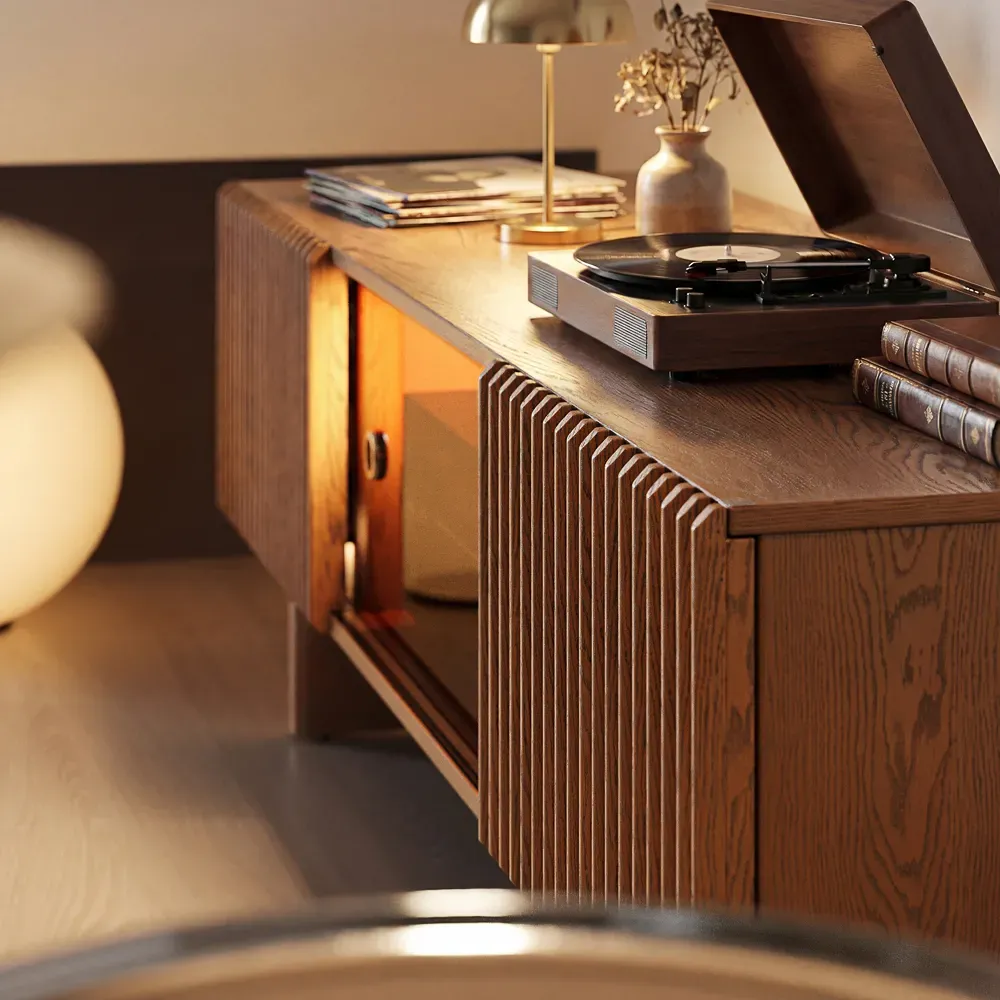
For a wide media wall, the POVISON Delven Verse Media Console creates a broader, more balanced base under a large TV. With widths from 70.86 to 118.11 inches, you can choose a size that prevents a wide screen from looking mismatched with a narrow cabinet. Its 22.04-inch height also helps keep a freestanding TV from sitting unnecessarily high, although you should still include the TV’s height and base in the final eye-level calculation.
The decision order is simple: viewing distance → screen size → actual TV width → console fit. Storage depth and AV features matter after those proportions are settled.
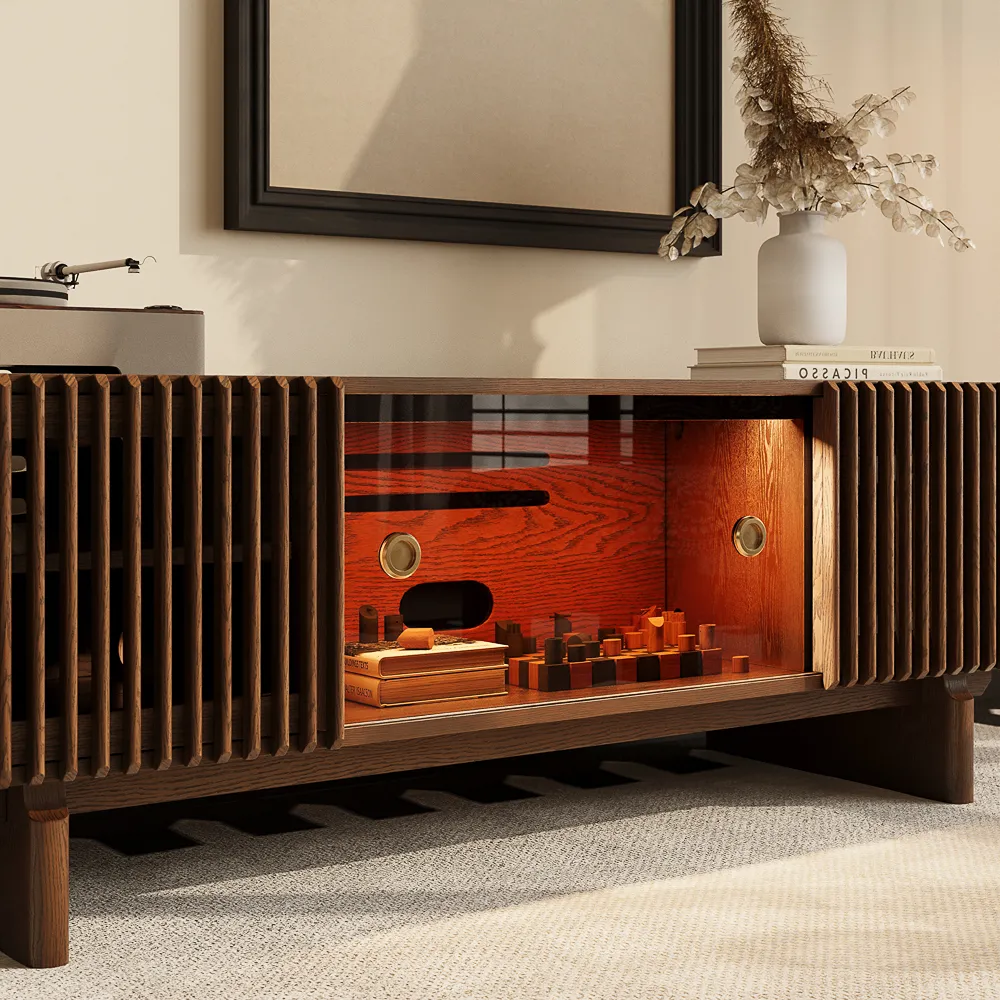
Delven Verse Mid-Century Modern Media Console
A wide, low-profile base for larger TVs without making the screen sit unnecessarily high.
Conclusion
Treat 30° and 40° as two viewing goals, not competing rules. Measure from your normal eye position to the screen, choose a screen size for that distance, and then verify the TV’s actual width, base footprint, console height, and weight capacity. This keeps the entire setup matched to the room instead of a generic chart.
Build a Better Entertainment Setup
Explore media consoles designed for organized storage, ventilation, and modern entertainment equipment.
Q&A
Can a 4K TV Still Be Too Large?
Yes. 4K makes pixel structure harder to see at close range, but it does not remove field-of-view limits. If ordinary content requires frequent head movement or the screen feels difficult to scan from the main seat, move farther back or choose a smaller TV instead of relying on resolution alone.
What If My Seats Are Different Distances?
Use the most frequently occupied seat as the primary measurement point. Then check secondary seats for distance and off-center viewing angle. With a sectional, equal distances are rarely possible; prioritizing the main seat usually works better than averaging every position and properly aligning none of them.
Should a Large TV Sit on a Low or Tall Console?
Neither is automatically correct. Subtract half the TV’s actual height and its base height from your seated eye level to estimate the target console height. A low console often suits a large screen, but the calculated result, not the “low-profile” label, should determine the final height.
Does a Soundbar Change TV Viewing Distance?
No. A soundbar does not change the 30° or 40° distance calculation, but it can affect screen height if the TV must be raised to clear it. Check the soundbar height, TV-foot clearance, and seated sightline before adding a riser or choosing a taller console.


[…] the television’s actual horizontal width rather than relying on its diagonal screen size. The cabinet should generally extend beyond both sides of the television to create a stable visual […]