 By Jenny Smith
Introduction: Why TV Stand Height Matters
TVs keep getting bigger, and that makes tv stand height more important than ever. In North America, the average LCD TV size jumped from about 49″ to 55.5″ between 2017 and 2021 (data via CE Pro, 2025). By 2024, 56–65″ screens held over 40% of the regional smart TV market, because they feel “cinematic” yet still fit most living rooms (North America smart TV report by Market Data Forecast, 2025). Bigger screens magnify small height mistakes: a TV that’s a few inches too high can strain your neck, while one that’s too low just feels off. This guide walks you through a simple way to find the ideal tv stand height for your space, step by step.
Ideal Eye-Level Explained: The Basic Rule for TV Stand Height
The simplest rule: the center of your TV should sit close to your seated eye level, or slightly below. For many adults on a typical sofa, that eye level lands around 38–42″ (96–107 cm) from the floor. When I first measured my own setup, I was surprised to find my TV center almost 10″ above that line—no wonder my neck felt tight after movie night.
Use this basic formula as a starting point for ideal tv stand height:
Recommended stand height ≈ seated eye height – half of TV’s actual height
So if your seated eye height is 40″ and your TV is 28″ tall, half the TV is 14″, and your target tv stand height is roughly 26″. Treat this as a baseline: you might nudge the screen a couple of inches up or down for comfort, décor, or to clear a soundbar. For a low height tv stand, just be sure the screen center doesn’t drop far below your eyes, or you’ll feel like you’re always looking down.
Step-by-Step: How to Measure and Calculate Your TV Stand Height
Step 1: Measure Your Space and TV
Sit in your main spot exactly how you actually watch TV—back against the cushion, feet where they usually land, not in “perfect demo posture.” Measure from the floor to the center of your eyes; that’s your seated eye height. For many people, it falls near 38–42″, but don’t rely on averages when you can measure your own.
Next, measure your TV’s true height from top to bottom, including bezels. A “65-inch” TV refers to the diagonal, not the height, so grab a tape measure. Then scan your wall for fixed elements: window sills, radiators, low built-ins, fireplaces, or an existing media unit. Also note anything that must sit under the screen, like a soundbar, streaming box, center speaker, or game consoles. All of these eat into the available tv stand height from floor to screen.
Step 2: Use the Simple Formula
Now plug your numbers into the core formula:
Stand height ≈ seated eye height – half of TV height
Example 1: your eye height is 40″, TV height is 28″. Half the TV is 14″.
40 – 14 = 26″ target stand height.
Example 2: your eye height is 38″, TV height is 32″. Half is 16″.
38 – 16 = 22″ target stand height.
If you prefer a slightly “cinema” feel or often recline, you can let the tv stand height drop 1–2″ below this number. For an adjustable height tv stand or electric height adjustable tv stand, this formula gives you the middle “sweet spot” you’ll set most of the time.
Step 3: Cross-Check with Real Furniture
Once you have a number, compare it with the average tv stand height ranges you see while shopping. Many living-room stands fall between 18–24″, while taller cabinets can go past 28″. If your ideal is 22–24″, a standard tv stand height will probably work; if you land at 16–18″, you may need a low profile design or a height adjustable tv stand. I like to stack a few boxes or coffee-table books to that height, place painter’s tape on the wall where the TV center would be, then sit down and test it before buying.
Real-World Examples for 55″, 65″ and 75″ TVs
Let’s translate the math into everyday ranges. Imagine a typical sofa with a seated eye height of about 40″. For a 55″ TV, the screen is around 27″ tall. Half is ~13.5″, so a stand in the 24–26″ range usually lands the screen center near eye level. That’s a very common average height of tv stand you’ll see in modern living rooms.
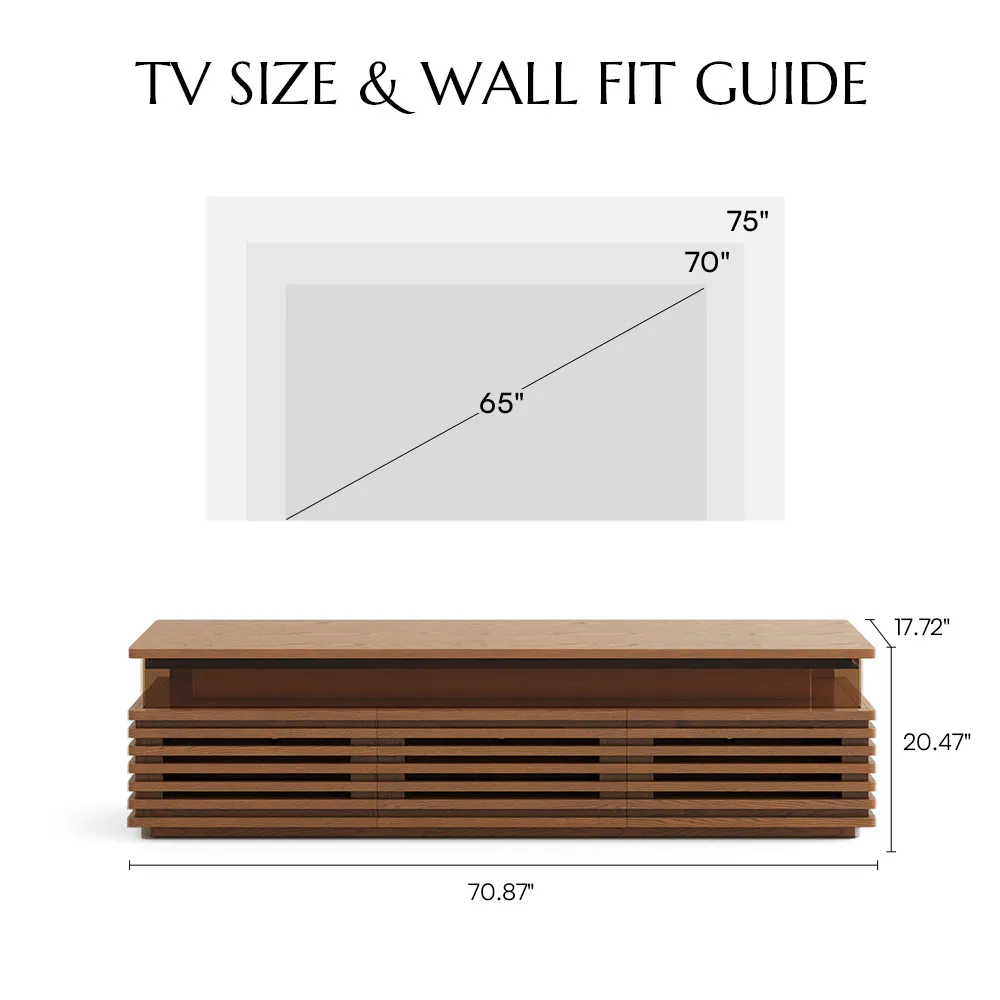
For a 65″ TV, height is roughly 32″. Half is 16″, so you’re aiming for a 22–24″ stand. For a 75″ TV, height is closer to 37″; half is about 18.5″, which makes 20–22″ a comfortable tv stand height for 75 inch tv setups. In a more home-theater-style room where seats are farther back and slightly reclined, you might be happy dropping each of those ranges by 1–2″. For more size-specific pairing ideas, check Povison’s guide on how big your TV stand should be for 55, 65 or 75-inch TVs.
Seating Distance Matters: Get Distance and Height Working Together
Screen height can’t be perfect if viewing distance is way off. Too close and the image feels overwhelming; too far and even a 75″ screen shrinks into a glowing rectangle. As screens grow, many families move their sofa back a little and choose a slightly lower tv stand height from floor level so they’re not craning their necks upward. The goal is a calm, neutral head position where your gaze naturally meets the middle of the screen.
Recommended Viewing Distance by TV Size and Resolution
When you choose your tv stand height, think about viewing distance at the same time. If you sit very close to a large screen, the same stand height will feel much higher and more intense; lowering the TV center a little can reduce neck strain. If you sit farther away, you can accept a slightly higher stand without discomfort. In other words, your “perfect” tv stand height only works when it matches how far you actually sit from the screen.
Adjusting TV Height for Different Room Layouts
Small living room and forced to sit 6–7 ft from a 65″? Lower the tv stand height a bit so you’re not looking up at a huge screen from close range. In a long, narrow room where the sofa sits 11–12 ft away, you can accept a slightly higher typical tv stand height because the viewing angle is naturally flatter. In open-plan spaces, prioritize the main sofa’s sightline, then check secondary angles from a dining table or bar stools. If you often multitask at a kitchen island, that’s where a height adjustable tv stand with shelf can shine—you can nudge the screen up for casual background viewing.
Common Height Mistakes (and How to Fix Them)
The most common tv stand height mistakes are:
- Mounting the TV to match artwork instead of eye level, so everyone looks up.
- Choosing a tall cabinet to “fill the wall,” pushing the screen center well above 45″.
- Ignoring the soundbar, forcing the TV higher later.
- Using a super low bench with a very large TV, so viewers constantly look down.
To fix these, go back to the eye-level formula and treat decor as flexible, not the other way around. If your existing cabinet is too tall, a tv stand adjustable height mount or a slim tabletop stand can bring the screen down a few inches. If it’s too low, risers under the TV feet or an electric height adjustable tv stand can fine-tune the height without replacing all your furniture.
TV Stand vs Wall Mount: How Each Affects TV Height and Cabinet Choice
Whether you rely on a stand or wall mount changes how you think about height and storage. A classic tv stand height setup ties everything together: the cabinet holds the TV at the right level and provides storage. With a wall mount, the screen height floats independently, and the cabinet becomes more about style and organization than eye level. That difference also affects whether you choose a low height tv stand, a 30 inch height tv stand, or something in between.
Using a TV Stand Only: Choosing the Right Stand Height
If you don’t wall-mount, the stand alone controls almost all of your viewing height. Many living-room stands sit around 18–24″ tall; with a 55–65″ TV, that often puts the screen center in the 40–45″ range, which works well for many adults as a standard tv stand height. Start from your measured ideal height, then hunt for stands that fall close to that number in their specs—don’t rely only on “fits up to 65-inch TV” labels.
If you’re outfitting a small living room or apartment, Povison’s guide to choosing a TV stand for a small living room shows how to combine correct height with clever storage. I once helped a friend swap a tall 30″ cabinet for a 22″ stand; we kept the same 65″ TV, dropped the screen center by 6″, and suddenly their Sunday movie night felt like a mini cinema instead of front-row seats.
Using a Wall Mount: More Flexibility for the Cabinet Below
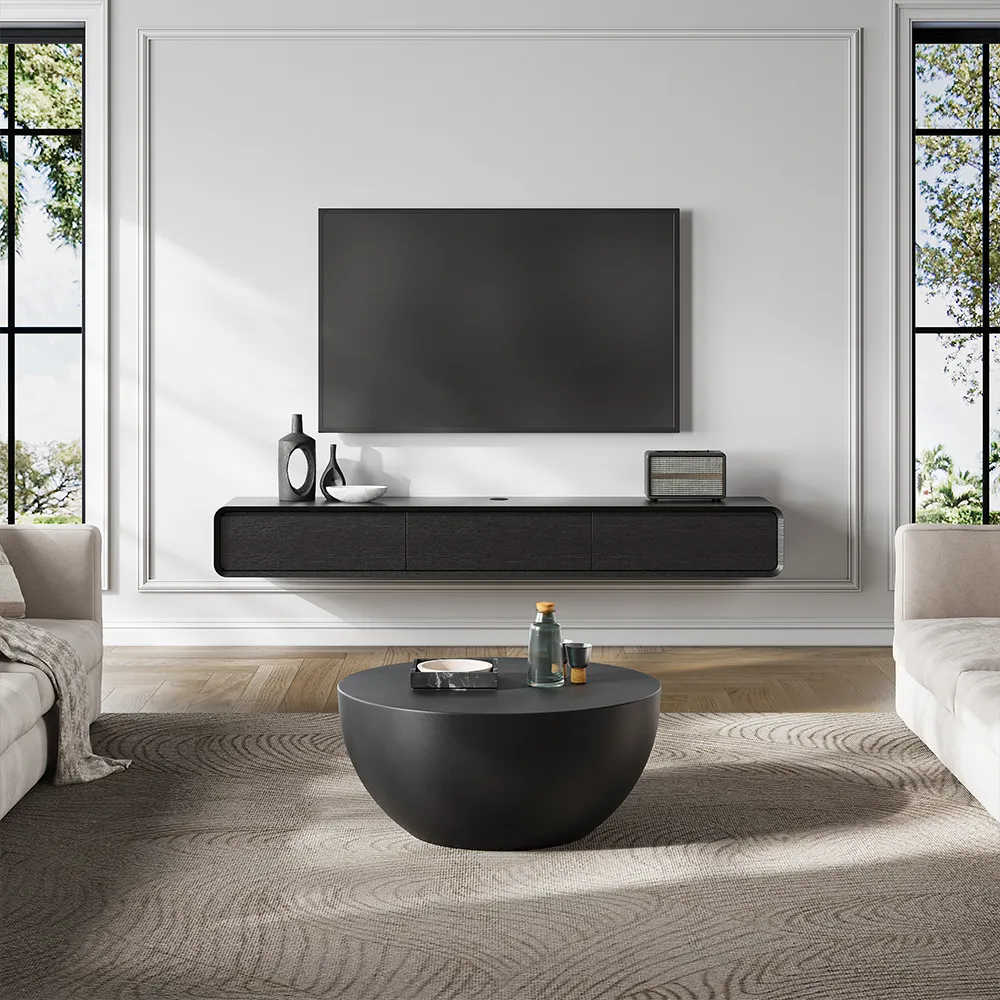
With a wall mount, the mount location sets the height of the TV, so you can optimize the screen purely for comfort. Many people find a center height around 40–42″ from the floor ideal in living rooms, which lines up nicely with the formula’s results for average sofa heights. The cabinet below then becomes flexible: a 16–24″ piece usually looks balanced, as long as there’s a clean 4–8″ gap between cabinet top and TV bottom to leave room for a soundbar and breathing space.
This setup is great if you want more storage without sacrificing ergonomics. You can use a low, wide media console or floating cabinet and still keep the screen exactly at eye level. For details on mounting and cable management, Povison’s floating TV stand guide walks through stud placement, gaps, and visual balance.
Conclusion: 1-Minute TV Stand Height Checklist
When you’re ready to buy, run this quick mental checklist. First, measure your seated eye height from the floor. Second, measure your TV’s actual height and use the formula—eye height minus half the TV—to get a target stand height. Third, compare that number with real furniture, allowing room for soundbars and devices, and do a quick mock-up with boxes or books in your living room. Finally, check that your seating distance matches your screen size and that you’re not looking up more than a gentle angle. If those boxes are ticked, your tv stand height is ready for years of easy, neck-friendly watching.
Q&A: Quick Answers About TV Stand Height
My sofa is very low or very high. Do I still use the same rule?
Yes—always measure your own seated eye height and recalculate. On a very low sofa, you might end up with a slightly lower ideal tv stand height from floor, but still keep the TV center close to your eyes. On an unusually high seat or barstool-style setup, expect your “perfect” stand height to increase a few inches.
We have kids who sit on the floor. Should I lower the TV for them?
Use adult eye height as the main reference, especially for the people who watch most often. Kids move around, lie on rugs, or use floor cushions. It’s better to keep the TV at a safe, comfortable height for grown-ups and give children small beanbags or floor chairs than to drop the screen so low that everyone’s posture suffers.
Our family members have very different heights. Who should we prioritize?
Base the height on the person or couple who use the TV the most, or aim for the average height among your main viewers. Then fine-tune comfort with cushions and seat selection: taller people can choose seats slightly farther back, and shorter folks can use firmer cushions to raise their eye line instead of moving the TV every time.
Can I keep my existing cabinet and still improve the height?
Often yes. If your cabinet is too low, a tabletop height adjustable tv stand or riser platform can lift the screen without replacing furniture. If it’s too tall, consider wall-mounting the TV just above it and treating the cabinet as storage only. You can also switch to a slim soundbar or low-profile center speaker to avoid pushing the screen higher than necessary.
Is there a universal tv stand height for 65 inch or 75 inch TVs?
There’s no single magic number, but there are comfortable ranges. For a typical sofa and 65″ TV, many people end up with a tv stand height for 65 inch tv in the 22–24″ range. For a 75″, 20–22″ is common. Always confirm with your own eye-height measurement and room layout, especially if you recline a lot or sit farther back than average.


