 By Kelvin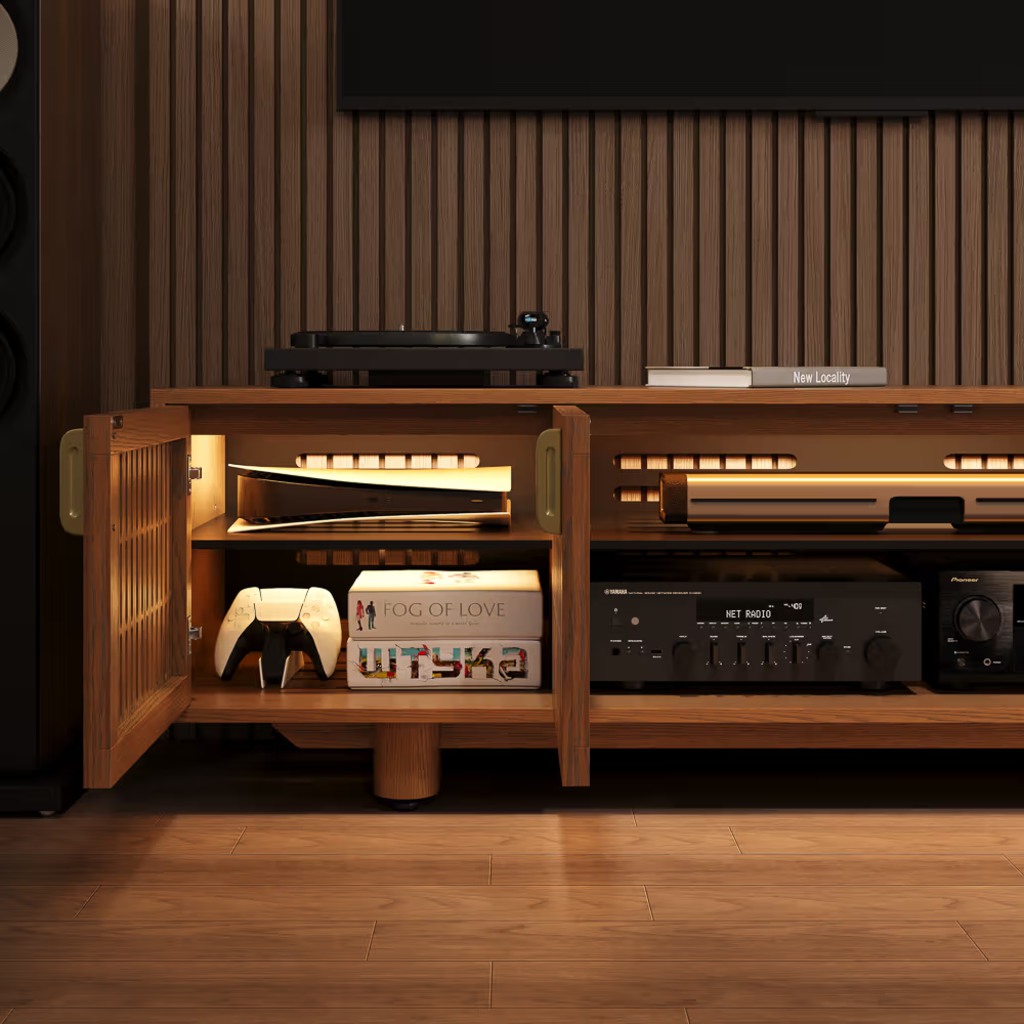
Introduction
A TV stand with doors can make a media wall look much cleaner, but closed storage changes more than what you see. Electronics still need room for cables, airflow, signals, and everyday access after the doors shut. Before choosing a cabinet, separate items that simply need storage from devices that stay powered during use. This guide shows what can safely live behind closed doors, what is usually better left outside, and which measurements and cabinet features matter before you buy.
Table of Contents
What Should a TV Stand With Doors Actually Store?
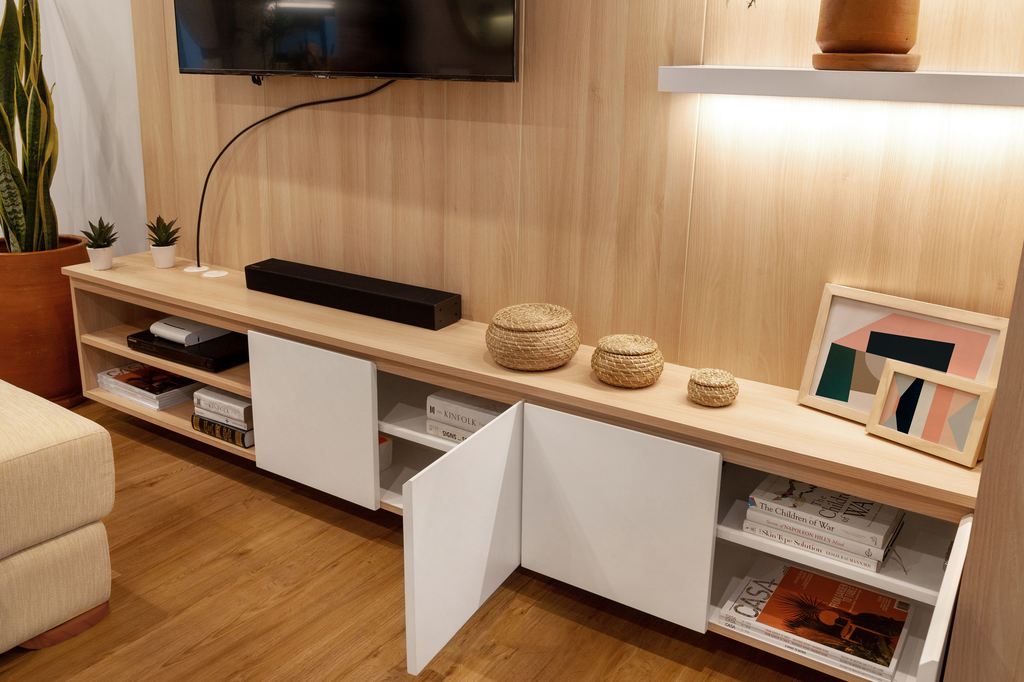
Start by dividing what you own into passive storage and active electronics. Passive items do not generate meaningful heat or depend on wireless signals while stored. Controllers, remotes, game cases, spare cables, manuals, and small accessories are usually easy to keep behind solid doors or in drawers.
Active electronics need another level of planning. Streaming boxes, receivers, game consoles, and network equipment may need ventilation, remote access, Wi-Fi, Ethernet, or substantial rear cable clearance. A TV stand with doors and shelves therefore should not be judged only by how many compartments it has. The shelf layout must match what will actually run inside.
A family room provides a simple example: controllers and charging cables can disappear into drawers, while a receiver and streaming box may need ventilated cabinet bays. That leaves frequently used equipment connected without turning the front of the console into an open equipment rack.
Which Electronics Can Go Behind TV Stand Doors?
There is no single yes-or-no rule for electronics. The safest approach is to check the device manufacturer’s placement requirements first, then determine whether the cabinet can satisfy them. A useful TV stand for electronics should support the device after power cords, HDMI cables, ventilation space, and signal requirements are accounted for.
| Device | General Placement | Main Check |
| Apple TV | Usually possible in ventilated storage | Keep ventilation openings clear |
| Roku player | Better in an open location | Wi-Fi, airflow, remote path |
| Wi-Fi router | Usually better outside | Open placement and signal coverage |
| AV receiver | Depends on model | Depth, cable bends, heat clearance |
| PS5 | Avoid a closed cabinet | Heat buildup and ventilation |
| Xbox Series X/S | Only with required clearance | Airflow around all sides |
| Soundbar | Usually outside the cabinet | Clear sound path and front placement |
| Controllers and remotes | Good closed-storage items | Easy daily access |
Apple says not to block Apple TV 4K ventilation openings. Roku recommends avoiding enclosed spaces for its players and routers, while Google Fiber advises putting routers in a central, open location rather than inside a cabinet.
Heat-producing game hardware needs even more caution. Sony specifically warns against using a PS5 in a closed cabinet where heat can build up, while Xbox currently recommends 4–6 inches of clearance on all sides of its console. A TV stand with ventilation for gaming consoles is therefore a better starting point than a sealed furniture cabinet.
Soundbars belong in a different category. Roku recommends keeping its Streambar and soundbar products out of enclosed cabinets and positioning the front edge flush with the supporting furniture to reduce reflected sound.
How Do Doors Affect Signal, Airflow, and Access?
A media console with doors should be judged by what happens after the doors close. The front design can change remote access, airflow, visibility, and how easily you reach connected equipment, so choose the door around the devices you plan to run inside.
- Solid doors: Best suited to accessories and equipment that does not require direct infrared access. If powered electronics will run behind them, look for separate rear or side ventilation rather than assuming a closed cabinet can handle the heat.
- Glass doors: Keep components visible and can allow infrared remotes to communicate with compatible equipment. Glass itself does not provide airflow, so the cabinet still needs vents, rear openings, or another path for heat to escape.
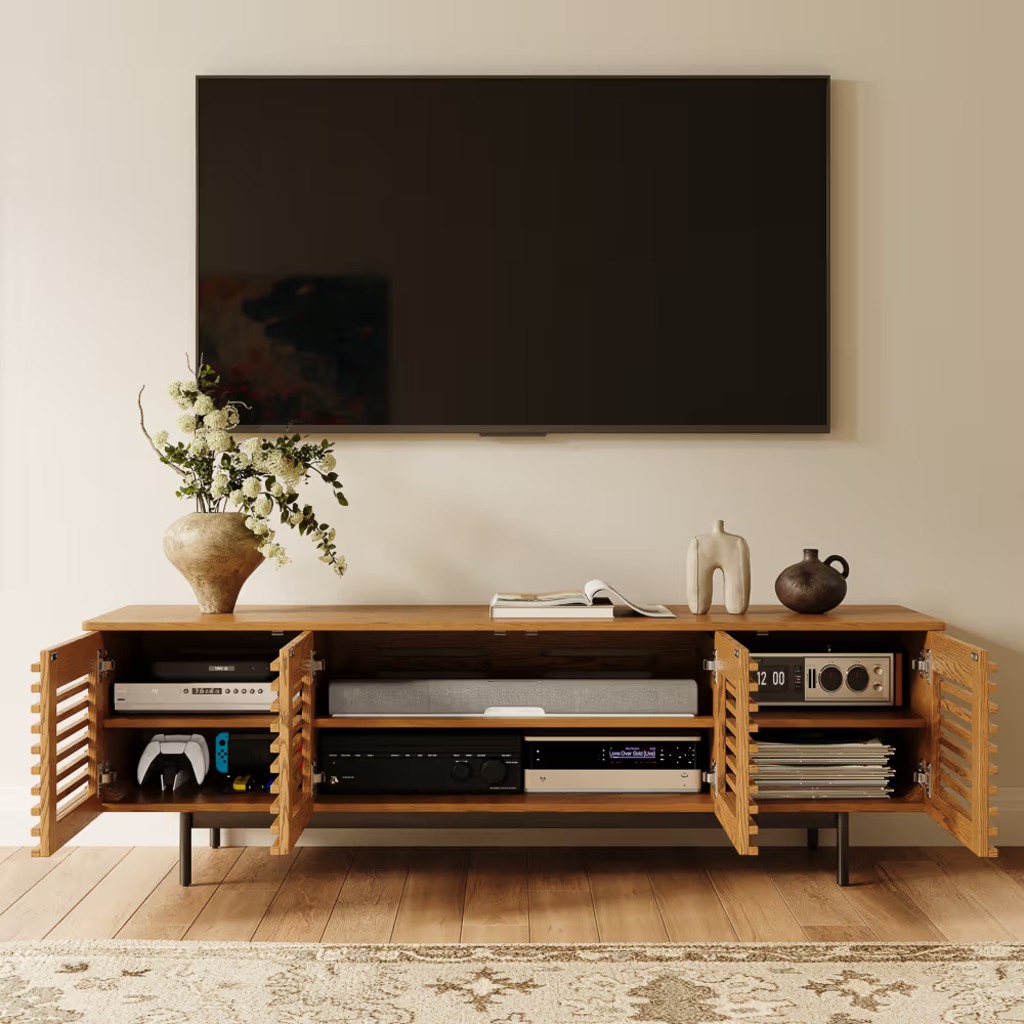
- Slatted or perforated doors: Their openings can support airflow and IR transmission while keeping electronics less visible. Opening size and cabinet construction vary, so they should not replace the clearance requirements specified by the device manufacturer.
- Sliding or tambour doors: Useful where a hinged door would swing into a coffee table or narrow walkway. Check the actual access opening, though—a sliding panel may still cover part of the equipment bay when open.
The practical rule is simple: choose the door based on what will operate behind it, not just how the front looks.
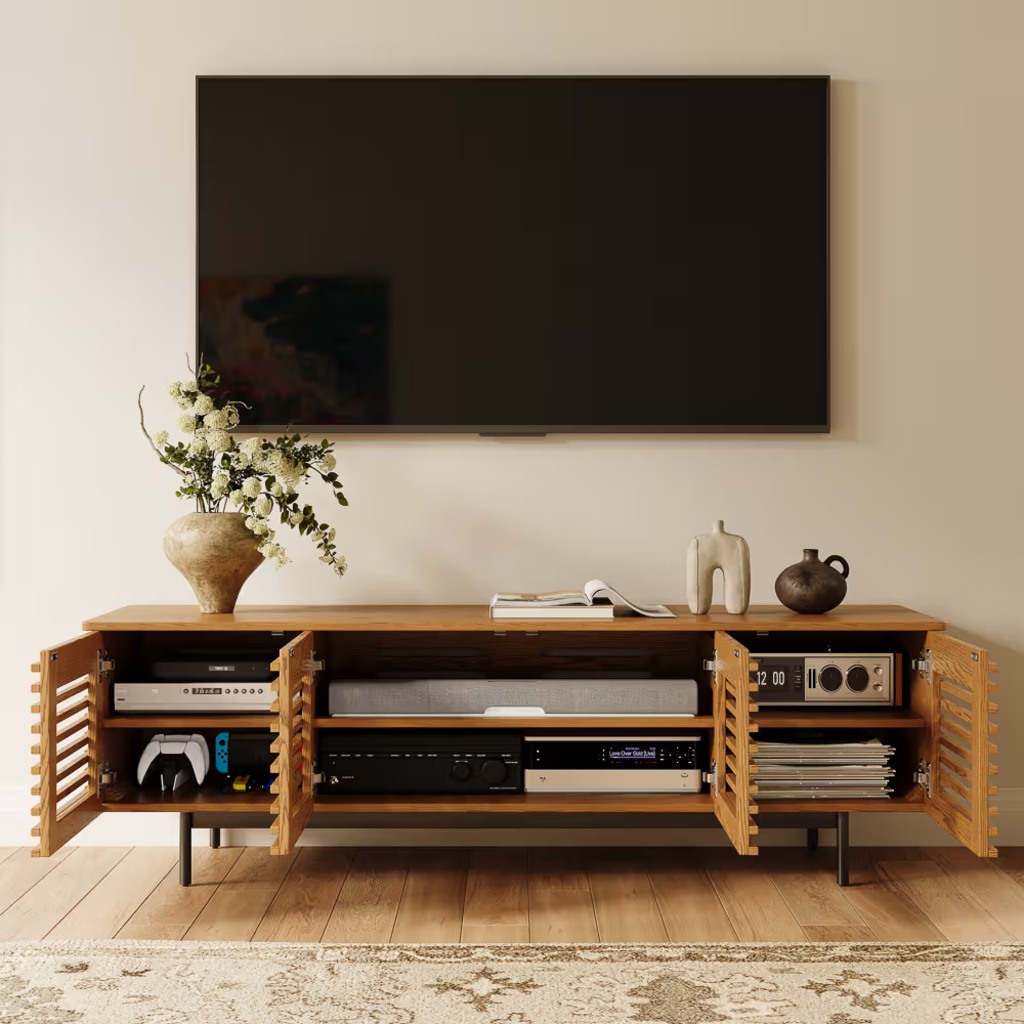
For a setup that mixes a receiver with smaller media devices, this structure addresses several of those concerns at once:
POVISON Delven Verse Mid-Century Modern TV Stand
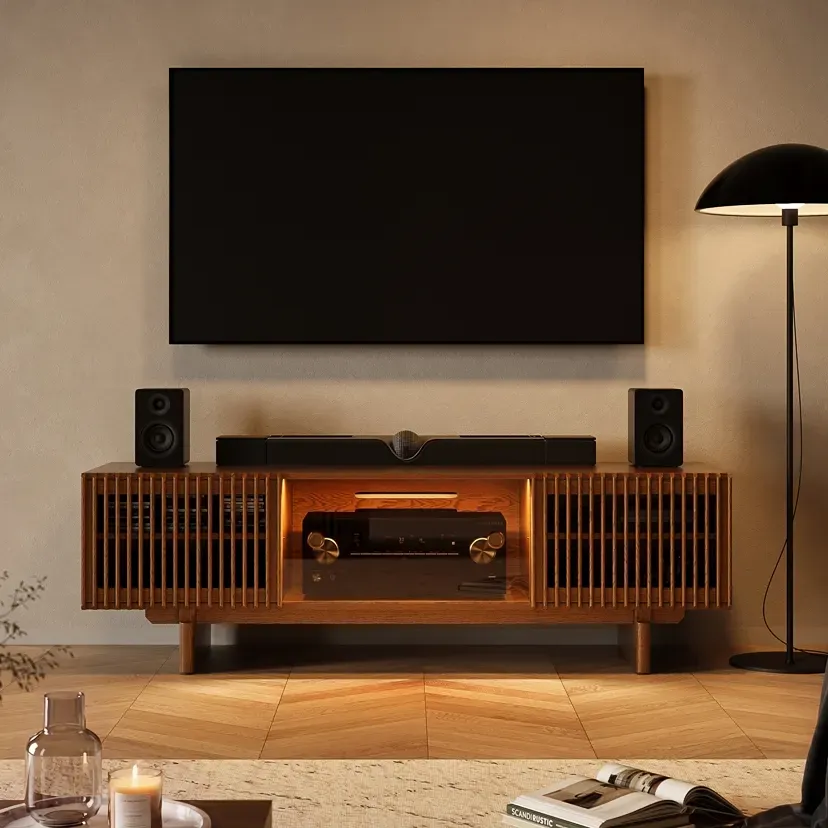
👍 Best for: Mixed AV setups with receivers and streaming devices
✨ 18.3-inch usable interior depth
✨ Adjustable shelves fit
✨ Glass and slats support IR access
Keeps a mixed home entertainment setup organized while giving larger media components a more practical place to live.
What Measurements Matter Before You Buy?
Measure twice: once for the furniture in the room and once for the equipment inside it. Exterior dimensions tell you whether a TV cabinet with doors fits the wall; interior measurements determine whether the connected setup actually works.
For exterior fit, check:
- Actual TV width, not just diagonal screen size
- Available wall width
- Console depth relative to walkways
- Clearance required to open hinged doors
- Space between the stand and nearby coffee tables or ottomans
Interior fit requires a different checklist:
- Usable cabinet width and depth
- Clear shelf height
- Space behind the device for plugs
- HDMI and power-cord bend radius
- Ventilation clearance required by the device
- Position of cable holes relative to ports
The most common mistake is relying on the console’s exterior depth. A 19-inch-deep cabinet does not necessarily provide 19 inches for equipment. Door thickness, back panels, shelves, plugs, and cable bends all reduce usable space. For deep components, compare media console depth for PS5, Xbox, and AV receivers using the equipment in its fully connected position.
Receiver-heavy setups may need furniture designed specifically around that constraint:
POVISON Delven Axis Deep Vented Rolling Media Console
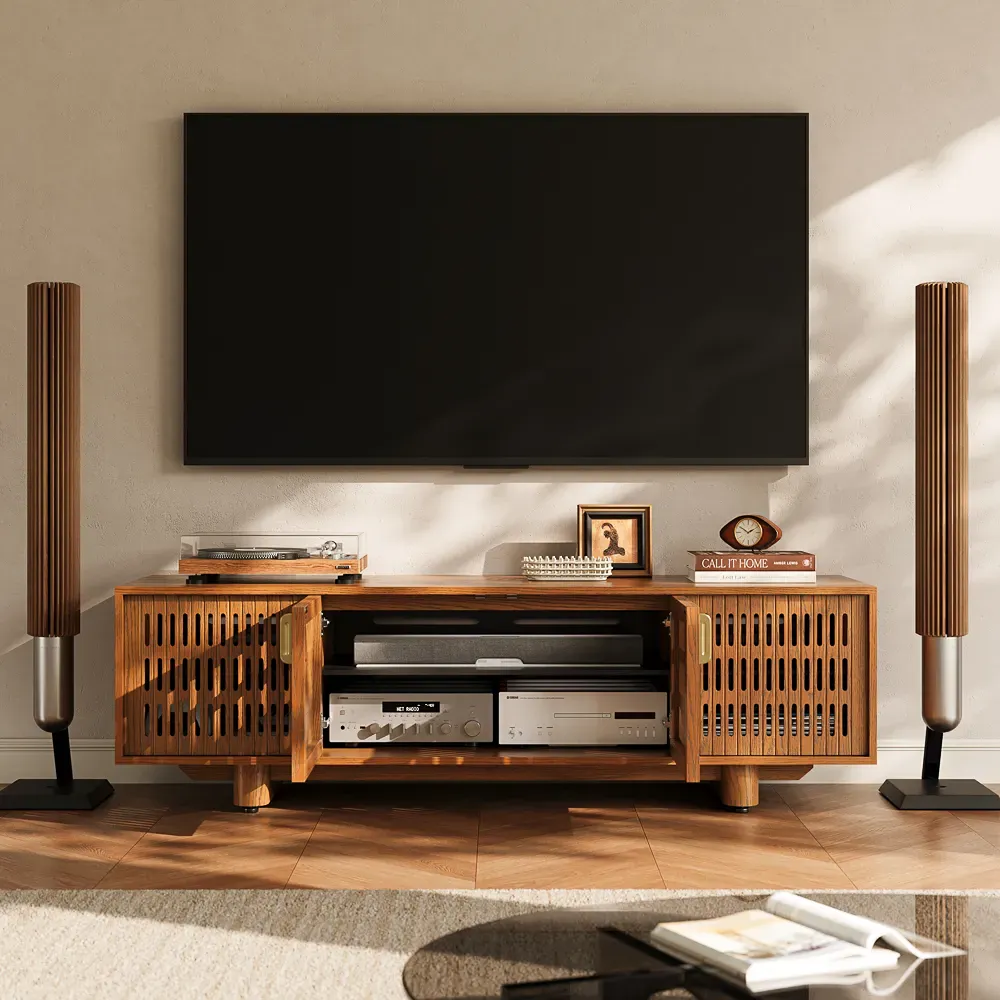
👍 Best for: Receiver-heavy home theater setups needing deep ventilated storage
✨ 18.7-inch usable interior depth
✨ All-around slotted ventilation
✨ Removable rear panels simplify cable access
Built for equipment-heavy home theaters where easier maintenance and a cleaner front matter as much as storage capacity.
What Should You Check Before Adding It to Cart?
Once the basic dimensions work, run one final test based on how the setup will function every day. Do not let total storage capacity distract from one cabinet bay that is too shallow, too warm, or difficult to access.
Check these six points:
- TV fit: Confirm surface width and rated load if the TV will sit on the console.
- Connected-device fit: Measure electronics with plugs and cables attached.
- Airflow: Match each powered device to its manufacturer’s clearance guidance.
- Signal access: Check whether equipment relies on IR, Wi-Fi, Bluetooth, or wired control.
- Cable route: Make sure cords reach an exit without blocking vents or preventing doors from closing.
- Door movement: Open every door fully and confirm it does not conflict with the main walkway or nearby furniture.
A TV stand with cable management should also make future changes manageable. Rear pass-throughs are helpful, but access matters just as much when you replace an HDMI cable or add another device.
For a simpler living-room setup that still needs concealed connected equipment:
POVISON Selene Horizontal Slatted TV Stand
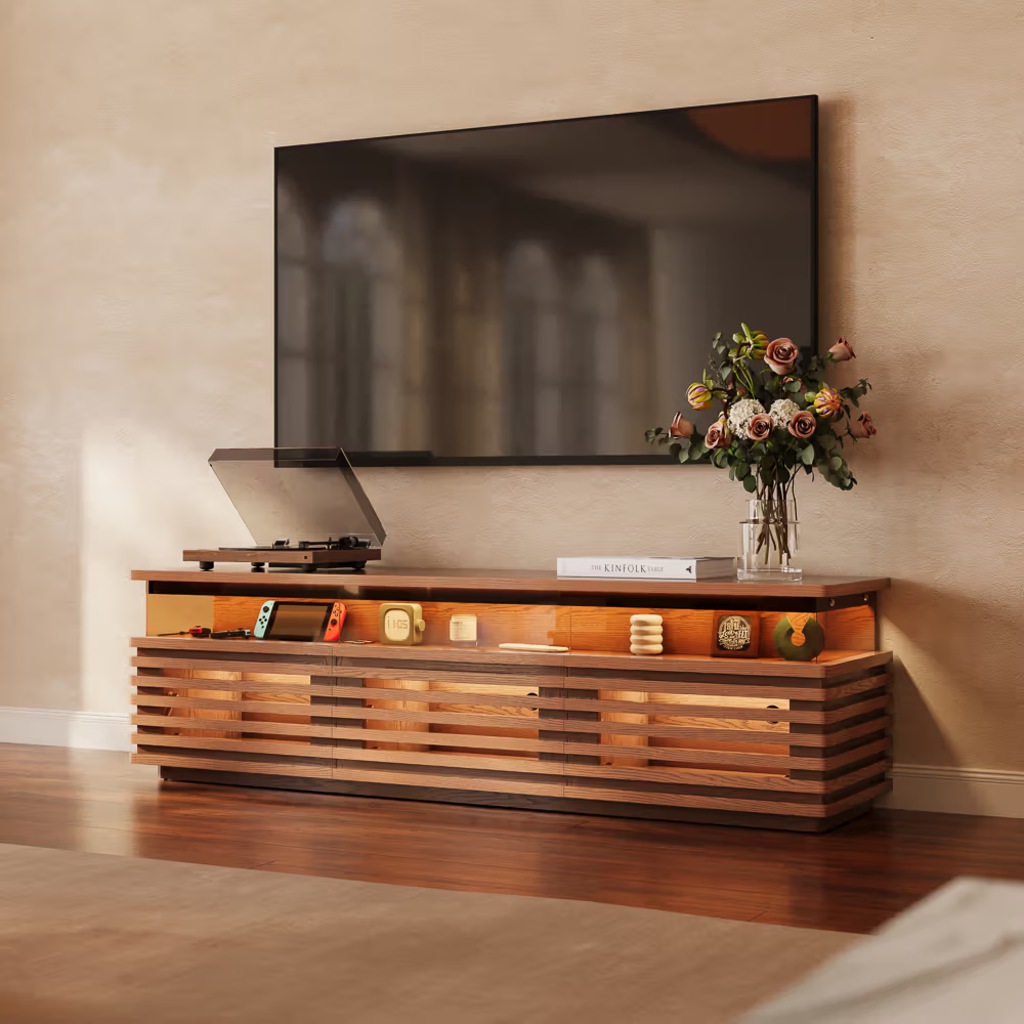
👍 Best for: Streaming setups needing hidden, remote-friendly storage
✨ Slatted front supports IR signals
✨ Three rear cable holes
✨ Fully assembled for easier setup
A streamlined option for living rooms that need concealed media storage without making connected equipment feel visually exposed.
Conclusion
The right TV stand with doors should do more than hide electronics. Start with the devices you actually own, then verify usable interior dimensions, manufacturer ventilation requirements, control signals, cable access, and door movement. Routers and soundbars often work better outside closed storage, while receivers and compact media players may work inside when the cabinet is designed around their needs. Measure equipment in its connected position before buying, and choose the door and shelf layout around how the setup will operate every day.
Find the Right TV Stand
Explore designs for different room sizes, layouts, and everyday needs.
FAQs
What changes when the TV is wall-mounted?
A wall-mounted TV shifts the console’s job from supporting the screen to organizing equipment below it. Check where power and HDMI cables descend from the wall, then position the console so those cables reach the intended cabinet bay without crossing door openings or remaining visibly stretched between the TV and furniture.
How much surface space does a soundbar need?
Use the soundbar’s actual width and depth, not screen size alone. If the TV also sits on the console, subtract the footprint of its feet or pedestal from the usable top surface. Check vertical clearance as well so the soundbar does not cover the picture edge or the TV’s infrared receiver.
How do you stop TV stand doors from rattling?
Start by leveling the cabinet and tightening hinges, tracks, handles, and other loose hardware. Check worn or missing door bumpers too. If rattling occurs mainly during bass-heavy audio, test whether a nearby speaker is transferring vibration through the furniture before replacing or readjusting the doors.
Can an IR repeater work through solid cabinet doors?
An IR repeater can control compatible infrared equipment hidden behind a solid door by relaying commands from an external receiver to an emitter inside the cabinet. Confirm that the device actually uses infrared first; equipment controlled through Bluetooth, Wi-Fi, or radio frequency does not rely on the same solution.
Will closed doors keep electronics dust-free?
No. Closed doors can reduce direct dust exposure, but a ventilated media cabinet is not sealed. Cable openings, slats, and cooling vents still admit airborne dust, while powered equipment draws air through its own vents. Inspect both cabinet openings and device vents periodically, especially in homes with pets.


[…] Can the remote work with the doors closed? […]
[…] helps to separate equipment that merely needs storage from devices that stay active. Understanding what electronics can go inside a TV stand with doors can prevent a cabinet from becoming one crowded compartment for controllers, power adapters, […]